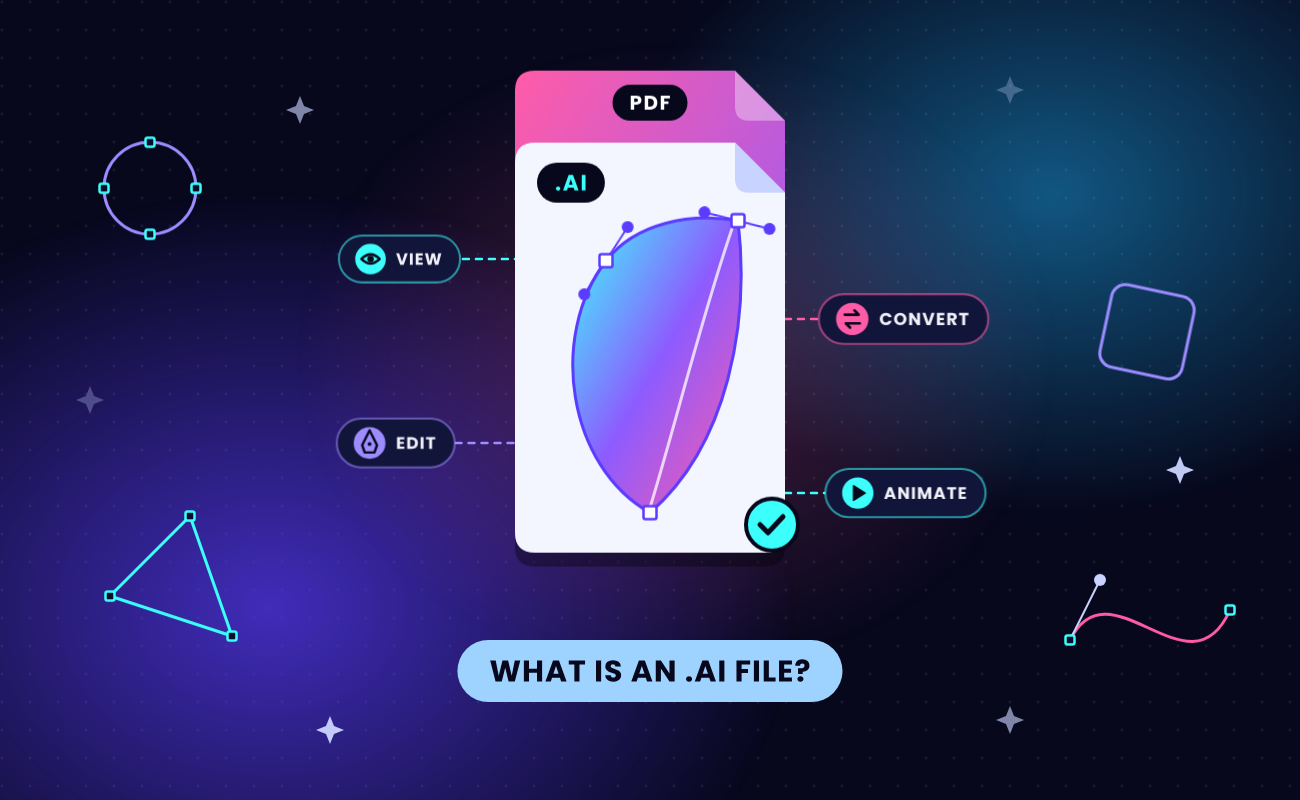
An AI file is an Adobe Illustrator Artwork file, the native vector format Adobe Illustrator uses to save logos, illustrations and print layouts. The letters in the .ai extension stand for Adobe Illustrator, so these files have no connection to artificial intelligence. Illustrator is the only app that opens everything inside an .ai file.
Free apps such as Adobe Acrobat Reader, Inkscape and Affinity open a PDF copy of the artwork that Illustrator stores inside the file when the "Create PDF Compatible File" save option is on. For files saved in Illustrator 9 or later, that one setting decides whether a free route works, so test for it first, then pick the route that fits your goal: viewing, editing, converting, or exporting SVG to animate in SVGator.
Key Takeaways
- An .ai file is Adobe Illustrator's native vector format for logos, illustrations and print work, and "ai" stands for Adobe Illustrator.
- Only Illustrator opens everything in an .ai file, and free apps read only the PDF copy saved with "Create PDF Compatible File" turned on.
- Opening the file in Adobe Acrobat Reader shows whether that PDF copy exists, and a blank page means the sender needs to re-save it.
- Renaming a copy to .pdf lets any PDF viewer show the artwork, while Inkscape and Affinity open it free as editable vectors.
- Files from Illustrator 8 and older use PostScript, so PDF viewers and Affinity can't open them.
- Exporting the artwork as SVG gives a web-ready copy that SVGator can animate without redrawing it.
What is an AI file?
An AI file (.ai) is Adobe Illustrator’s proprietary format for vector graphics, artwork built from points, paths and curves that stays sharp at any size. One .ai file can hold several artboards, layers, editable text, effects and embedded or linked images. Designers keep it as the editable master and send PDF, PNG or SVG copies to everyone else.
Is an AI file vector or raster?
An AI file is a vector file, so a logo saved as .ai prints as sharp on a business card as on a billboard. An .ai file can also contain placed photos, and those stay raster images with a fixed pixel resolution. That mix of vector and raster graphics explains why a photo inside a logo file can blur when the logo is enlarged.

What are AI files used for?
AI files hold artwork that has to scale or stay editable, such as logos and brand assets, icons, illustrations, packaging and other print work. Adobe recommends .ai as the file type for sending Illustrator drawings to print, since a PDF-compatible .ai file can be placed straight into InDesign layouts.
For websites and apps, designers export the same artwork as SVG, PNG or JPG. The SVG export keeps the artwork as vectors, and SVGator imports that version, so a static logo or icon from Illustrator can be animated without redrawing it.
Is an AI file the same as PDF?
An AI file is Illustrator’s editable source file, and a PDF is a document format any PDF app can open. Files saved in Illustrator 9 (2000) and later are PDF-based. When the file is saved with PDF compatibility, it holds Illustrator’s own editing data plus a PDF copy of the artwork. Adobe’s guide to the AI file format states that other apps open only that PDF part. That is why a renamed .ai file opens in a PDF viewer, and why the same trick fails on files saved without the copy. Files from Illustrator 8 and older use PostScript, Adobe’s earlier page-description language, and PDF viewers can’t read them.
Check your AI file before you choose a tool
One Illustrator save setting, "Create PDF Compatible File," decides which tools can open your .ai file. According to Adobe's Illustrator help on saving artwork, the option saves a PDF representation of the document inside the Illustrator file. With the option on, every free route in this guide works. With it off, only Illustrator opens the file.
Run this check before you install anything:
- Open Adobe Acrobat Reader, which is free, and choose File > Open.
- Set the file type to All Files, then select the .ai file.
- Look at the result. Artwork on screen means the PDF copy is there. A blank page, or a short message saying the file was saved without PDF content, means the copy is missing.
Without Acrobat Reader, one of the browser-based viewers in the viewing section below gives you the same answer.
If the copy is missing, ask the sender to re-save the file in Illustrator with "Create PDF Compatible File" checked, or to send a PDF along with it. Adobe notes that the option increases file size because Illustrator saves two formats within one file, which is the reason a designer might save without it.
How to open an AI file in Adobe Illustrator
Adobe Illustrator opens .ai files with their layers, artboards, effects and editable text intact. Double-click the file, or open Illustrator and choose File > Open. As of October 2026, Illustrator costs $22.99 a month on an annual plan billed monthly, and the free seven-day trial is enough for a single file someone sent you. While the file is open, export an SVG copy with File > Export > Export As, so you have a web-ready version that SVGator can animate later.
To send the file back to someone on an older version of Illustrator, choose File > Save As and pick a legacy version in the Illustrator Options dialog. Adobe warns that you may lose some data this way, because legacy formats don't support every feature of the current version.
How to view an AI file without Illustrator
You can view an .ai file for free on Windows, macOS, iPhone, iPad or Android, as long as the file carries its PDF copy. Every route below shows the artwork without letting you edit it, which covers checking a logo, approving a proof or forwarding a preview.
On Windows
On Windows, the quickest route is renaming a duplicate of the file to .pdf, which makes Windows open it in your default PDF viewer as long as the .ai file has its PDF copy.
- In File Explorer, turn on file extensions with View > Show > File name extensions.
- Copy the .ai file and paste the copy into the same folder.
- Rename the copy from logo.ai to logo.pdf and confirm the warning about changing the extension.
- Double-click the renamed copy to open it.
Renaming only changes which app Windows uses to open the file. The artwork inside stays the same, and your original .ai file stays untouched.
On a Mac
On a Mac, renaming a duplicate .ai file to .pdf works the same way when the file has its PDF copy. Select the .ai file in Finder, choose File > Duplicate, change the duplicate's extension from .ai to .pdf, and confirm the change when Finder asks. Preview, the PDF and image viewer built into macOS, then opens the renamed copy.
On Windows and macOS, Adobe Bridge previews Illustrator files without the rename. Bridge is Adobe's free file browser, and it needs a free Adobe account plus the Creative Cloud desktop app to run.
In a browser or cloud storage app
Cloud storage previews and online viewers work without installing anything, and like the rename trick, they show the artwork only when the file has its PDF copy.
Google Drive lists Illustrator (.AI) among the Adobe file types it previews, so uploading the file to Drive and opening it there shows the artwork. Dropbox previews .ai files up to 256 MB or 50 megapixels.
Online AI viewers differ in where your file goes:
- Jumpshare uploads the file to its server, accepts one file at a time up to 100 MB, and deletes it after 24 hours.
- imageonline.io and Linkyhost read the file inside your browser, so the artwork never reaches their servers, which suits client files under an NDA. imageonline.io also previews every artboard in the file.
On iPhone, iPad and Android
The Dropbox mobile app previews .ai files on iPhone, iPad and Android, according to Dropbox's list of file types that preview in the mobile app. Save the attachment to Dropbox from the email or chat app it arrived in, then tap the file to open the preview. As on a computer, the preview depends on the file's PDF copy.
How to edit an AI file without Illustrator
SVGator is the best pick for editing an .ai file without Illustrator when the artwork is headed for a website or an animation. The artwork opens in SVGator as SVG paths that you can reshape, recolor and animate in one project. It can read the PDF copy inside the file, so effects and shading that only Illustrator understands get approximated or flattened on the way in. Keep the original .ai file as the master and edit a copy.
Inkscape is a free, open-source vector editor for Windows, macOS and Linux that uses SVG as its main file format. Inkscape opens .ai files from Illustrator 9 and later, and the Inkscape wiki for Illustrator users names two limits: gradient meshes turn into lattices of small paths, and transparency modes don't work. Inkscape 1.0 dropped direct import of files from Illustrator 8 and older, and its release notes suggest renaming such a file's extension from .ai to .eps before opening it. The current version is Inkscape 1.4.4, released in May 2026.
Affinity has been free since Canva relaunched it on October 30, 2025, as one app for Mac and Windows. There is no iPad version as of October 2026. Affinity imports Illustrator files saved with PDF compatibility. According to Affinity's help, it reads the embedded PDF and ignores Illustrator's raw editing data. Older guides that list Affinity Designer as a paid app describe the Affinity V2 apps, which are no longer on sale.
CorelDRAW Graphics Suite 2026 is the paid alternative. It costs US$269 a year or US$549 as a one-time purchase, with a 15-day free trial. CorelDRAW can open an .ai file as a new drawing or import it into a drawing that is already open, and on import it asks whether to bring text in as text or as curves. Curves keep the look of the lettering when the fonts aren't installed. CorelDRAW also exports .ai files, which helps when edited artwork has to go back to a designer who works in Illustrator.
Photopea is a free, ad-supported editor that runs in the browser and opens .ai files. Photopea's own blog describes it as "not a professional vector editor," so plan on basic vector tools.
Two more apps import .ai files. Adobe Express, Adobe's template-based design app, accepts .ai files alongside PDF, PSD and InDesign files. Sketch for Mac brings them in only as a single flattened layer, so the shapes inside can't be edited.
The table below shows what each app is best for and what it keeps or changes when it opens an .ai file, with prices checked in October 2026.
Can Photoshop open AI files?
Photoshop opens .ai files and rasterizes the artwork into pixels on the way in, so individual shapes and text stop being editable. GIMP 3 does the same with a copy renamed to .pdf, through its PDF importer. Both work when you need a flat image at a set size, and Illustrator, Inkscape or Affinity are the apps that keep the vectors editable.
Can Figma open AI files?
Figma doesn’t import .ai files natively, and its official list of import formats leaves them out, though community plugins exist. Exporting SVG from Illustrator, or from Inkscape when you don’t have Illustrator, and importing that SVG into Figma works without a plugin.
How to convert an AI file to PDF, PNG, JPG or SVG
With Illustrator, conversion happens in two menus. Choose File > Save As and set the format to Adobe PDF for a PDF, or choose File > Export > Export As and pick PNG, JPEG or SVG. Adobe points out that Save As replaces the open .ai document in Illustrator with the new PDF, so reopen the .ai file before you make more edits. For a file with several artboards, File > Export > Export for Screens exports them in one pass.
Without Illustrator, one SVGator project covers SVG, PNG, WebP and GIF, as long as the .ai file has its PDF copy. A PDF needs no converter at all, and JPG is the one format SVGator doesn't export:
- SVG: SVGator converts the .ai file to SVG and opens it in the editor, with the gradient, text and artboard limits listed in the editing section. Download the SVG as it is, or edit it first. Static SVG export is included in the Free plan.
- PNG, WebP and GIF: the same SVGator project exports animated PNG, WebP, GIF and PNG image sequences, and PNG and WebP keep transparent backgrounds. SVGator's image exports are animated, which suits a logo or icon that moves on a web page. Animated exports need a paid plan.
- PDF: a copy renamed from .ai to .pdf, as in the Windows and Mac steps above, opens in any PDF app and can be sent as a PDF.
- JPG: on a Mac, open the renamed .pdf copy in Preview, choose File > Export and set the format to JPEG. On Windows, GIMP 3, a free image editor, opens the renamed copy through its PDF importer and exports it as JPG.
What is the difference between AI and SVG?
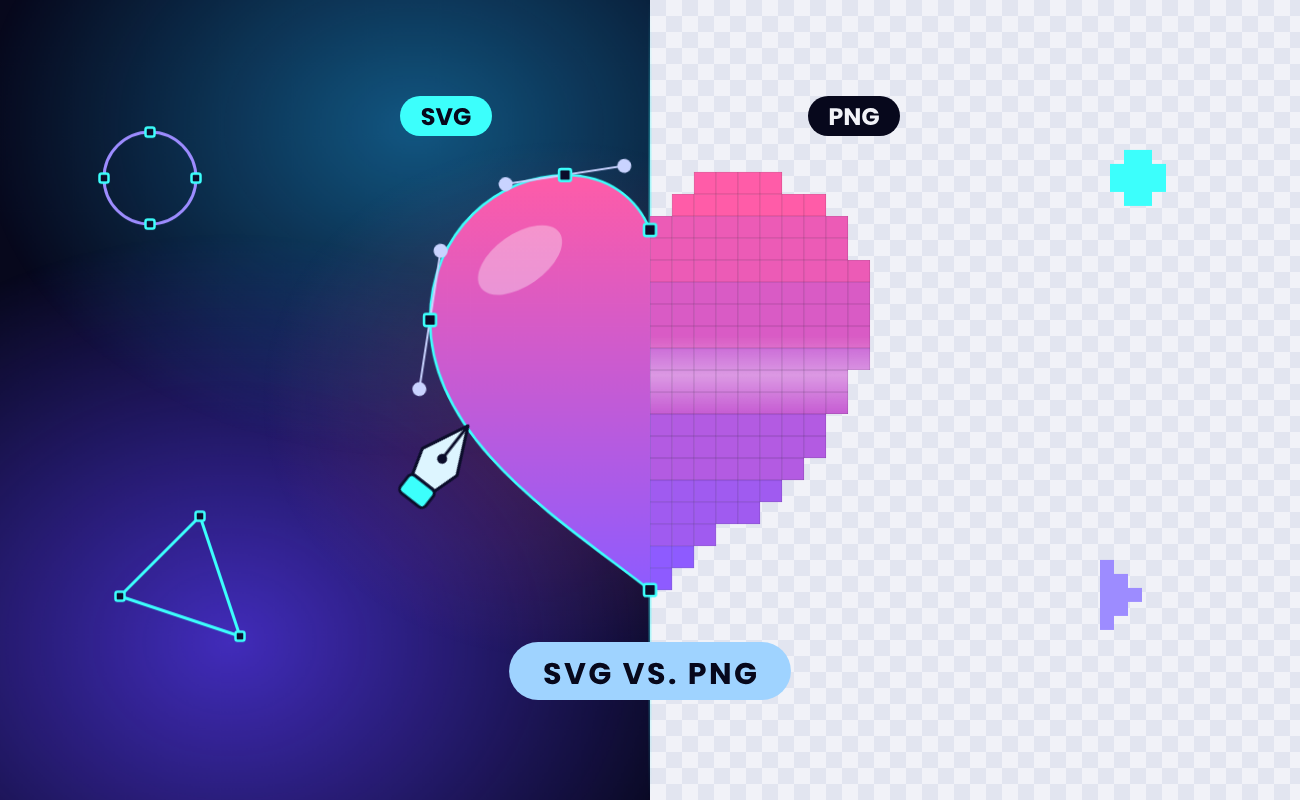
AI is Adobe Illustrator’s editable source format, and only Illustrator opens all of it. SVG is an open vector format that web browsers draw natively, which makes SVG a natural fit for logos, icons and animation on websites.
Why won't my AI file open?
An .ai file won't open outside Illustrator when it was saved without its PDF copy, when it comes from Illustrator 8 or older, or when it isn't an Illustrator file at all. Missing fonts and missing linked images let the file open but make it look wrong.
The file was saved without its PDF copy. Acrobat Reader or a browser viewer shows a blank page or a message saying the file was saved without PDF content, and Affinity, which reads only the embedded PDF, can't open it. No free tool can rebuild the missing copy, so ask the sender to re-save the .ai file with "Create PDF Compatible File" checked, or to export a PDF.
The file comes from Illustrator 8 or older. These legacy .ai files are PostScript-based, so PDF viewers, Affinity and imageonline.io can't read them, and Inkscape opens them only after you rename a copy from .ai to .eps. To check a file's age, open it in a plain text editor such as Notepad or TextEdit and read the first characters. According to the PRONOM format registry of the UK National Archives, files from Illustrator 9 and later start with %PDF, and Illustrator 8 files start with %!PS-Adobe.
The file isn't an Illustrator file. FileInfo lists a second, unrelated .ai type: artificial-intelligence files from Electronic Arts' game Battlefield 2. The text-editor check spots these too, since an Illustrator file starts with %PDF or %!PS-Adobe.
Windows asks which app to use. Without an Adobe app installed, Windows has no default program for .ai files. Open the file from inside the app you picked with File > Open, or rename a copy to .pdf as shown above.
The fonts aren't installed on your computer. Text set in a missing font won't display as designed, even when the file opens. Ask the designer to convert the text to outlines, which turns letters into shapes that keep their look without the font.
Linked images are missing. Illustrator can link to images stored outside the .ai file, and those images don't travel with it. Ask for a packaged version. In Illustrator, File > Package creates a folder with the .ai document, the fonts it uses (Chinese, Japanese and Korean fonts excluded), the linked graphics and a package report.
From AI file to animated SVG
SVGator works with SVG artwork, so the route from an .ai file to an animated web graphic runs through an SVG export. The .ai file stays your master copy, and the SVG becomes the version that moves.
In Illustrator, name your layers and groups, convert text to outlines, then choose File > Export > Export As, select SVG, tick Use Artboards, and set Styling to Inline style in the SVG Options dialog. SVGator's help guide to preparing your file in Illustrator explains each setting. Outlining text matters here, because outlined letters keep their exact look in SVGator, whichever fonts are available.
Import the SVG into SVGator (static SVG files up to 7 MB), animate it on the timeline, and export. SVGator's Free plan exports static SVG, and animated SVG export starts on the Starter plan.
Final thoughts
For files saved in Illustrator 9 or later, the embedded PDF copy decides how far you get without Illustrator, so run the Acrobat Reader check before you install anything. With the copy in place, free apps cover viewing and editing, and an SVG export gives you a web-ready version of the artwork.
SVGator’s AI to SVG converter turns an .ai file into an SVG without Illustrator or Inkscape. Import that SVG into SVGator, animate it on the timeline, and the logo or icon that started as an Illustrator file moves on your website without being redrawn.