WordPress logo
SVGator WordPress plugin syncing animations between SVGator and WordPress
SVGator logo

The WordPress plugin
for SVG animations

Add animated SVGs to your WordPress site directly from SVGator, without exporting, converting files, or fighting upload restrictions.

Get plugin

How it works

From your SVGator account to a live WordPress page in four steps

WordPress admin sidebar with the Plugins menu open, showing where to install the SVGator plugin

1. Install the plugin

Find it in the WordPress plugin directory and activate it.

WordPress and SVGator logos linked with a Connect my account button

2. Connect your account

Log in to link your SVGator project library with WordPress.

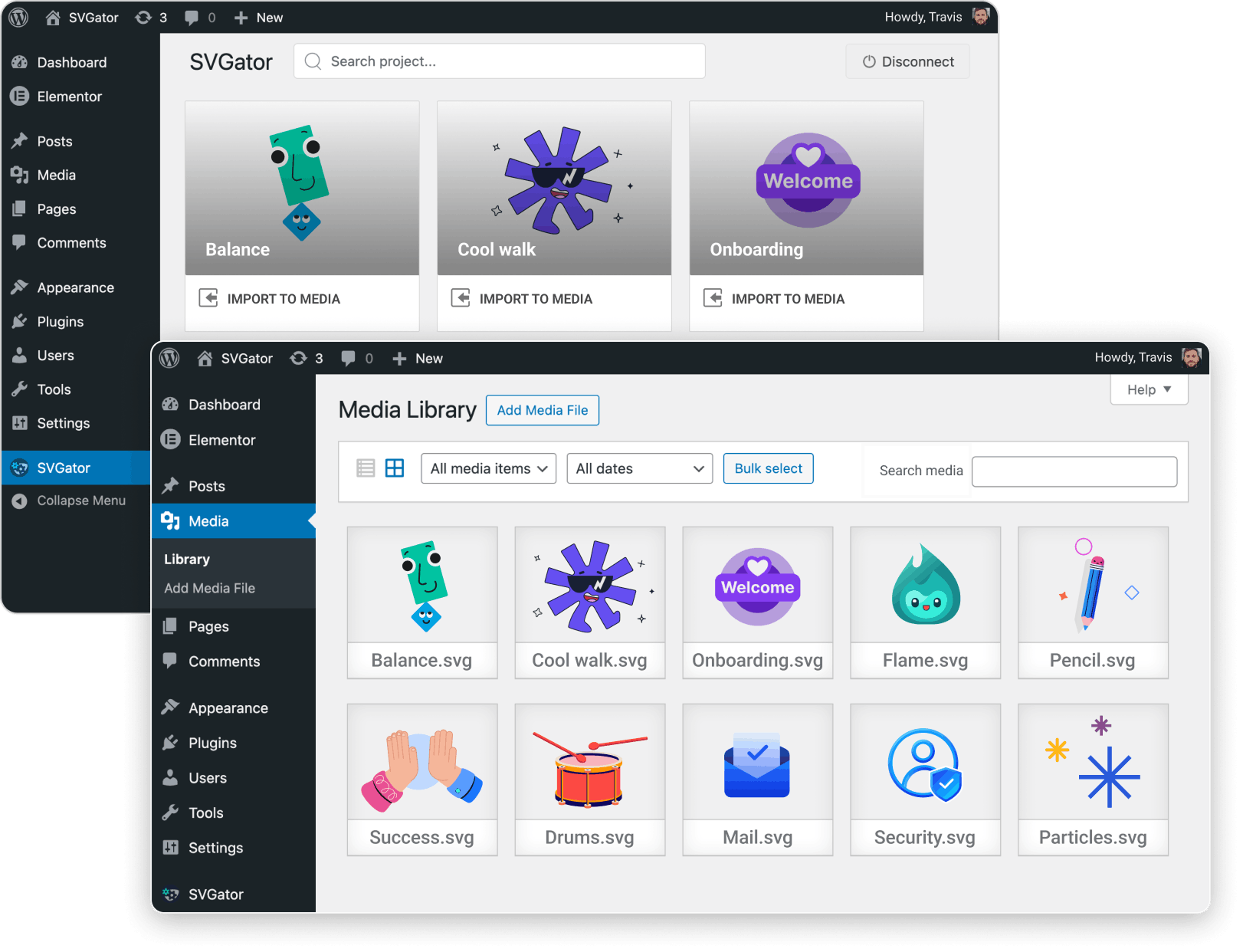
WordPress Media Library with an Import to media option for an SVGator animation

3. Pick your animation

Select any project and add it to the WordPress Media Library.

WordPress block editor with the SVGator block selected to embed an animation on a page

4. Add to your page

Use the SVGator block to place your animation anywhere.

SVG uploads without the workarounds

The plugin pulls your animations straight from your SVGator account into WordPress, so you never deal with sanitizer plugins, file conversion, or upload restrictions.
Built for performance

Text animation that lists different types of animation designs

Lightweight files that load fast and scale perfectly on every screen

Animated circular loaders
Animated icons examples
Onboarding app explainer animation
Animated chef character cooking
Mail box and a paper plane animation
Train parallax animation
Animated logo examples
Animated bee character
Examples of preloaders animation
Fingerprint animation
Interactive hover button animation
Vector text animation
Examples of page loader animation
Animated car in motion
Animated toggle switch
Fan animation

Why use the SVGator WordPress plugin?

Update without re-uploading

Changed something in SVGator? Pull the updated project through the plugin.

Your WordPress page gets the latest version without touching a file.

WordPress logo
Get WordPress plugin →
avatar picture showing Product Manager and WordPress plugin user, Isabela C.

“The animations created with this tool enabled us to have a beautiful and high-performance website. It’s state of the art what they’re doing!”

Isabela C.
Product Manager

SVGator editor with an animation project open, ready to sync to WordPress through the pluginLive WordPress healthcare page with an SVGator animation embedded through the plugin

Interactivity
built in, not coded

Add hover effects, click triggers, and scroll-based animations to your WordPress pages.

Build them visually in SVGator, then publish them on WordPress. No JavaScript to write, no event listeners to configure.

WordPress logo
Get WordPress plugin →
avatar picture showing UI designer and WordPress plugin user, William M.

“I love how easy it is to make animations interactive. With just a few clicks, I can set them to trigger on hover or click, making my website far more engaging!”

William M.
UI designer

SVGator export panel showing interactive trigger options like on mouse over, on click, and on scroll into view, exported as an animated SVG

FAQs about SVGator
WordPress plugin

FAQs

1. Do I need a paid SVGator account to use the plugin?

No. The plugin works with SVGator's Free plan. You can create animations and import them to WordPress with the same export limitations that apply to your current SVGator plan.

2. Can I use animated SVGs in WordPress widgets?

Yes. Add animated SVGs to sidebars and footers using the SVGator widget. Widget placement requires CSS as the animation type, since JavaScript animations are not supported in widgets.

3. Do I need to export and download the SVG before importing it to WordPress?

No. The plugin connects directly to your SVGator account and imports projects with their current export settings. No manual export, no file downloads, no code conversions.

4. Does importing SVG animations affect my site's loading speed?

SVG animations exported from SVGator are lightweight, self-contained files with no external dependencies. There are no extra libraries or scripts loaded on your page. A typical SVG animation weighs a fraction of what a GIF or video would for the same visual result.

Create in SVGator
Publish on WordPress

Install the free plugin and start adding SVG
animations to your WordPress website.

Get plugin