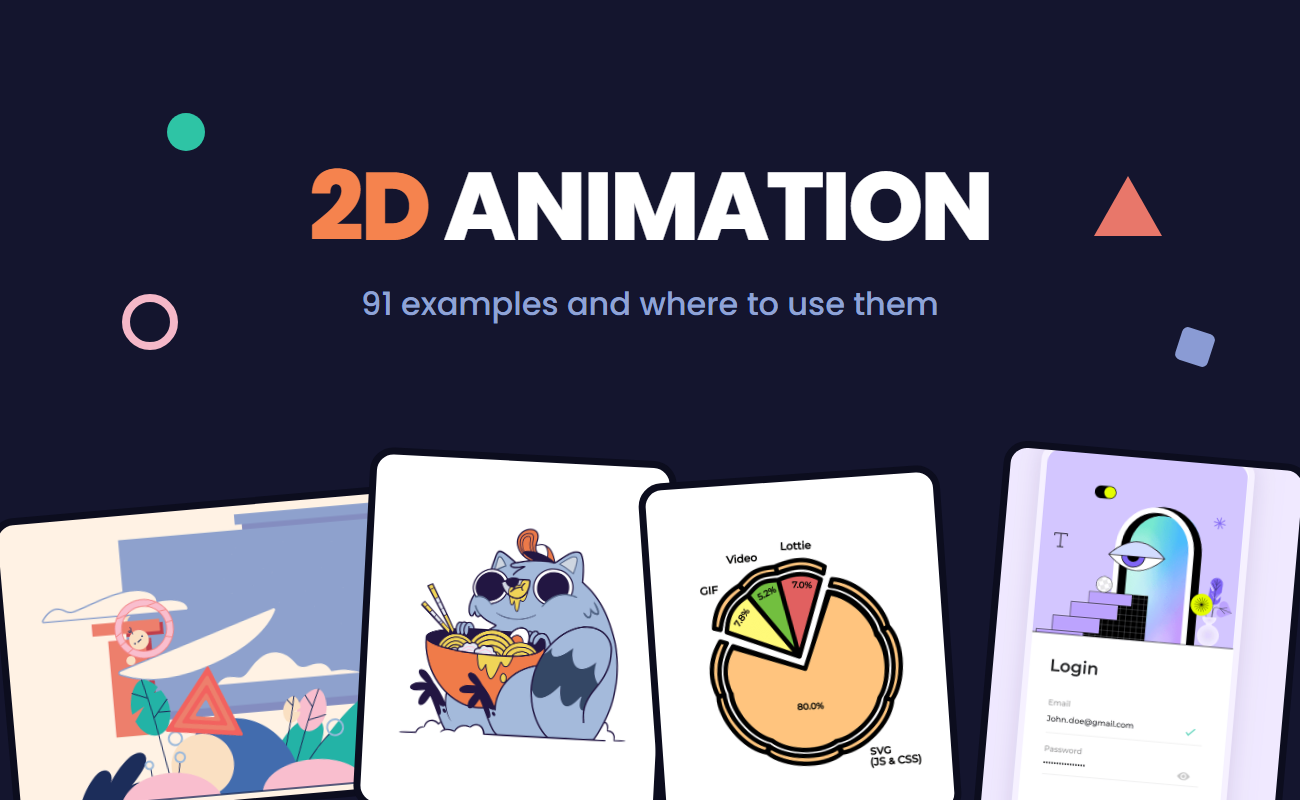
2D animation reaches well beyond Saturday morning cartoons. It plays on websites, in mobile apps, across social feeds, and inside online courses, and each of those places calls for a different visual style. The style you choose changes how a message looks and how much work it takes to produce.
Below are 91 examples of 2D animation, each with a quick explanation of how it works and the projects where it fits best.
Table of contents
- What is 2D animation?
- Hand-drawn animation
- Vector animation
- Motion graphics
- Character animation
- Cut-out animation
- Rotoscope animation
- Kinetic typography
- Infographic and data animation
- Isometric animation
- UI animation
- Faux 3D animation
- Morph animation
- Mixed media animation
- Branding and marketing animation
- Final thoughts
Key takeaways
- 2D animation creates the illusion of motion on a flat plane by playing still images in fast sequence, which animators either draw one by one or generate with software from a few keyframes.
- Hand-drawn animation needs a new drawing for every movement, while cut-out animation reuses rigged body parts, so the style you pick changes how long production takes.
- Vector animation, such as animated SVG, stays sharp at any screen size and keeps files lighter than video or GIF, which is why it’s the go-to choice for websites, mobile apps, animated icons, and logo reveals.
What is 2D animation?
2D animation is a technique that creates movement in a two-dimensional space. Characters, objects, and backgrounds have width and height but no real depth, so all the action happens on a flat plane.
The movement is an illusion. A sequence of still images plays fast enough for the eye to read it as continuous motion. Animators build that sequence by drawing every frame or by setting keyframes and letting software generate the frames in between, a process called tweening.
Those two methods sit at the core of 2D animation, and the styles below lean on one of them or combine both.
Hand-drawn animation
Traditional hand-drawn animation, also known as cel animation, is the classic form of 2D animation and builds motion one drawing at a time. Animators originally drew each frame on paper, then inked and painted it onto transparent celluloid sheets called cels. The digital version follows the same frame-by-frame process on a drawing tablet. At 24 frames per second, a scene animated "on twos" holds each drawing for two frames and needs 12 drawings for each second of footage.
The organic linework and expressive timing suit feature films, animated series, music videos, and artistic short films. Brands turn to it for campaigns that need a handcrafted feel. The trade-off is production time, since each movement needs fresh drawings.
Traditional hand-drawn animation in Gravity Falls
Vector animation
Vector animation moves shapes defined by mathematical paths. Because software recalculates those paths for each display, the artwork stays sharp at any size, and file sizes stay small compared to video or GIF. Animators set keyframes for properties like position, scale, rotation, color, or shape, and the software calculates the frames in between. SVG, the vector format browsers render natively, can carry the animation straight onto a web page.
Vector animation is the go-to choice for websites, mobile apps, banner ads, animated icons, and logo reveals, especially when one asset has to work across phones, desktops, and high-resolution displays.
Motion graphics
Motion graphics animate graphic design elements such as shapes, lines, icons, text, and abstract forms. The work centers on rhythm, transitions, and visual hierarchy, while story and characters stay optional. Well-timed motion graphics guide the viewer's eye from one piece of information to the next.
Brands use motion graphics for product promos, social media ads, title sequences, corporate presentations, and animated backgrounds on websites and apps.
Character animation
Character animation gives a figure personality through movement, posture, facial expressions, and timing. A walk cycle, a blink, or a shift in weight can tell the audience who a character is before any dialogue starts. Animators build it frame by frame or from rigged parts, so it overlaps with several other techniques on this list.
Brand mascots are a natural fit, and so are animated series, children's learning apps, game characters, and story-driven commercials.
Cut-out animation
Cut-out animation assembles characters and objects from separate flat pieces, such as a head, torso, arms, and legs, and moves those pieces between poses. The technique started with paper shapes shot frame by frame under a camera. Digital cut-out animation connects the pieces to a rig, a skeleton of bones and joints, so animators can pose a full figure without redrawing it.
Reusable parts make cut-out animation a fast 2D option for TV and web series, explainer videos, e-learning modules, and social content that runs on a regular publishing schedule.
South Park series
Cut-out animation ”Rose House”
Rotoscope animation
Rotoscope animation, or rotoscoping, traces over live-action footage frame by frame. The result keeps the weight and timing of real human movement while the visuals take on an illustrated style. Artists once projected film frames onto glass to trace them, and digital tools now let them draw directly over video layers.
Music videos, stylized short films, and dance or sports sequences suit rotoscoping. Animators also use it as a reference pass for complex movement they plan to redraw in their own style.
Kinetic typography
Kinetic typography animates text, making words move, scale, rotate, or change color to match the rhythm of a voiceover, a soundtrack, or the copy itself. Typeface, pacing, and placement carry the tone of the message, and the motion tells the viewer when to read each word.
It works well for lyric videos, quote posts, ad headlines, product announcements, and title cards, and it gets the message across even when viewers watch with the sound off.
Infographic and data animation
Infographic animation, also called data animation, turns statistics into moving charts, graphs, maps, and diagrams. Bars grow, lines draw themselves, and numbers count up, so the viewer watches the change the data describes.
Teams add animated infographics to annual reports, investor decks, marketing dashboards, and data journalism pieces to make numbers easier to follow.
Isometric animation
Isometric animation uses isometric projection, a drawing method that shows three axes at equal 120-degree angles with no vanishing points. Objects keep the same size regardless of depth, which produces a 3D look inside a fully 2D workflow.
That clean, organized depth fits SaaS product visuals, website hero illustrations, city and architecture scenes, process diagrams, and strategy or simulation games.
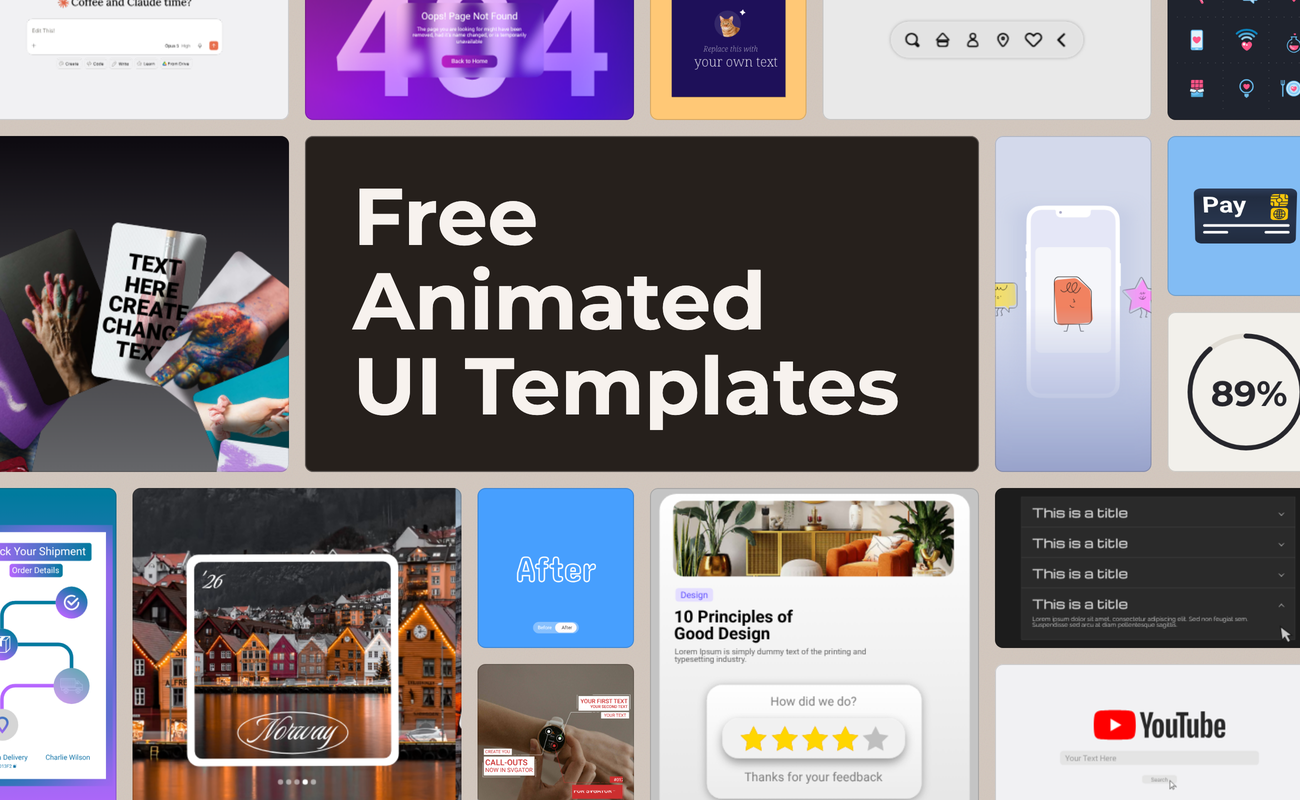
UI animation
UI animation adds motion to the parts of a digital interface, including buttons, toggles, menus, loaders, and screen transitions. Each movement confirms an action, shows the current state of the system, or points attention to the next step. Small, functional animations of this kind are called microinteractions.
Websites, mobile apps, SaaS dashboards, onboarding flows, and online checkouts use UI animation to give instant feedback and keep users informed while content loads.
Faux 3D animation
Faux 3D animation, also called fake 3D, makes flat 2D artwork look like it rotates, tilts, or has volume. Animators combine scaling, skewing, gradient shading, and changes in layer order, so a card appears to flip or a coin appears to spin without any 3D model or renderer. The artwork stays 2D from start to finish, and the workflow has no 3D rendering step.
Pricing cards, product mockups, badges, extruded headlines, and hero illustrations use faux 3D to add depth while keeping the flat, graphic look of the rest of the design.
Morph animation
Morph animation, also called shape morphing or shape tweening, transforms one shape into another. The animator sets a start shape and an end shape, and the software interpolates the points of the path between the two states. Shapes with a similar number of points and a similar structure produce the smoothest transitions.
Designers use morph animation for icon state changes, like a menu icon turning into a close button. It also powers liquid loaders, blob-shaped backgrounds, and scene transitions between two illustrations.
Mixed media animation
Mixed media animation combines 2D animation with other visual materials, such as photos, live-action video, paper textures, or 3D renders. Animated doodles, shapes, and characters sit on top of or inside real imagery, so the final piece blends illustration with the physical world. The contrast between materials gives the style its collage-like character.
Brand campaigns, music videos, documentary segments, and product ads that pair photos with illustrated details use mixed media animation.
Branding and marketing animation

Branding and marketing animation covers the motion a brand uses to build recognition and support its campaigns. Logo animation sits at the center of it, and brand teams carry the same motion rules (easing, timing, and the way colors and type enter the frame) into every other asset. When those rules stay consistent, audiences start to recognize the brand by how it moves, sometimes before the logo even appears.
Logo reveals for video intros and app splash screens, animated ads for paid social and display campaigns, email headers, landing page heroes, product launch assets, and seasonal promotions all belong to this category.
Final thoughts
A single project can mix several of these styles. A product launch video might pair character animation with kinetic typography, and a landing page can combine isometric illustrations with UI animation. Knowing what each style does best makes those combinations easier to plan.
SVGator keeps the entire process in the browser, with keyframe animation and export to SVG, Lottie, GIF, or video. SVGator MCP adds another route: connect an AI assistant, describe the motion in plain language, and get back an editable animated project.