Limitations & good practices
Knowing where the connector stops, and how it likes to be worked with, saves a lot of back and forth. Here is what to expect and what to steer clear of.
What it can and cannot reach
The assistant works inside the SVGator account you signed in with, and nowhere else. It cannot reach anything outside SVGator, and it never sees your password or access token.
Within that account, it can only change what you are allowed to change. Demo and template projects are read-only, so they can be opened and read but not overwritten.
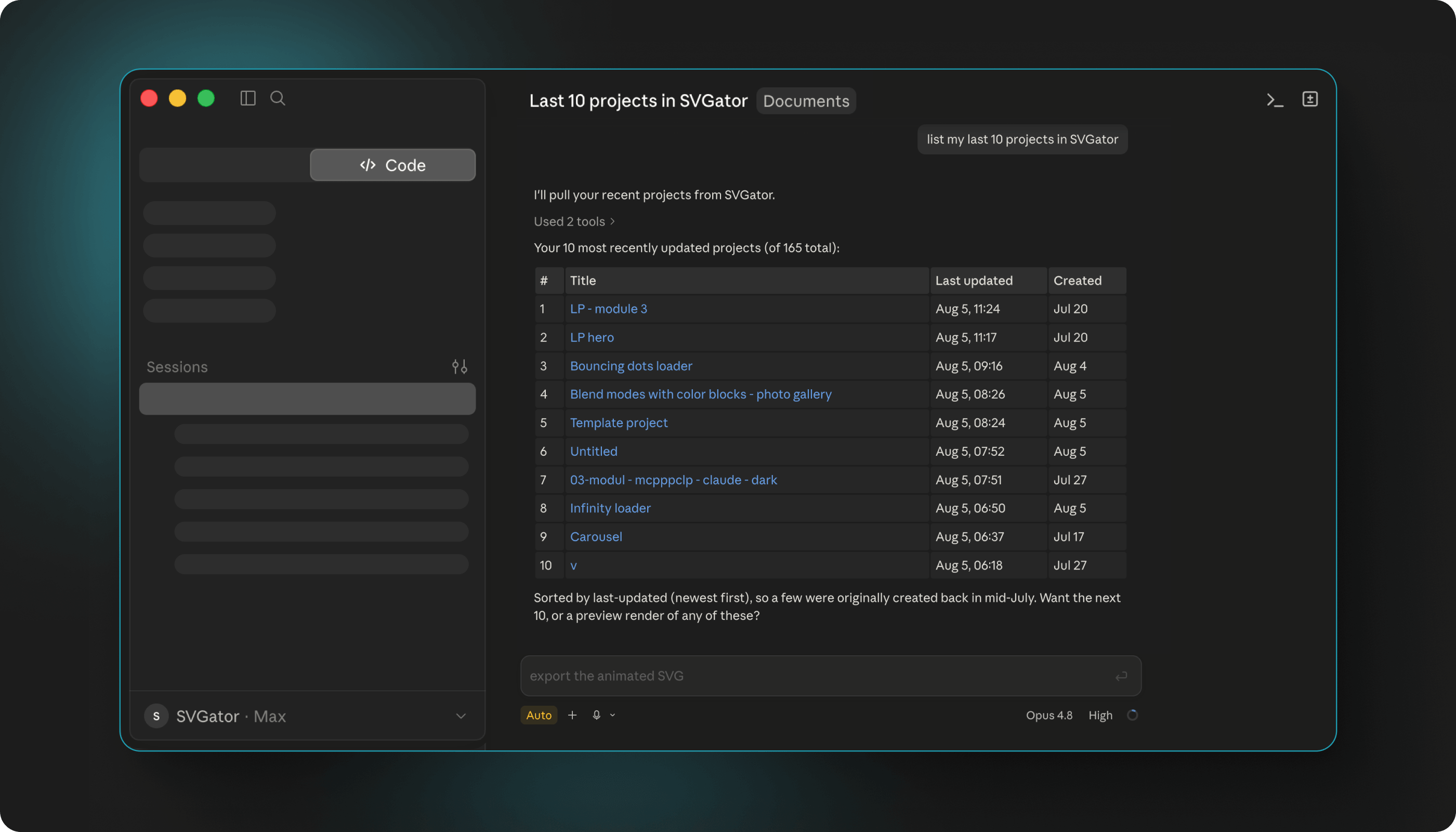
Editing and exporting are separate
Export settings control how a project plays and how the file is produced. They never change what is inside it.
So a different color, new text, a shape that needs moving, or animation timing that feels wrong are all changes to the project, and they have to happen before the export. Asking for them as part of an export request will not work.
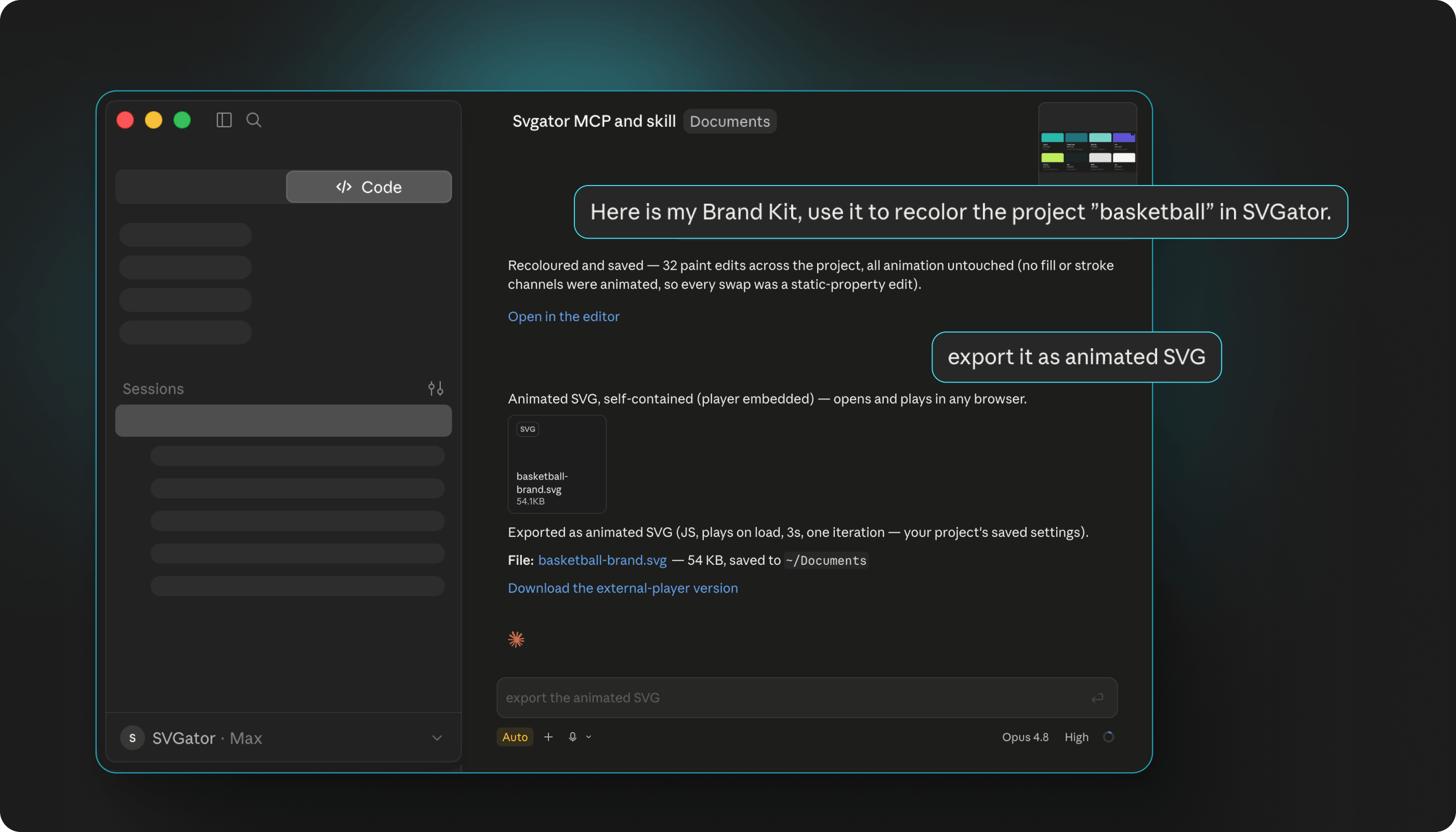
Note: video and GIF need an animated project, since there has to be movement to render. A static design has to be animated first.
Expect small steps, not one big leap
The assistant changes one thing at a time and checks each change, which is what keeps your project safe. A rejected change is turned down before anything is saved, so a bad request cannot break what you already have.
This works best when you ask the same way. Describe one change, look at the result, then ask for the next. Long requests bundling many unrelated changes are harder to follow and harder to correct when one part comes out wrong.
Say what should stay animated
When a property is animated, the animation overrides its plain value. That is why an edit can look like it did nothing at all.
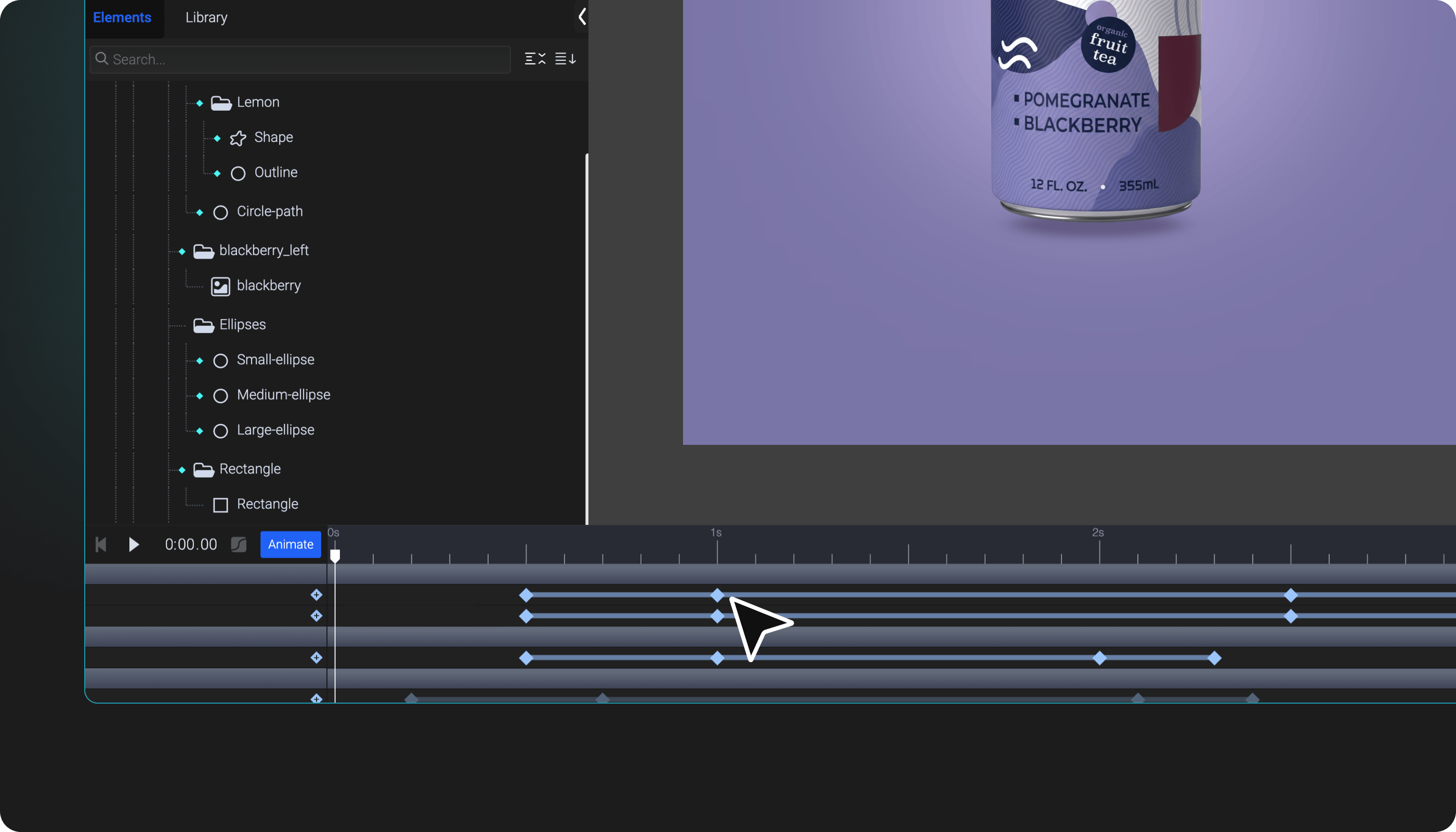
The safest habit is to describe the result across time rather than as a single state. Saying a shape should stay one color throughout, or should change partway through, tells the assistant which keyframes to work on.
Download files rather than saving links
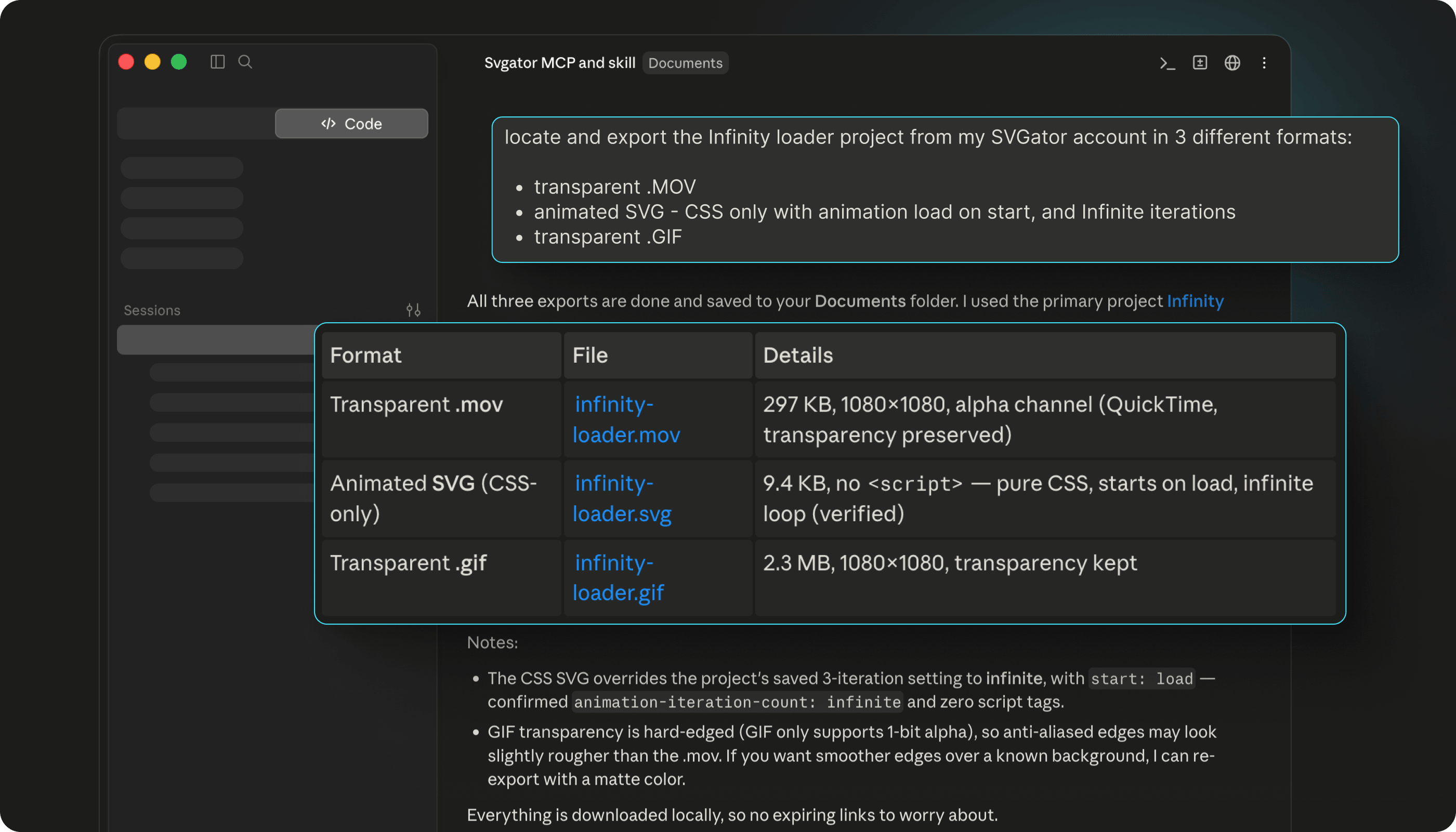
Exported files usually come back as a link rather than as the file itself, and those links are temporary by design. A video or GIF download link lasts about five minutes, and the other formats last about one to two days.
Save the file itself when you get it. If a link has lapsed, nothing is lost: ask the assistant to check the render again, or run the export once more.
Take care with shared projects
Rewriting a whole project replaces what is stored, and there is no check for whether someone else changed it in the meantime. The last write is the one that stays.
If a project is shared with a team, it is worth knowing nobody else is working on it before you ask for a large rewrite. Smaller, targeted edits are safer than replacing everything at once.
Expect to sign in again now and then
The connection refreshes quietly, but the session does not last forever. When it ends, you are asked to sign in to SVGator again, and your projects are untouched while that happens.
If a request fails because you are no longer authenticated, signing in again is all it takes.
Finish in the editor when it matters
The assistant is quick at the parts that are easy to describe, and every project it touches comes with a link that opens it in the SVGator editor.
For fine judgement calls, like easing that needs to feel a certain way or spacing you want to nudge by eye, open that link and finish by hand.