How AI assistants see your project
When you ask an AI assistant to change one of your SVGator projects, it does not work blind. It first reads the project's structure, so it knows exactly what it is working with before touching anything.
Elements, layers, and structure
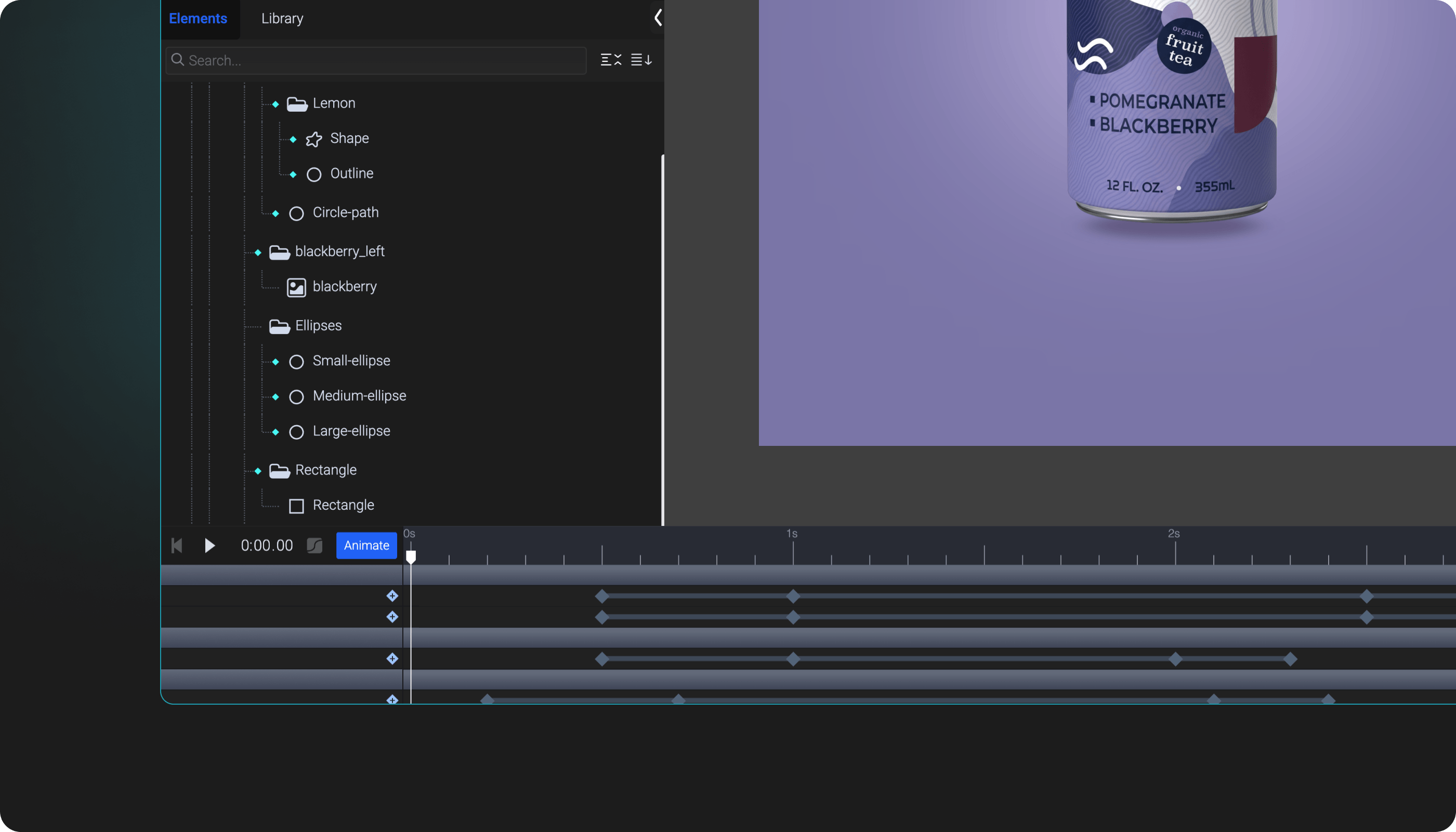
Every SVGator project is a set of elements: shapes like rectangles, circles, and paths, along with text and groups. Groups hold other elements and nest like layers, and together they form the element tree you see in the editor.
The AI agent reads that same tree. For each element it picks up the name, the type, how it sits inside the others, and which parts are animated. Every element also carries an ID, which the AI assistant uses to point at exactly the one you mean instead of guessing by position.
It reads this as a lightweight map: the names and counts for each element, plus the project's overall settings, like canvas size, background, and the animation's length and loop. The heavy detail, like exact path data, keyframe values, and gradients, stays in the project until the AI agent needs a piece of it, so it can find its way around a large file quickly.
Why AI agents explore before editing
Exploring the structure first is what lets AI assistants change the right thing. It can match your description to the exact element, and see how everything fits together, before it makes an edit.
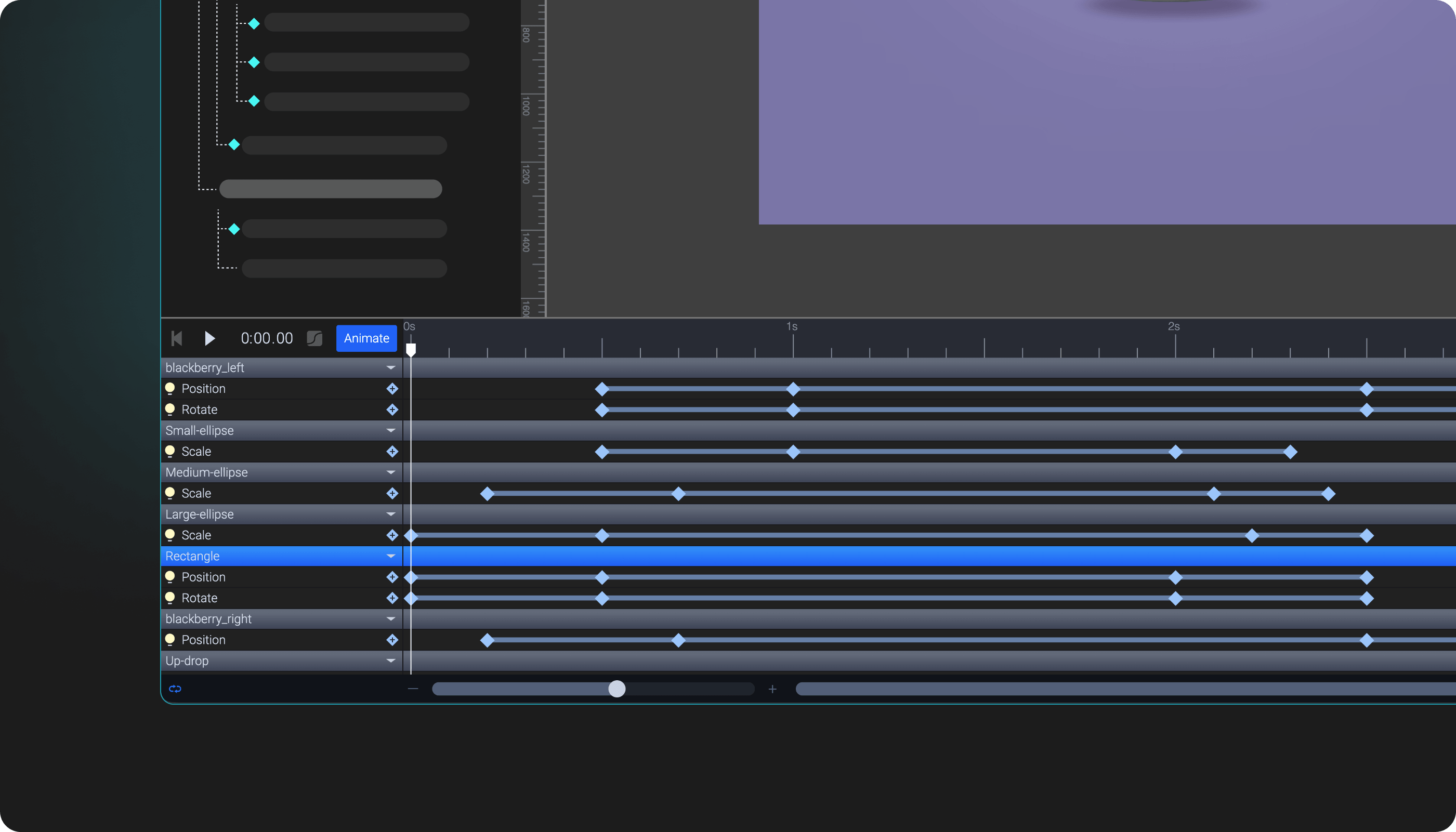
The most important thing it checks is what is already animated. When a property is animated, the animation overrides its plain value, so editing that plain value would change nothing you can see. The AI agent catches this first, then edits the keyframe instead of the static value, so your request actually takes effect.
Looking first also lets AI assistants work in small, safe steps. It changes one thing at a time and checks the result, so a single request never quietly breaks the rest of your project.