FAQ
Short answers to the questions that come up most often about working with SVGator through an AI assistant.
Do I need anything besides an SVGator account?
You need an SVGator account and an AI assistant that can connect to a custom MCP server. Connecting from claude.ai or Claude Desktop needs a Claude Pro, Max, Team, or Enterprise plan, while Claude Code and other MCP clients connect straight to the server.
Does the connector cost extra?
No. It is included in every SVGator plan, so if you have an account, you can connect it.
Can the assistant see my SVGator password?
No. Signing in runs through SVGator's normal login, and your credentials, including your access token, stay on SVGator's servers. They are never shared with the assistant or with the app you are chatting in.
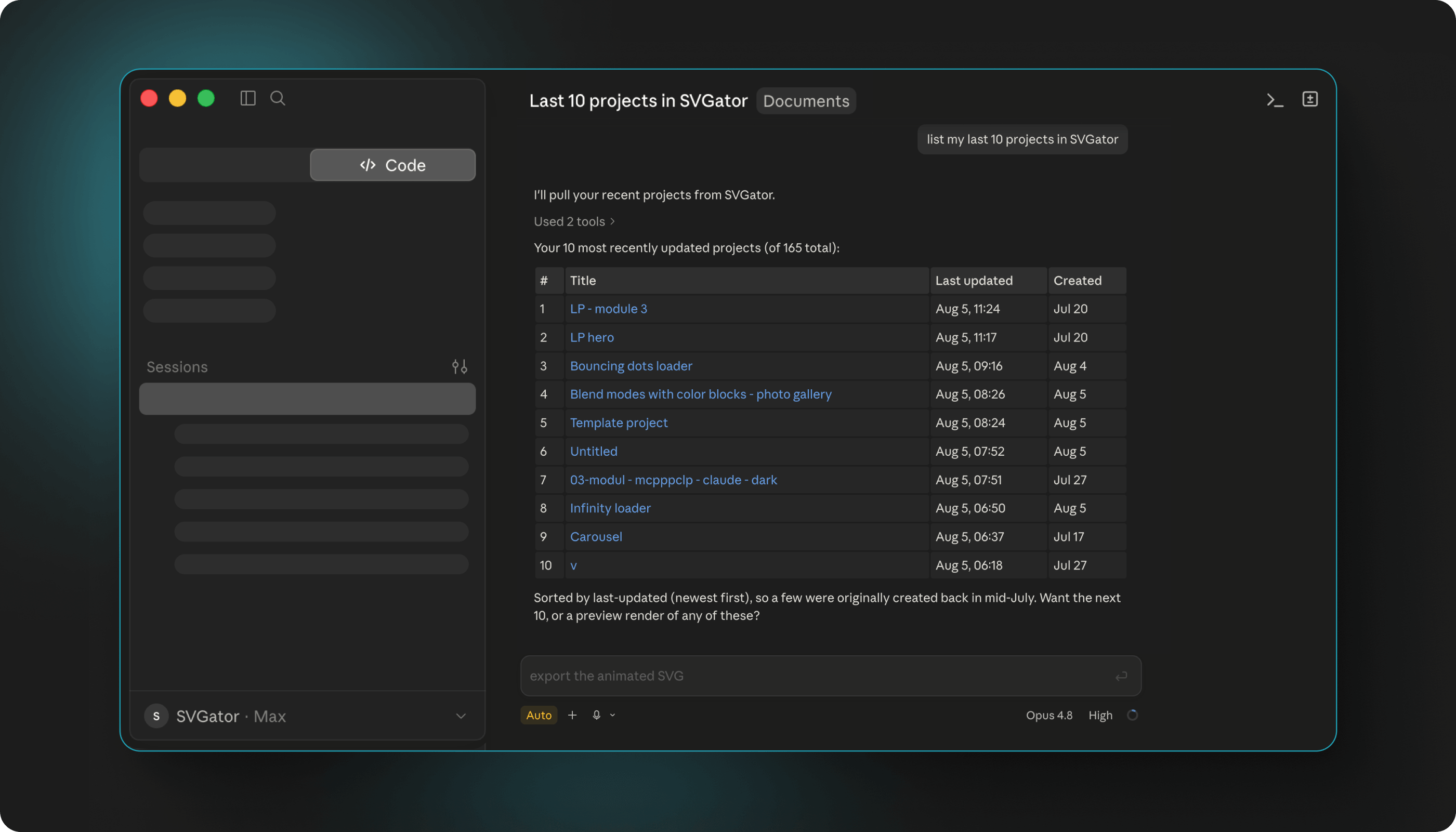
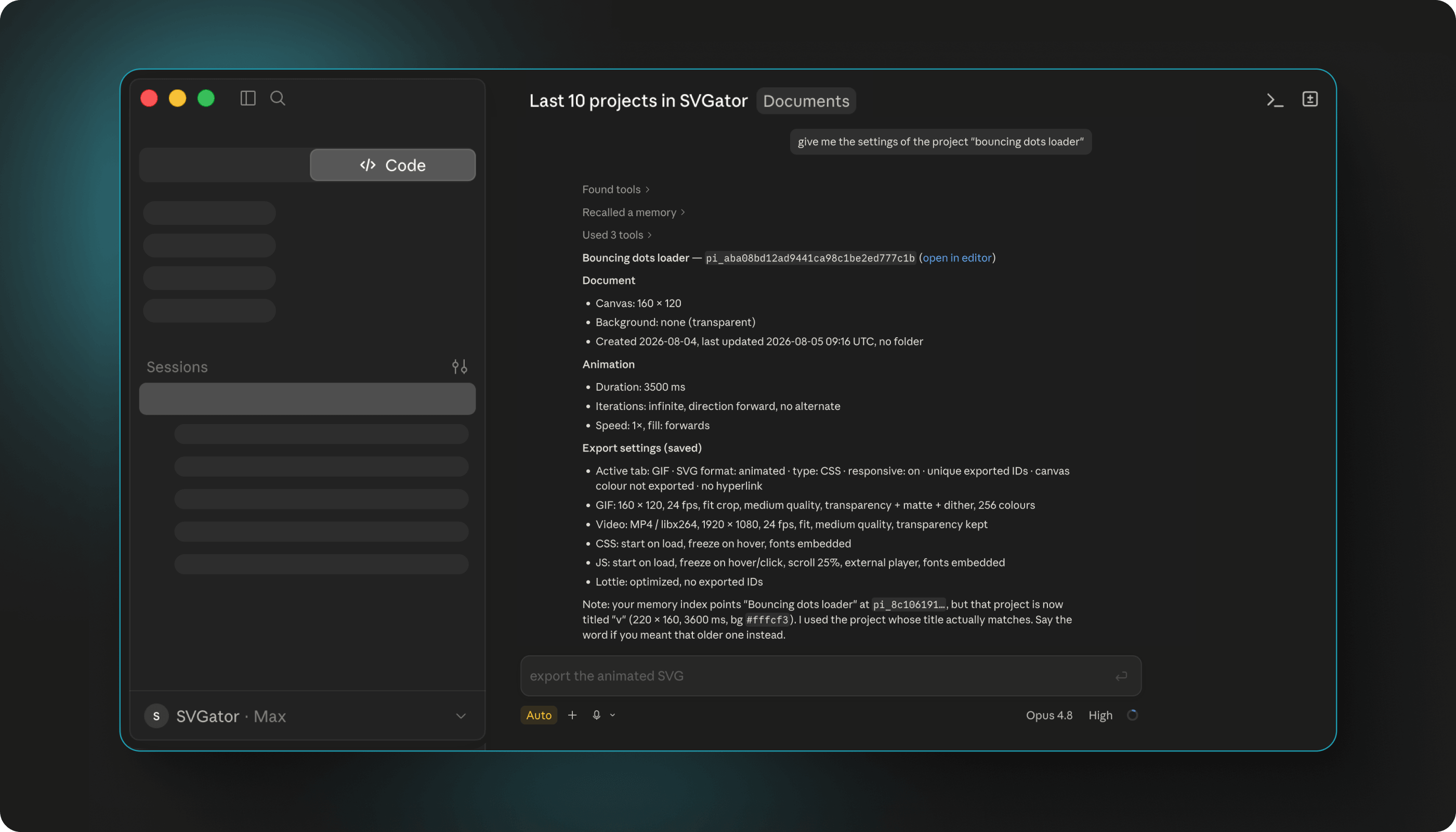
What can the assistant actually see?
Only the results of what you ask for: the list of your projects, summaries of a project's structure, the specific values you have it read, and any files or links it exports. Nothing else about your account leaves SVGator.
Can it reach anything outside SVGator?
No. It works inside the SVGator account you signed in with, and nowhere else.
Is there a limit on how much I can export?
No plan caps the number of exports. Which formats you can export depends on your plan: static SVG on Free, animated SVG and Lottie from Starter, GIF and video from Pro.
Who owns the animations I make this way?
You do. An animation you create through an assistant belongs to you, exactly like one you build by hand in the editor.
Where can I read about security and privacy?
SVGator's security page covers how your work and data are protected, including GDPR compliance, ISO 27001 certification, encryption, and where the data is hosted. It also links to the full privacy policy and terms of service.
Where do my projects live?
In your SVGator account, exactly as they always have. Every project the assistant works with comes back with a link that opens it in the SVGator editor, so you can carry on by hand at any point.
Can it edit projects shared with my team?
Yes, if your account belongs to an SVGator team, those projects are available alongside your own. Changing a project needs edit rights on it, and demo and template projects are read-only, so they can be read but not overwritten.
Will it overwrite something by accident?
Edits are made one at a time and checked, and anything invalid is rejected before it is saved, so a bad request leaves your project as it was. Rewriting a whole project is different: it replaces what is stored, and there is no check for whether someone else changed it first.
How do I get my exported file?
Most exports come back as a link. Video and GIF download links last about five minutes, and the other formats last about one to two days, so download the file rather than saving the link. If a link lapses, ask the assistant to check the render again or run the export once more.
Why did my change not show up?
The property you changed is probably animated, and the animation overrides the plain value underneath it. Ask the assistant to change the keyframes instead, and say which moment in the animation you mean if only part of it should change.
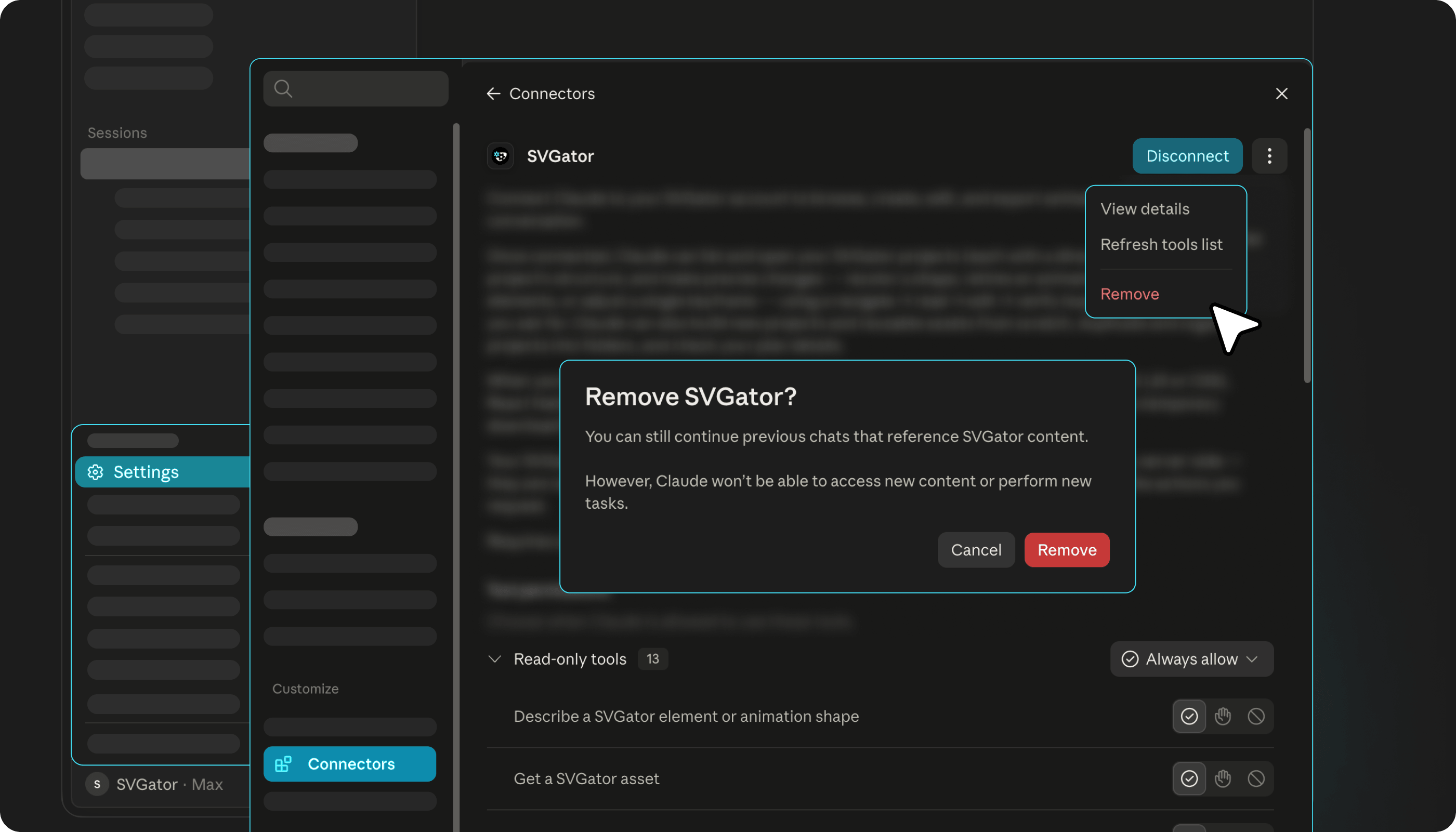
How do I disconnect?
Remove the SVGator connector from your assistant's settings. That revokes its access immediately, and your SVGator account and projects are untouched.
Do I have to sign in again?
The connection refreshes on its own, but the session does not last forever. When it ends you are asked to sign in to SVGator again, and your projects are unaffected in the meantime.