Account & collaboration
The connector works with the SVGator account you sign in with, and it follows the same rules that account already has. Here is what that means for your projects, your team, and the projects you are not meant to edit.
What the assistant works with
Everything runs on your own SVGator account. When you connect, you sign in and approve access, and from then on the assistant works with the projects that account can reach.
You can also ask it about the account itself, like which plan you are on or which teams you belong to, and it will tell you.
Working with team projects
If your account belongs to an SVGator team, the projects shared with that team are available to the assistant as well, alongside your own.
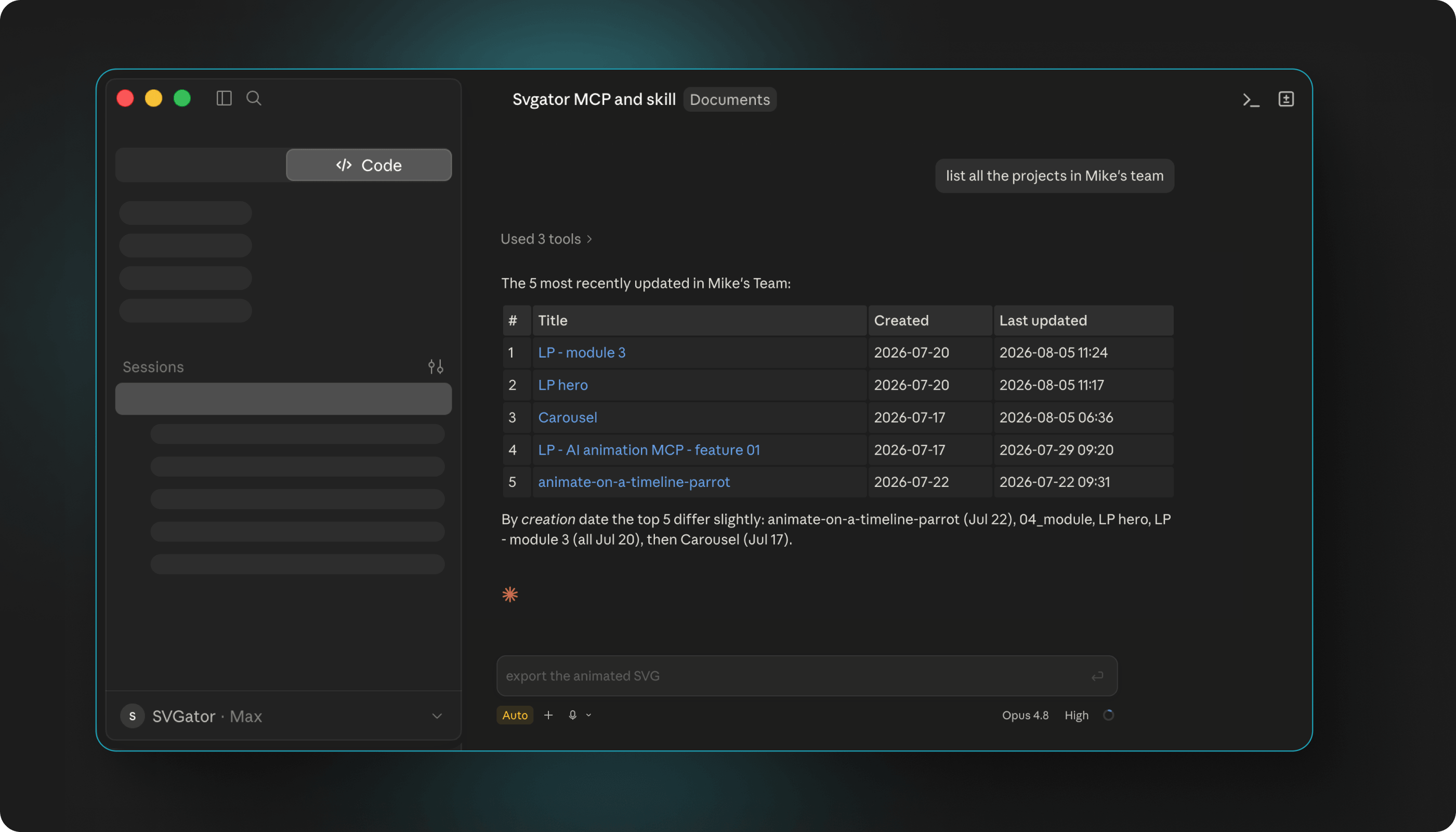
When you have a lot of projects across several teams, you can narrow things down by naming the team you mean, so the assistant lists only that team's projects instead of everything at once.
Edit rights, demo, and template projects
Changing a project needs edit rights on it, so the assistant can only rewrite the projects your account is allowed to change.
Demo and template projects are the exception you are most likely to meet. The assistant can open them and look through them, but it cannot overwrite them.
If you want to build on one, ask the assistant to create a new project from it. That gives you your own copy to change freely, and the original stays as it is.
Removing access
If you ever want to disconnect, remove the SVGator connector from your assistant. That revokes its access straight away.
Your SVGator account and everything in it are untouched by this. The projects stay exactly where they were, and you can reconnect whenever you want.