How To Import Figma Designs To SVGator
Copy As SVG & Paste (Figma → SVGator)
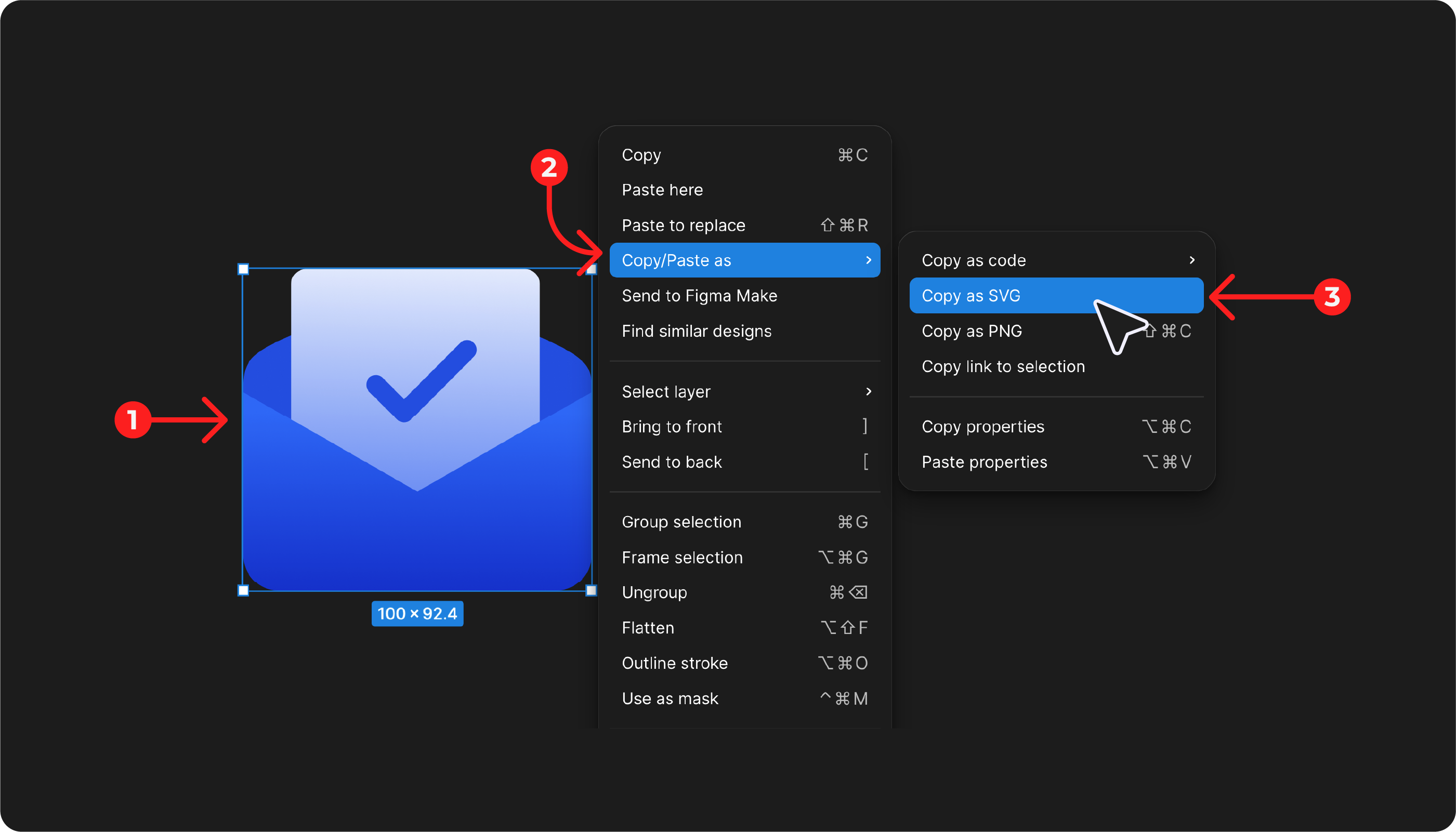
Select the SVG you want to copy in Figma, right-click the element, and choose Copy → Copy as SVG.
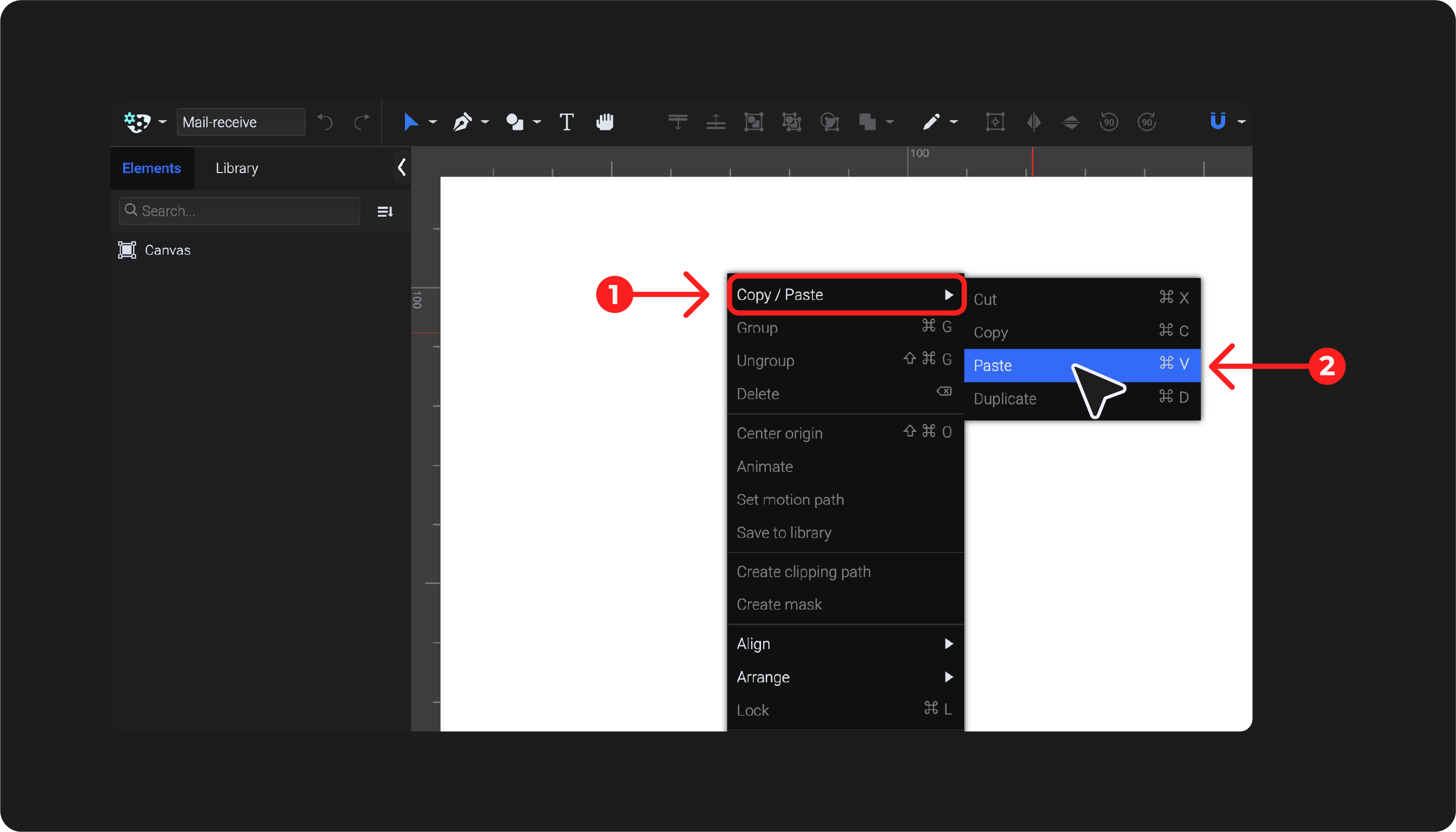
Then go to your SVGator project and paste it by pressing Cmd/Ctrl+V or by right-clicking and selecting Copy/Paste → Paste.
Copy As PNG & Paste (Figma → SVGator)
Select the PNG you want to copy in Figma, right-click the element, and choose Copy as PNG. Then go to your SVGator project and paste it by pressing Cmd/Ctrl+V or by right-clicking and selecting Copy/Paste → Paste.
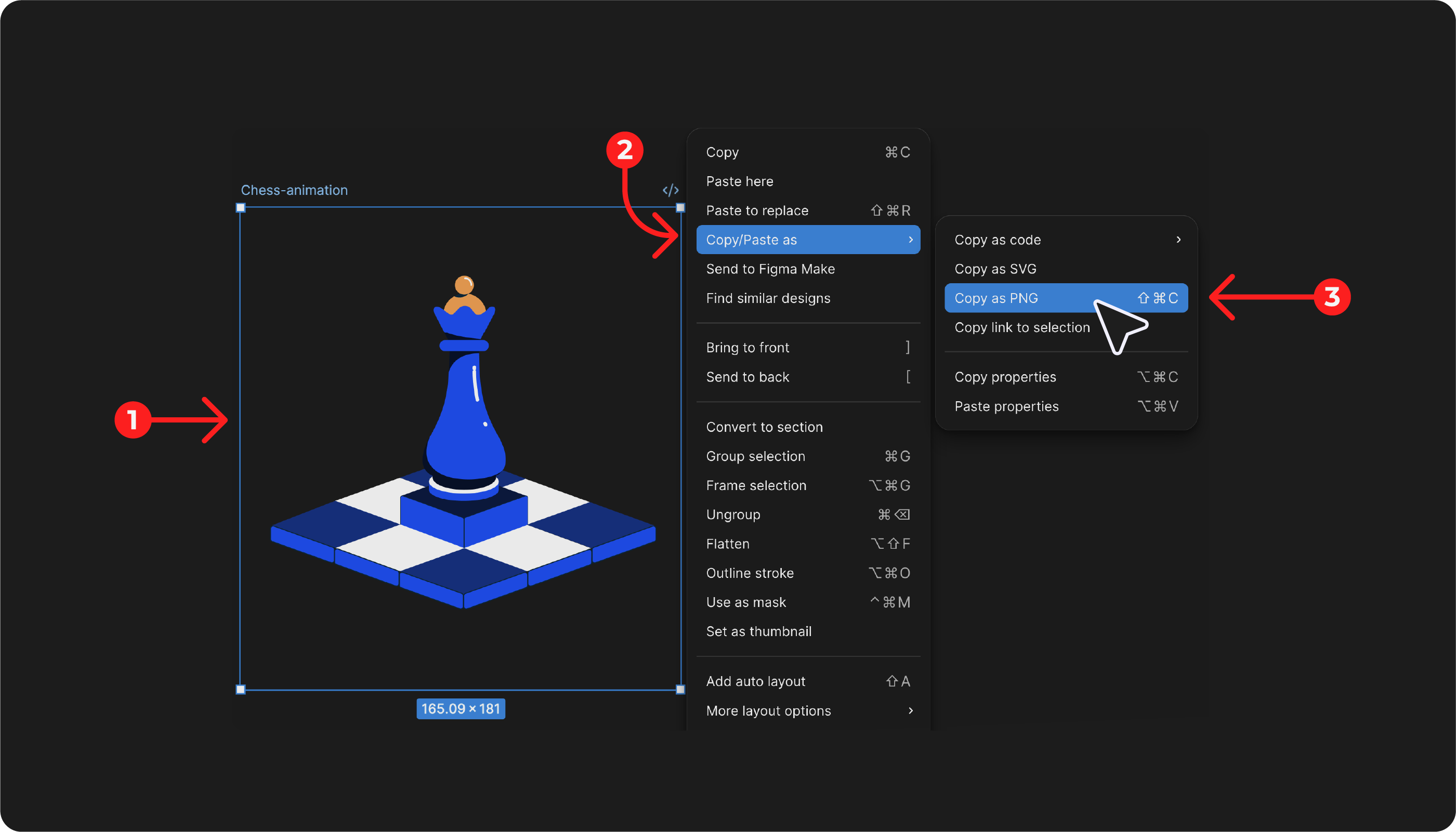
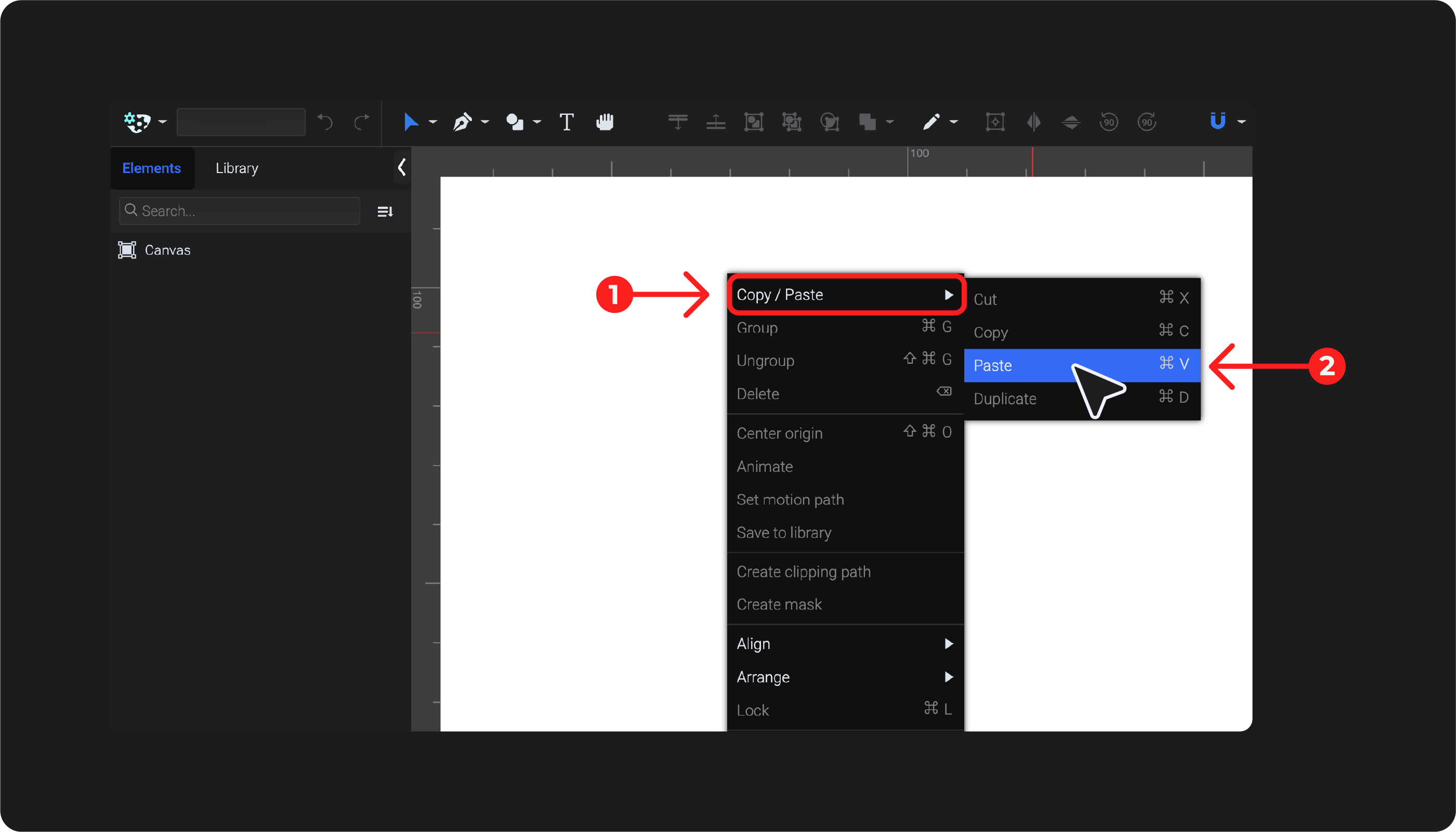
You can also use the keyboard shortcut Ctrl+Shift+C to copy in Figma, then Cmd/Ctrl+V to paste in SVGator.
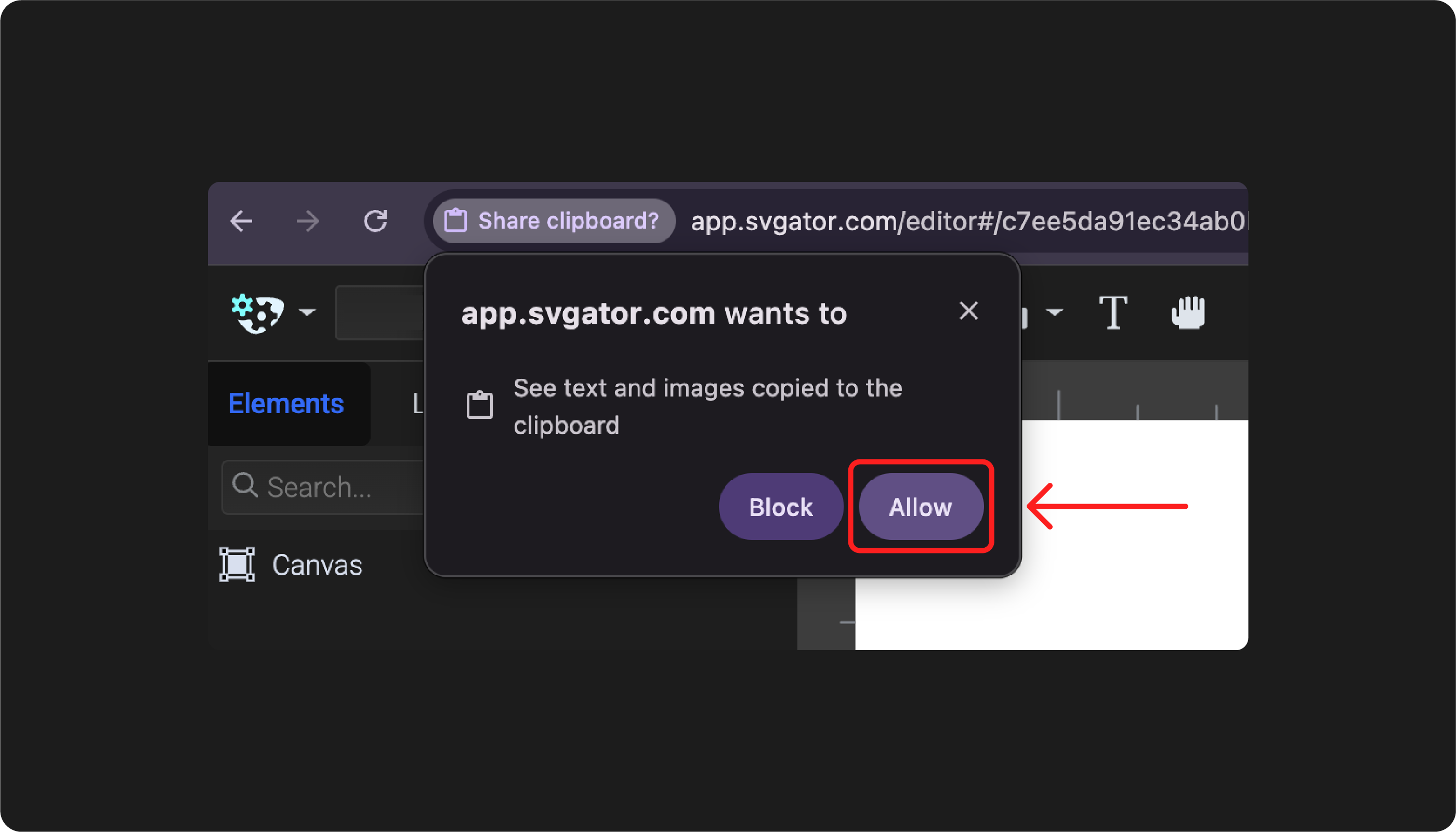
Note: The first time you paste something from Figma into the SVGator editor, a pop-up will appear requesting permission. Make sure to choose Allow for the paste action to work.