SVGator to Figma plugin workflow integration icons

The Figma plugin for
SVG animations

Animate your designs and bring them to your Figma project

Figma
Install plugin

⚡️ Deliver optimized production-ready files in an instant

Animated SVG export format icon
Animated SVG
.svg
Lottie JSON animation export format icon
Lottie
.json
Flutter dart animation export format icon
Flutter
.dart
React Native animation export format icon
React Native
.js
SVGator to Figma plugin workflow demo video
SVGator to Figma plugin workflow integration process

How it works

The fastest way from design to development

micro animation showing how to select SVGator animations in Figma plugin

Pick an animation

Connect to your SVGator account and choose an animation project to use in Figma

micro animation showing how to generate SVG file from plugin, and GIF preview file

Generate and insert

Generate production-ready files as animated SVG or Lottie, and preview files as GIF or MP4

micro animation showing how to download production-ready animation files  for developers

Files for developers

Developers in your team can download or copy the code of the production-ready files

micro animation showing how to preview or present an animation in Figma

Files for designers

Use the preview animations in Figma preview & present mode to show a final design

Figma to SVGator plugin workflow integration process

Start from Figma
As simple as copy & paste

Select your Figma design, copy it as SVG then paste it into SVGator to animate.
Figma header icon
Figma header circle icon
Figma header centerFigma header right

Animate without coding

Text animation that lists different types of animation designs

Design interactive animations that load fast and scale perfectly

Animated circular loaders
Animated icons examples
Onboarding app explainer animation
Animated chef character cooking
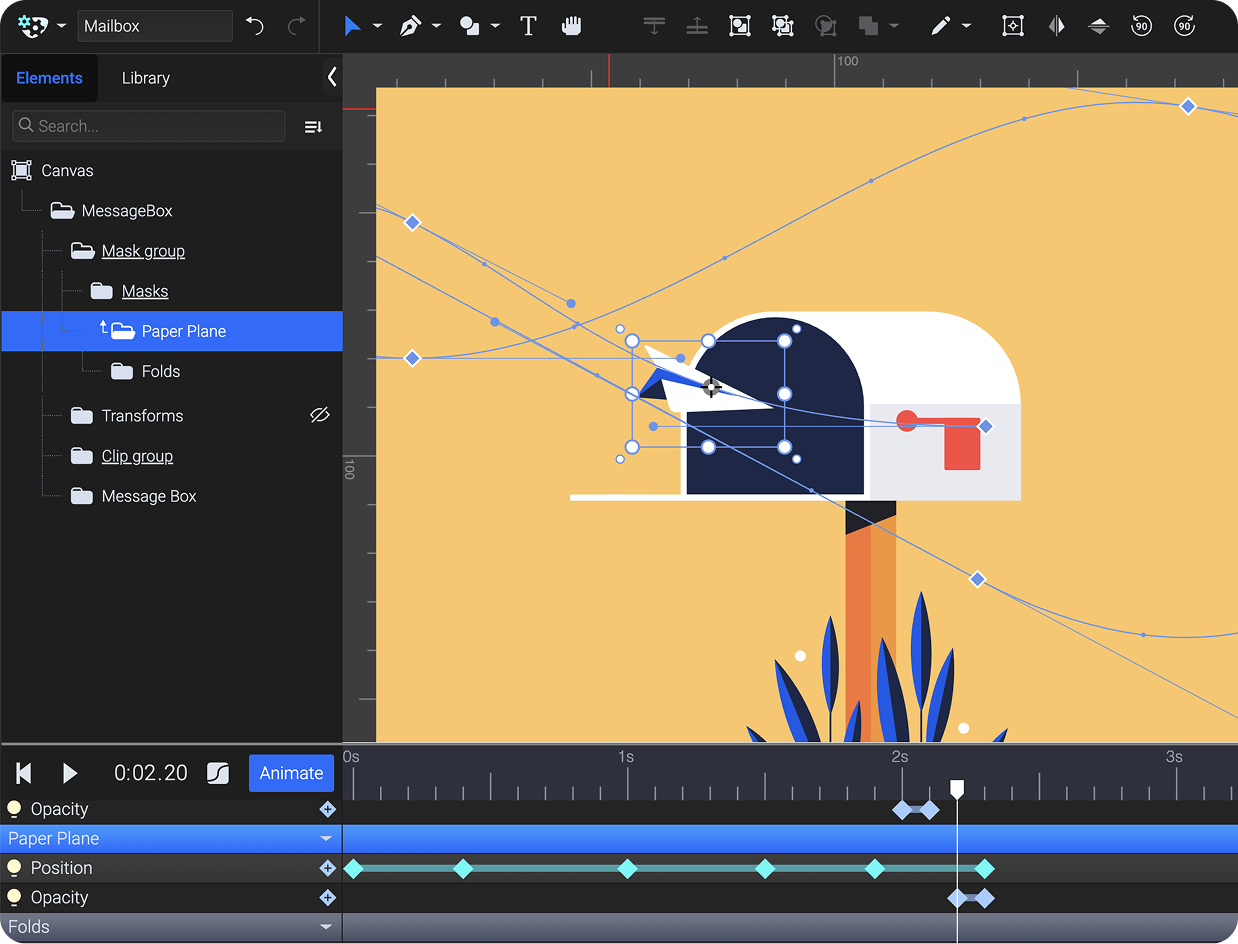
Mail box and a paper plane animation
Train parallax animation
Animated logo examples
Animated bee character
Examples of preloaders animation
Fingerprint animation
Interactive hover button animation
Vector text animation
Examples of page loader animation
Animated car in motion
Animated toggle switch
Fan animation

Preview & present

Use the generated GIF or MP4 to preview and showcase the animations exactly the way they will look once implemented.

Figma
Get Figma plugin →
avatar picture showing UI designer and Figma plugin user, Maya C.

I can actually show clients animated mock-ups in Figma now, instead of trying to explain how things will move. Saves me so much time on revisions.

Maya C.
UI Designer

animation showing Present and Preview options for file inserted into Figma with SVGator pluginGenerated preview file playing the animation in Figma's Present/Preview mode

Easy dev access

Developers and other team members can get the production-ready files without needing an SVGator account.

Figma
Get Figma plugin →
avatar picture showing Full-stack developer and Figma plugin user, Jack Robson

I love that I can simply download the SVG animations or just copy the code. This plugin saves us a lot of time!

Jack Robson
Full-stack developer

animation showing how to access production-ready files in Figma from developer POV

FAQ

1

Do I need a paid SVGator account to use the plugin?

No! The plugin works with SVGator's free plan as well.
You can copy Figma designs, animate in SVGator, and export production files at no cost, but with the same export limitations that apply to your current SVGator plan.

2

Can I test interactive animations (hover, click, scroll) in Figma?

Interactivity won't display in Figma's GIF/MP4 previews. Download the animated SVG from the plugin and test it in a browser or your actual development environment to see interactivity in action. You can also use the one-click access back to your project in SVGator, and preview the interaction in the export panel.

3

Do animations play in real-time in Figma's editor?

No. Animations appear as static SVG in your Figma editor (this keeps your files fast and responsive). Switch to Present mode to see your GIF or MP4 previews.

4

Does the plugin automatically sync changes between Figma and SVGator?

No. Changes in SVGator don't automatically update in Figma. Use the reload button in the plugin to refresh and get the latest version of your animation.

Design in Figma.
Animate in SVGator
Ship back to Figma

Install the free plugin and export production-ready
animations for web, mobile, and beyond.

Figma
Install plugin