Takaaki Ogiwara, an independent app developer and the founder of Tom Tom TINY FARM, builds and ships a mobile app on his own. This case study follows how he moved from hand-coding animation in JavaScript to a visual keyframe workflow, cut his per-animation time from one to two hours down to about 15 minutes, and found he could build more complex character motion than his old approach allowed.
Table of contents
- The challenge: animating in code, blind to the result
- The solution: a visual keyframe workflow from Illustrator to SVGator
- The results: hours to minutes, and motion that matches the plan
- From hours to about 15 minutes
- A feedback loop that matches the plan
- Final thoughts
The challenge: animating in code, blind to the result
Takaaki works across a full technical stack, not a design-only toolkit. His day-to-day tools include:
- Adobe Illustrator for vector artwork
- Figma for design work
- Unity for building
- Swift for iOS and Android development
- VS Code with Claude Code for writing his app
For a long time, he wrote all of his animations programmatically in JavaScript, hand-coding every part of the motion.
The problem was not the coding itself. It was that the motion lived entirely in code, so he could not see how an animation actually looked without building the project first. Every adjustment meant switching from his editor to the browser, checking the result, then switching back to change a value.
That loop stretched even simple animations to one or two hours each, and anything more complex took too long to justify.
He had been here before, in a good way. Years earlier, he built a lot of animation in Adobe Flash, where a timeline and keyframes let him set a start and end state and watch the motion play out. That memory shaped what he went looking for: a tool that would let him animate with keyframes the same way again, without going back to writing motion line by line.
The solution: a visual keyframe workflow from Illustrator to SVGator
What Takaaki needed was a way to design motion visually instead of describing it in code, and one that fit next to the vector work he already did in Illustrator. SVGator gave him that: the keyframe approach he wanted, a visual timeline with real-time playback, and animated SVGs suited to app and web use.
His workflow now runs in two clear stages. He creates the SVG in Adobe Illustrator, then imports it and adds the animation on a timeline, setting keyframes and watching the motion play back as he works. When it looks right, it is done. There is no separate build step just to see whether the motion landed.
The features he leans on are few and specific:
- Keyframe animation on a visual timeline, which handles the core motion
- Real-time playback, so he can judge every change the moment he makes it
- A clean split between designing in Illustrator and animating in a separate stage
- Nested-structure support, which keeps the SVG's element hierarchy intact, so he can build character movement with more moving parts
The results: hours to minutes, and motion that matches the plan
The switch changed both how fast Takaaki works and how the work feels. The time savings are the headline, but the tighter feedback loop is what drives them.
From hours to about 15 minutes
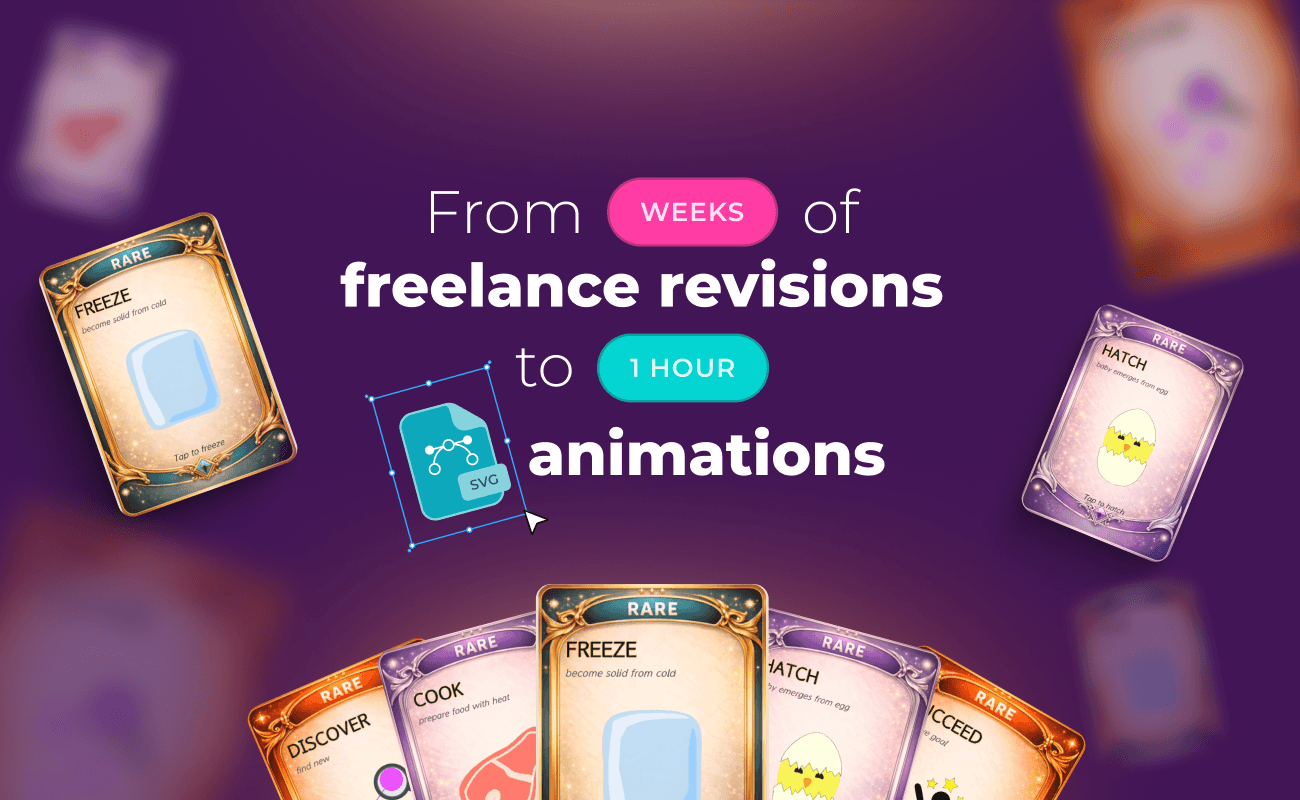
The clearest change is speed. The same kind of animation that used to take Takaaki one to two hours now takes him about 15 minutes. He estimates that adds up to roughly six hours saved each month compared with his old code-based process, though he is upfront that this figure is his own estimate rather than a tracked measurement.
A feedback loop that matches the plan
The bigger shift is in how the work feels. Instead of coding blind and building the project to check the outcome, he builds the animation visually and watches it play back in real time. The finished result matches what he pictured, and he gets there with far less trial and error. That tighter feedback loop is the real gain; the time savings follow from it.
There was an unexpected benefit, too. He found he could animate while keeping the SVG's nested structure intact, which let him create more complex character movement than he thought a visual tool would allow. For a developer who assumed a canvas-based approach would mean trading away depth, that was the opposite of what he expected.
Final thoughts
Takaaki could write his animations in code and did for years, yet he moved to a visual timeline because coding motion meant working blind and spending far longer than the work needed. The switch did not cost him control. It gave him a faster feedback loop and the room to build character movement with more moving parts than before.