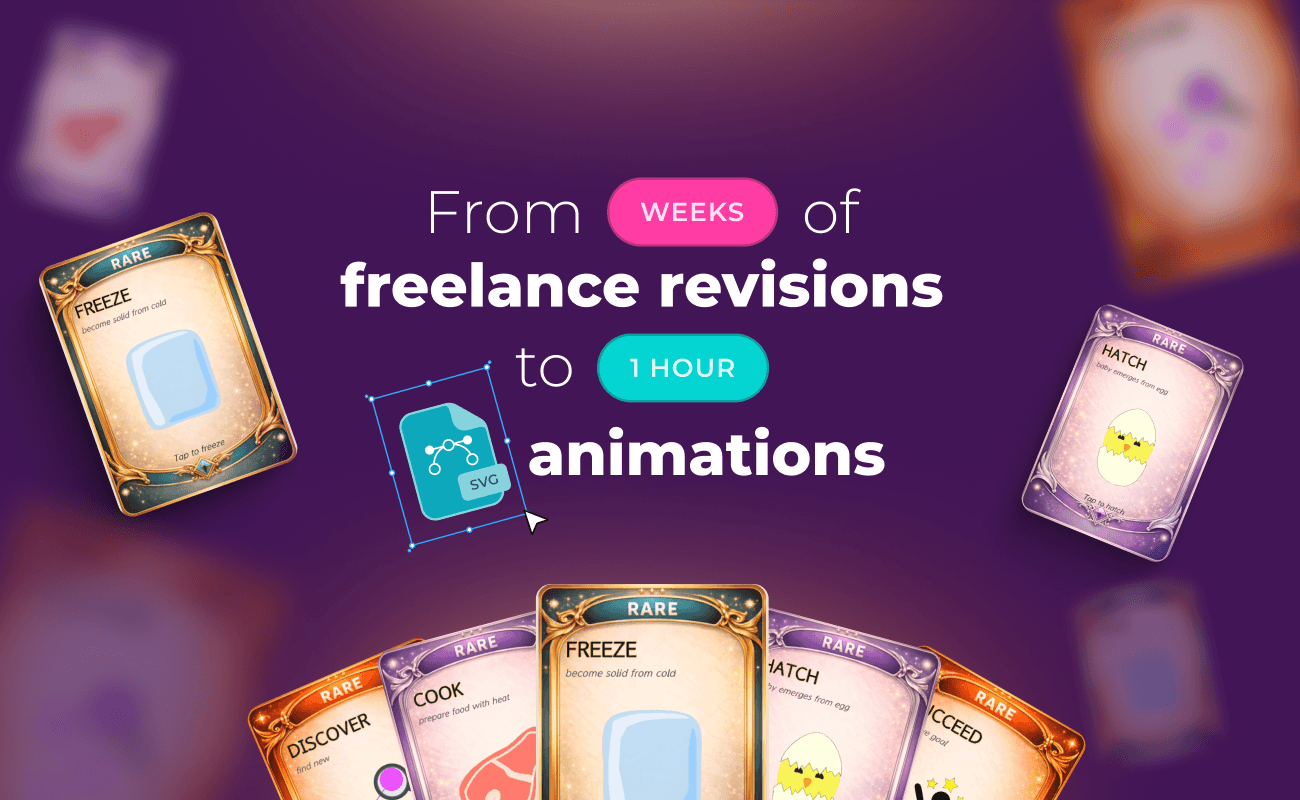
Web animation is usually a separate job: you build it in one tool, export a video or GIF, then drop the file into the page. That works for a one-off, but it gets slow on a site full of small moving details.
Peter Franklin, founder and creative designer of ENTER PLAYER 1, an arcade-themed website packed with animated visuals, ran into exactly that friction. This case study looks at how he closed the gap between designing a graphic and animating it for the web, using native SVG animation built into his workflow.
Table of contents
The challenge: When a full production stack leaves an animation gap
The solution: Native web animation built into the design process
Animation moved into the design process
The results: Less friction and 30 hours saved each month
Faster iteration and a consistent look
The challenge: When a full production stack leaves an animation gap
Peter is not a designer who lacks animation skills. He works solo across a broad stack:
- WordPress and Elementor for the site
- Photoshop and Blender for graphics and 3D
- After Effects, Premiere Pro, and OBS for video
- HTML and CSS, AI image and video tools, and audio tools like Ableton and FL Studio
On paper, he already owns everything needed to animate. The gap was not capability. It was fit.
Before SVGator, Peter produced animations as video, GIF, or WebM exports, as basic CSS animations, or by building them by hand in Blender and Adobe tools. That pipeline handled some jobs well, but it was slow and inflexible for lightweight animated website graphics: the kind of clean, scalable visual meant to sit naturally inside a webpage rather than play back as a heavy video asset.
For a site like ENTER PLAYER 1, that overhead compounds. When a brand is built on many small animated elements, turning each one into a full video-production task makes the whole build heavier to create, harder to adjust, and slower to iterate on.
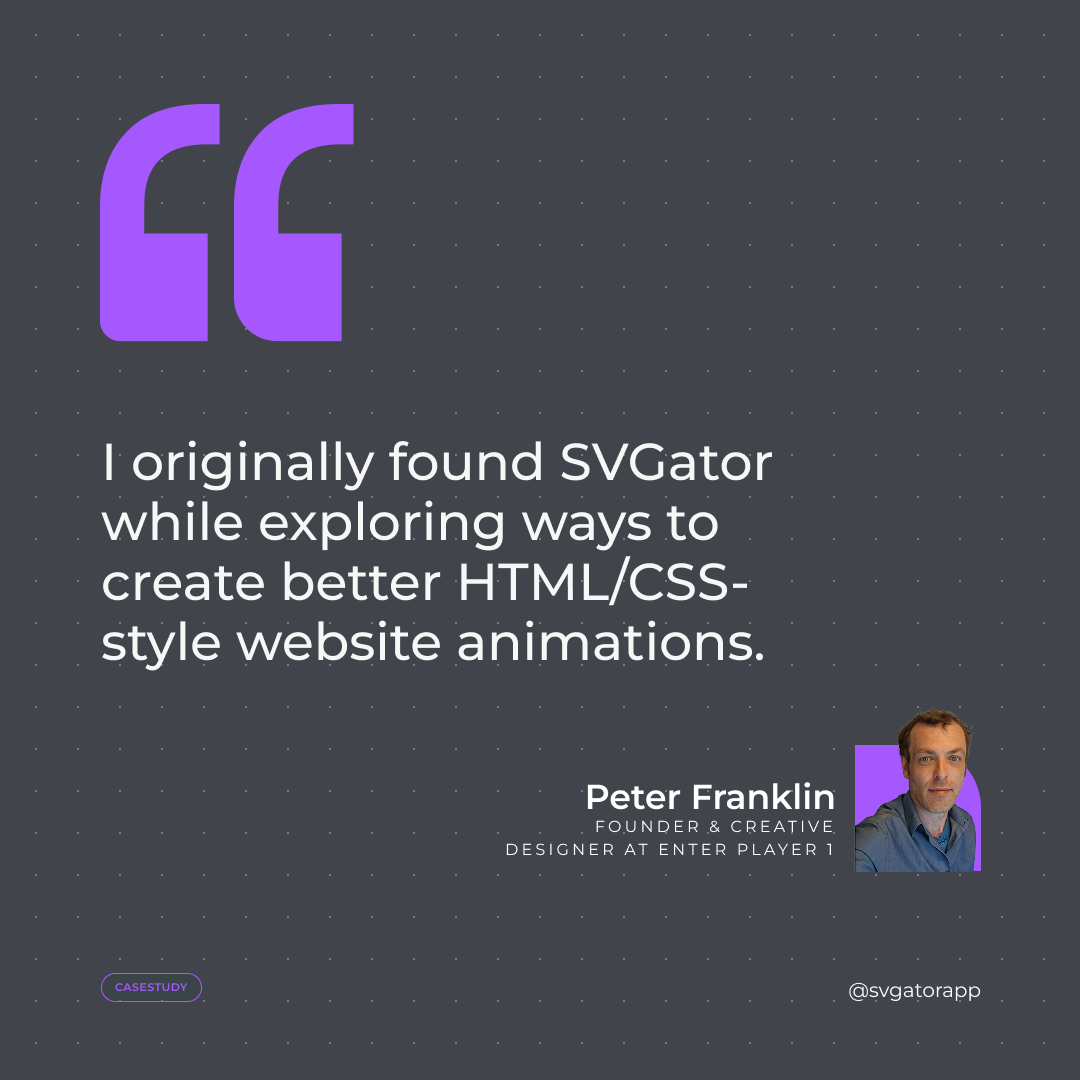
Peter had used SVGator on earlier creative projects. So when he started building the website, he came back to it for a bigger job: a faster way to create polished web animations without paying the video-production tax on every element.
The solution: Native web animation built into the design process
Peter needed a way to create polished, lightweight web animations that live inside the page, controllable enough for complex hero and interface work, without spinning up a full video pipeline for each element.
SVGator fits because it produces native SVG animation directly, which is exactly the format the pages wanted.
A finished animation exports as a single, browser-native file that renders without a separate runtime to load, so the output stays light instead of shipping as a heavier video.
Animation moved into the design process
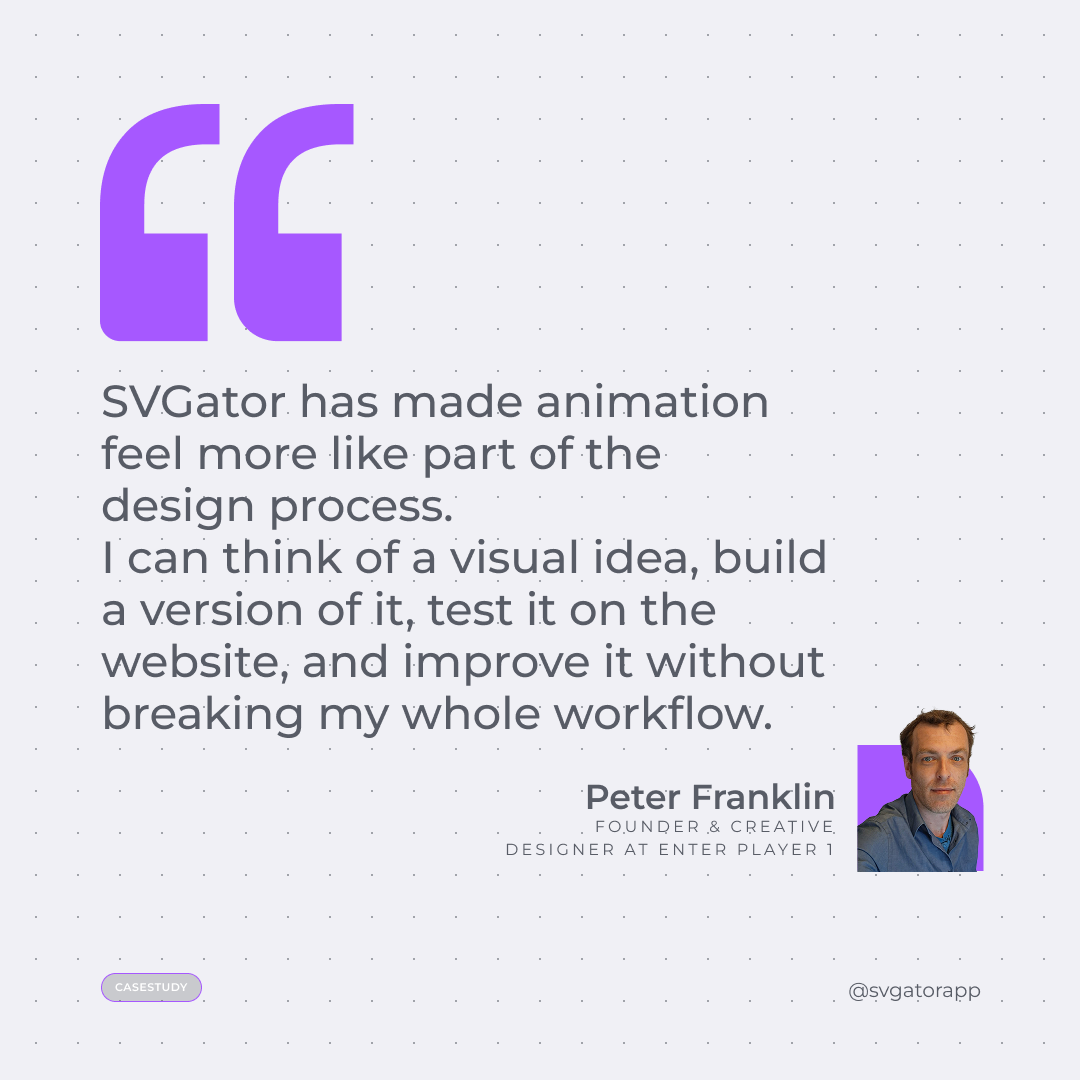
The bigger shift was where animation happened. Instead of a separate stage, it became part of designing. Peter thinks of a visual idea, builds a version of it in SVGator, tests it live on the site, and refines it without breaking his workflow. He describes the tool as quicker and more user-friendly than many others he uses, and more controllable than his previous approach.
How long it actually takes
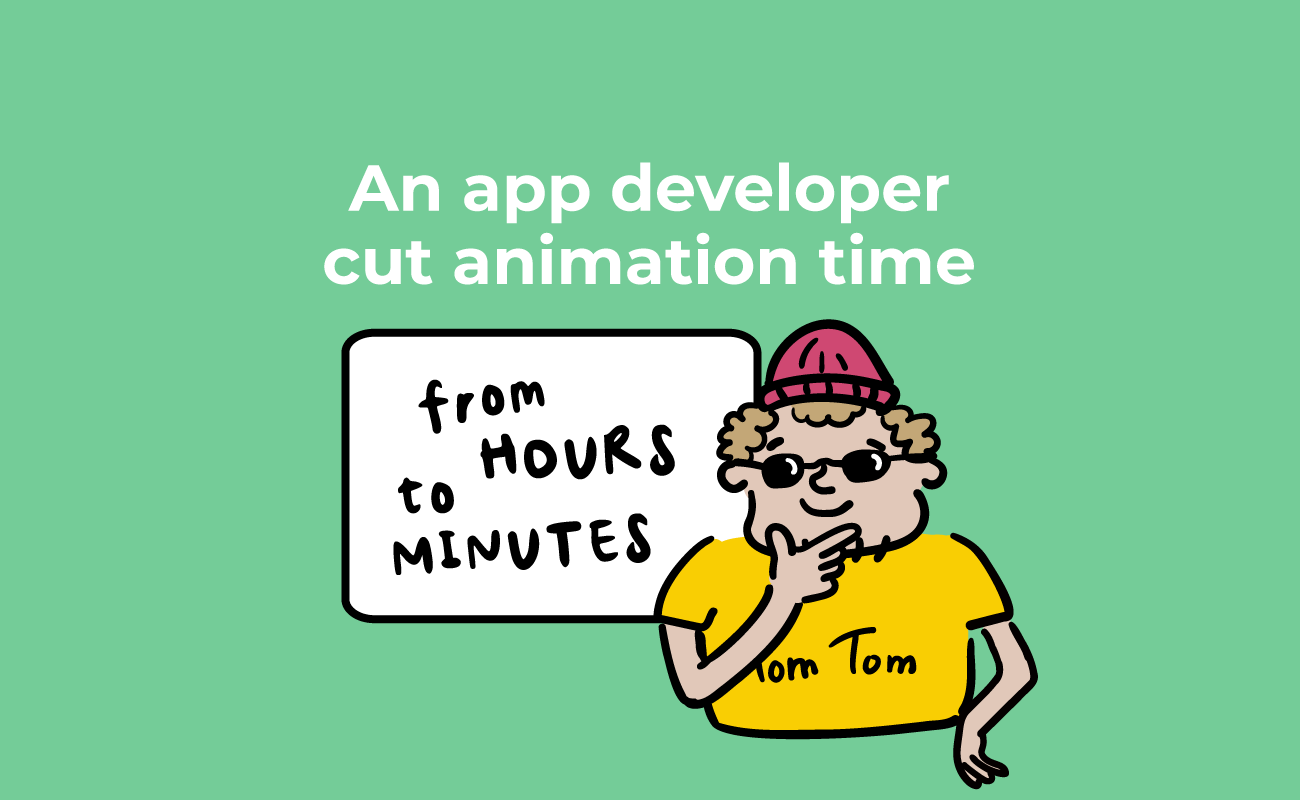
The timing shows why that loop stays tight. Simple animations are created or adjusted in roughly 5 to 10 minutes. More complex hero or interface animations still take a few hours, depending on how involved they are: a seagull flying past the scene ran about 2 hours, for example.
The results: Less friction and 30 hours saved each month
The strongest outcome here is a change in how the work feels, not a single headline number. Animation stopped being a separate technical job and became a design step. That reframing is what makes everything else possible: iteration got cheap, so Peter can build an idea, test it live, and refine it in one continuous loop rather than re-exporting assets each time.
Faster iteration and a consistent look
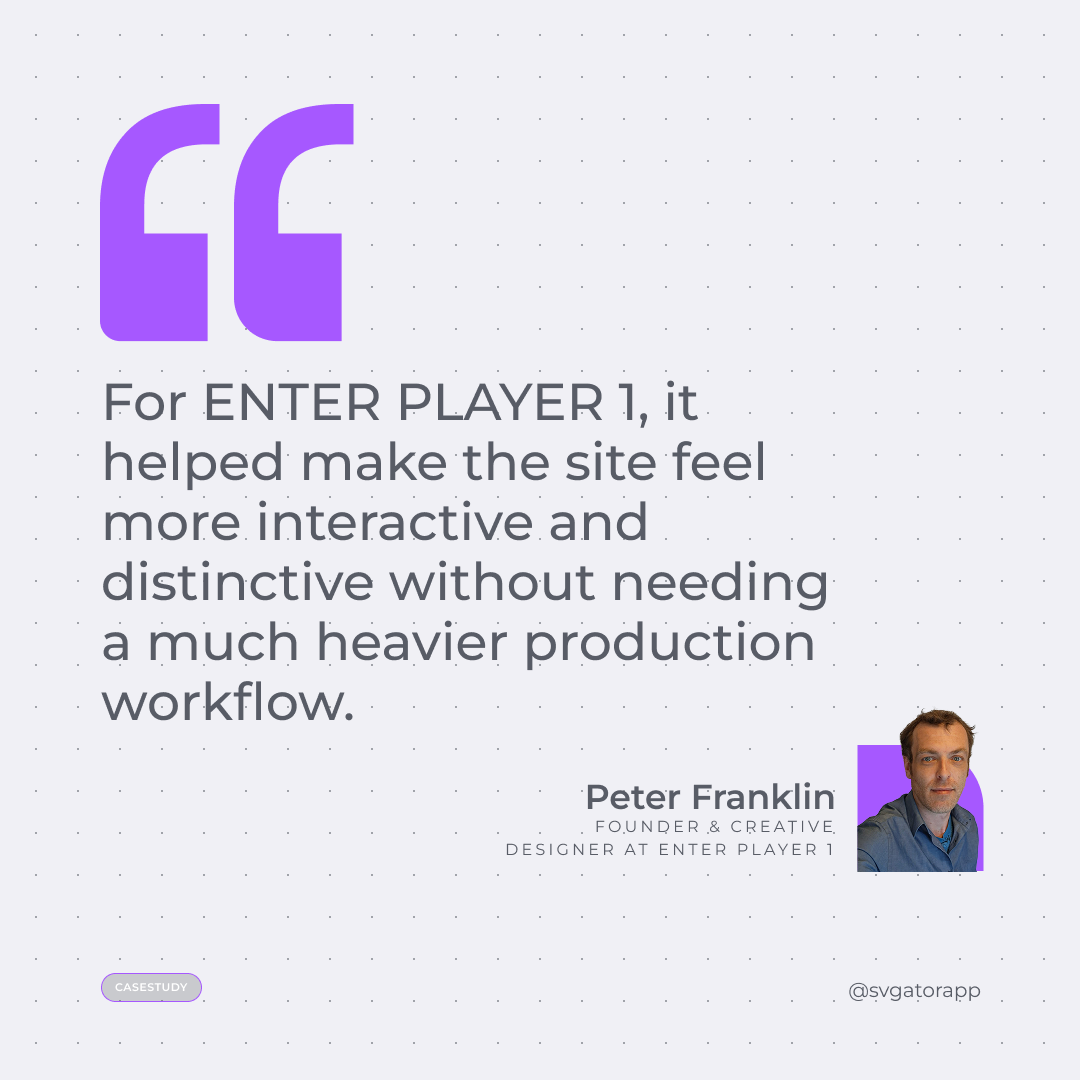
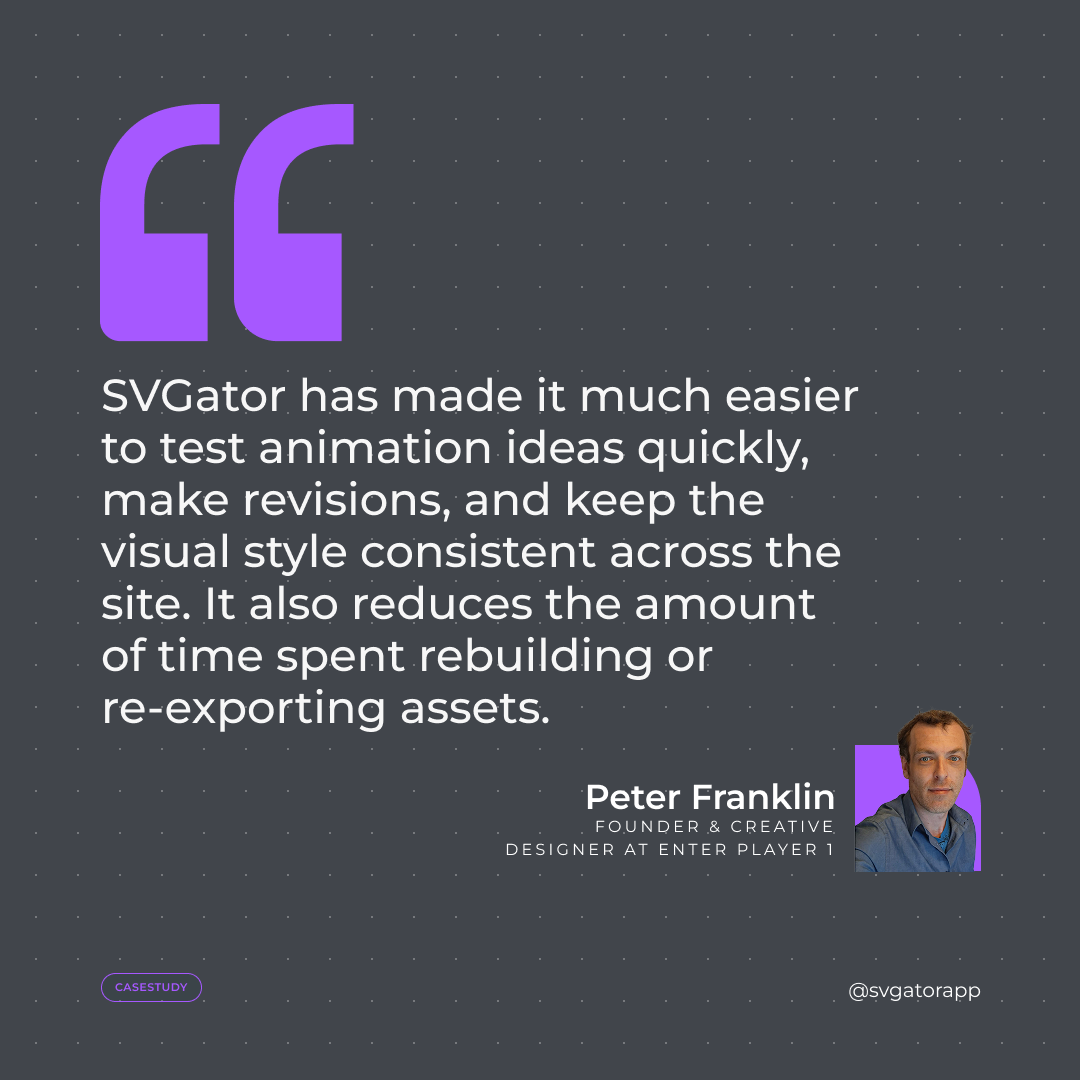
Revisions and testing new ideas got quicker, and the visual style stayed consistent across the whole site. Because animations are built and adjusted in place rather than rebuilt and re-exported, the rework that usually fragments a site's look dropped. The net effect Peter describes is a site that feels more interactive and distinctive, without a heavier production workflow behind it.
The time it gives back
Peter offers a one-directional figure: an estimated 15 to 30 hours saved per month during heavy build periods, sometimes more, tied directly to how much website work he is doing at the time. He is upfront that this is an estimate, not a measured before-and-after, so it reads best as a sense of scale rather than a precise stat. The reference points below fill in the texture.
| What | SVGator |
| Simple animation | Roughly 5 to 10 minutes to create |
| Complex hero or interface animation | A few hours, depending on complexity |
| Time saved per month | An estimated 15 to 30+ hours during heavy build periods |
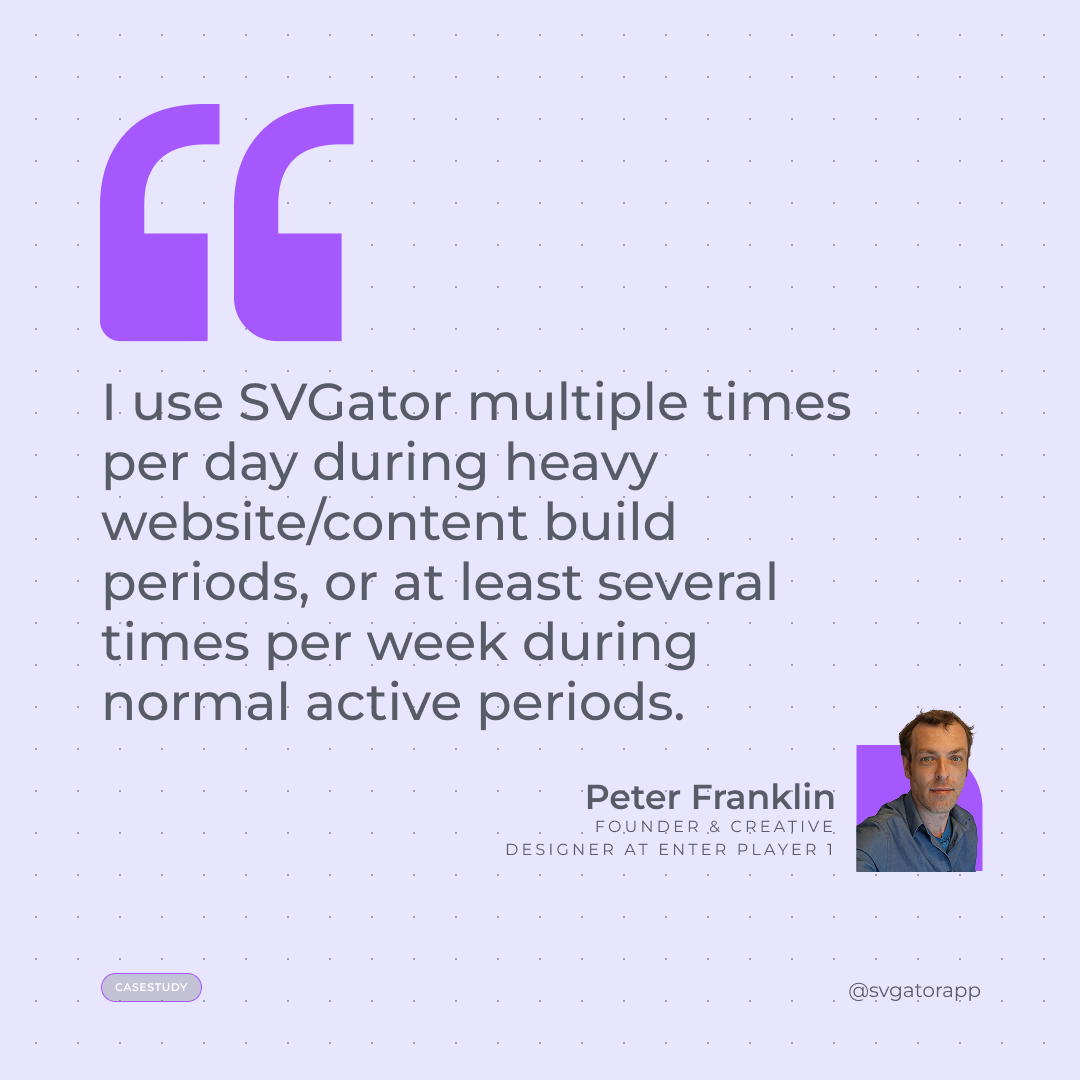
| Usage | Multiple times a day in heavy build periods, several times a week otherwise |
One workflow, many uses
Across a single site, that one workflow now covers a wide range of animated elements:
- Hero animations and animated headers
- Buttons, linked animations, and animated icons
- Arcade-style interface elements and decorative touches
It stretches past the page too, into social visuals, competition graphics, and puzzle and brand assets.
Final thoughts
The takeaway here is about tool selection rather than a new capability. Peter already owned the heavy production tools, and still reached for a lighter one because it was right for the job. When the work is native web animation across a highly animated site, the win is not raw power. It is less friction: a fast, iterative design step in place of a separate video-production task.