
André D'Arriaga runs Digital Square as an independent UI/UX and branding designer, working as a partner to several companies on websites, brand systems, and digital products.
Animated SVG illustrations are now part of that offering, added without restructuring his workflow around motion software, and the shift changed both his production time and how he handles client revisions.
Table of contents
- The challenge: When revisions meant rebuilding everything
- The solution: Motion that fits the existing design workflow
- The results: Four-hour illustrations done in two
- Half the time on complex illustrations
- Animation work that wasn't feasible before
- Revisions that don't cascade
- Export flexibility for every deliverable
- A workflow that pairs with Figma
- Final thoughts
The challenge: When revisions meant rebuilding everything
André's core craft is interface and brand design. Animation has always been part of the conversation with clients, especially for websites, logos, and email signatures, but the path to delivering it was never clean.
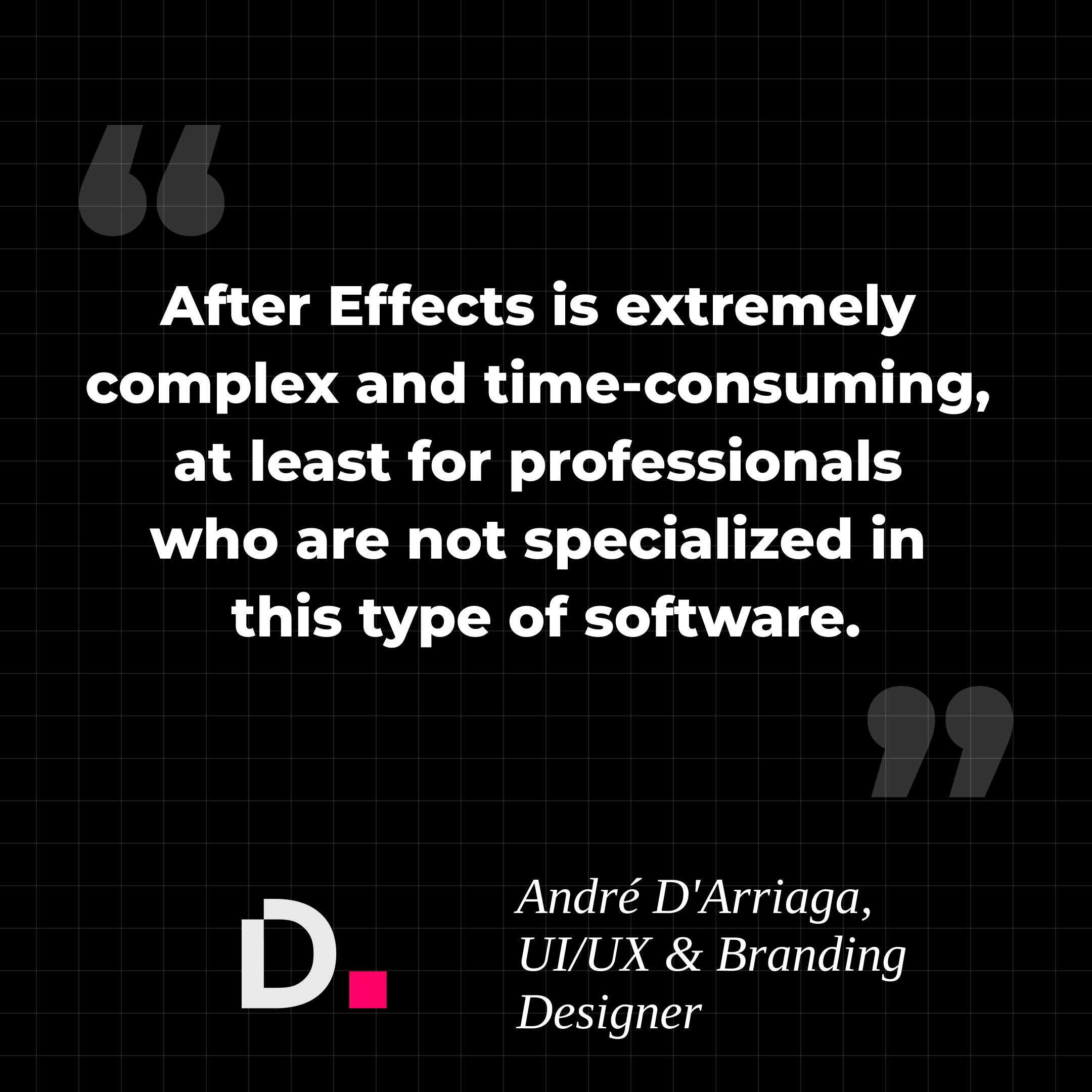
When he needed motion, the default option was After Effects. The tool works for full-time motion designers, but for a UI/UX designer who isn't producing animation every day, the complexity tax is real. André tried vector animation in Flash (now Adobe Animate) earlier in his career and couldn't balance it with the rest of his work. After Effects wasn't much different in practice: a steep learning curve, dense interface, and a workflow that sat outside everything else he did.
The bigger problem went past time. Some of the illustration work he wanted to deliver simply wasn't feasible for him in After Effects. Animation became something he often skipped pitching, not because clients didn't want it, but because the production cost (time, mental load, revision risk) didn't pencil out for occasional work.
Revisions made it worse. In a tight timeline, shifting a single keyframe could cascade through every adjacent moment, forcing a rebuild keyframe by keyframe. Client feedback, normally a routine part of UI/UX work, turned into something to dread.
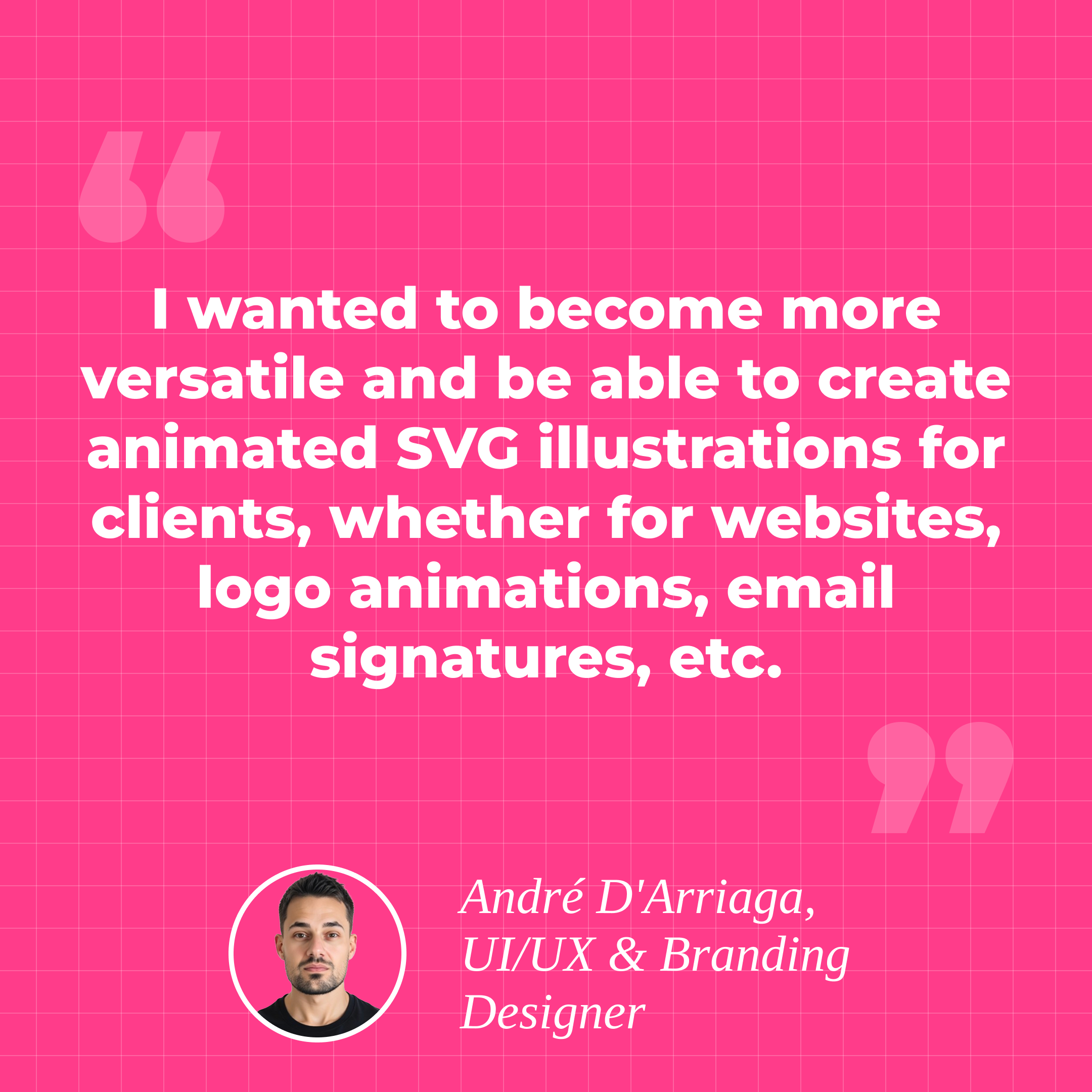
The trigger for change was straightforward. André wanted to become more versatile as a designer and offer animated SVG illustrations across the deliverables clients were already asking about: website graphics, logo animations, email signature animations.
The friction points in one view:
- After Effects's complexity didn't justify the investment for occasional, non-specialist animation work.
- Vector animation in Flash never balanced with the rest of his UI/UX workload.
- A single keyframe edit could cascade through the timeline and force a full rebuild.
- Some of the illustration work he wanted to deliver simply wasn't feasible in his earlier setup.
- Animation slid off the offer sheet, even when clients asked for it.
The solution: Motion that fits the existing design workflow
André needed an animation tool that matched the way he already worked, not one that demanded a separate practice around it. Three things mattered: a learning curve short enough to absorb between active projects, output flexibility for different client deliverables, and clean pairing with Figma, which is where his design work already lives.
SVGator covered all three. The learning curve was fast in his own experience. He could become productive without committing months to a tool he'd only use part of the time. The kind of illustration work that wasn't possible for him in After Effects became achievable in SVGator, which shifted animation from off-the-table to an active part of his offer.
The new workflow stays linear. André designs in Figma, animates in SVGator, then exports the final asset in whatever format the client deliverable requires. That last step turned out to matter more than he expected.
A single source file in SVGator can leave as an SVG for development, as a video or GIF for a presentation, or as a scaled vector for a larger display without pixelation. The same animation handles a hero illustration on a website, a stakeholder review deck, and a marketing asset without re-animating anything.
The timeline itself is where the revision problem disappeared. SVGator lets him modify a moment directly without rebuilding the keyframes that surround it, which is the difference between a five-minute change and an afternoon of cleanup.
| What he needed | How SVGator delivered |
| A learning curve short enough to absorb between active projects | Productive in days, not months, on a tool used part of the time |
| Output flexibility for different client deliverables | One source file exports as SVG, video, GIF, or scaled vector |
| Clean pairing with Figma, his design surface | Figma stays the design surface; SVGator handles motion |
| Direct timeline edits without cascade | Modify a moment without rebuilding adjacent keyframes |
| Illustration work that wasn't feasible before | Animation moves into the offer as a billable deliverable |
The results: Four-hour illustrations done in two
Half the time on complex illustrations
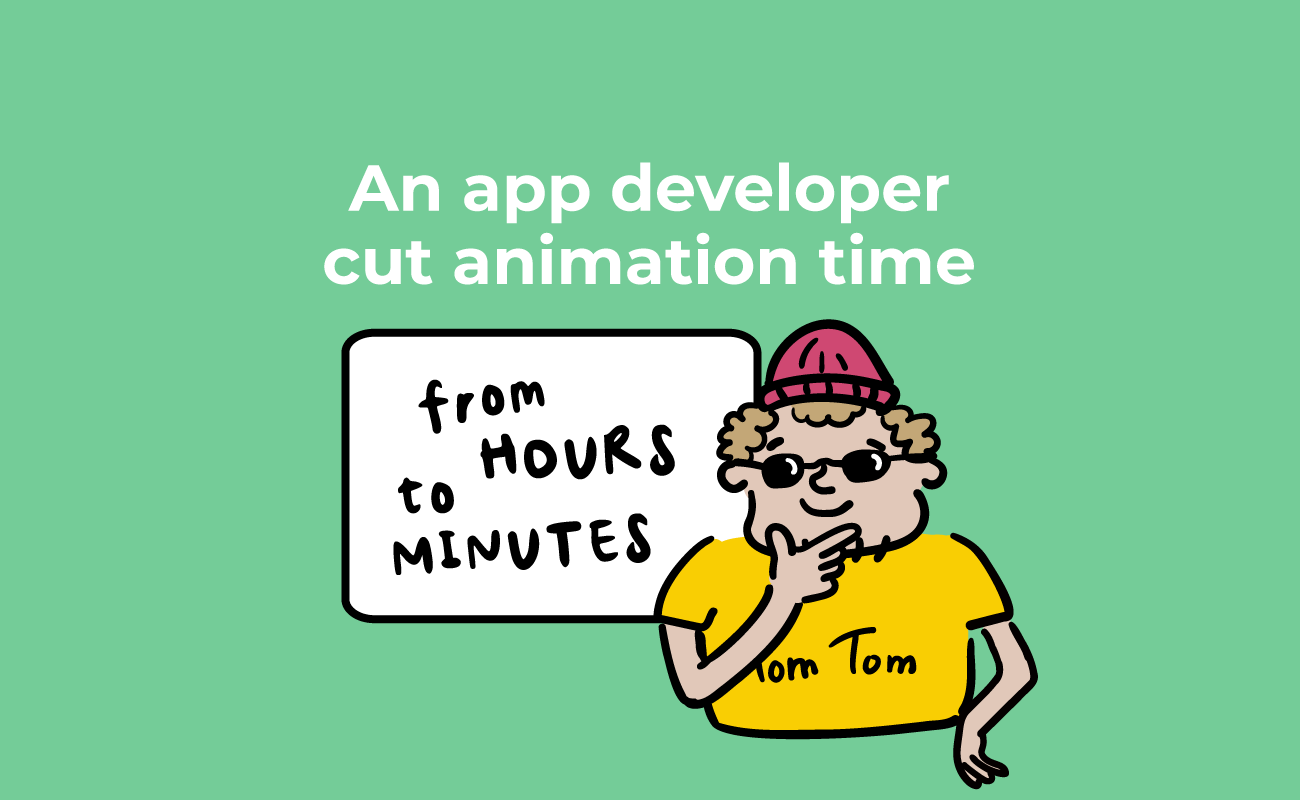
The clearest number is on production time. Complex animated illustrations that took André roughly four hours in his earlier setup now take about two. That's a 50% reduction on the work he can directly compare, with the caveat that this is one designer's measurement on his own illustrations, not a benchmark across a dataset. Another independent designer documented a similar jump after switching to an SVG-native, browser-based workflow.
Animation work that wasn't feasible before
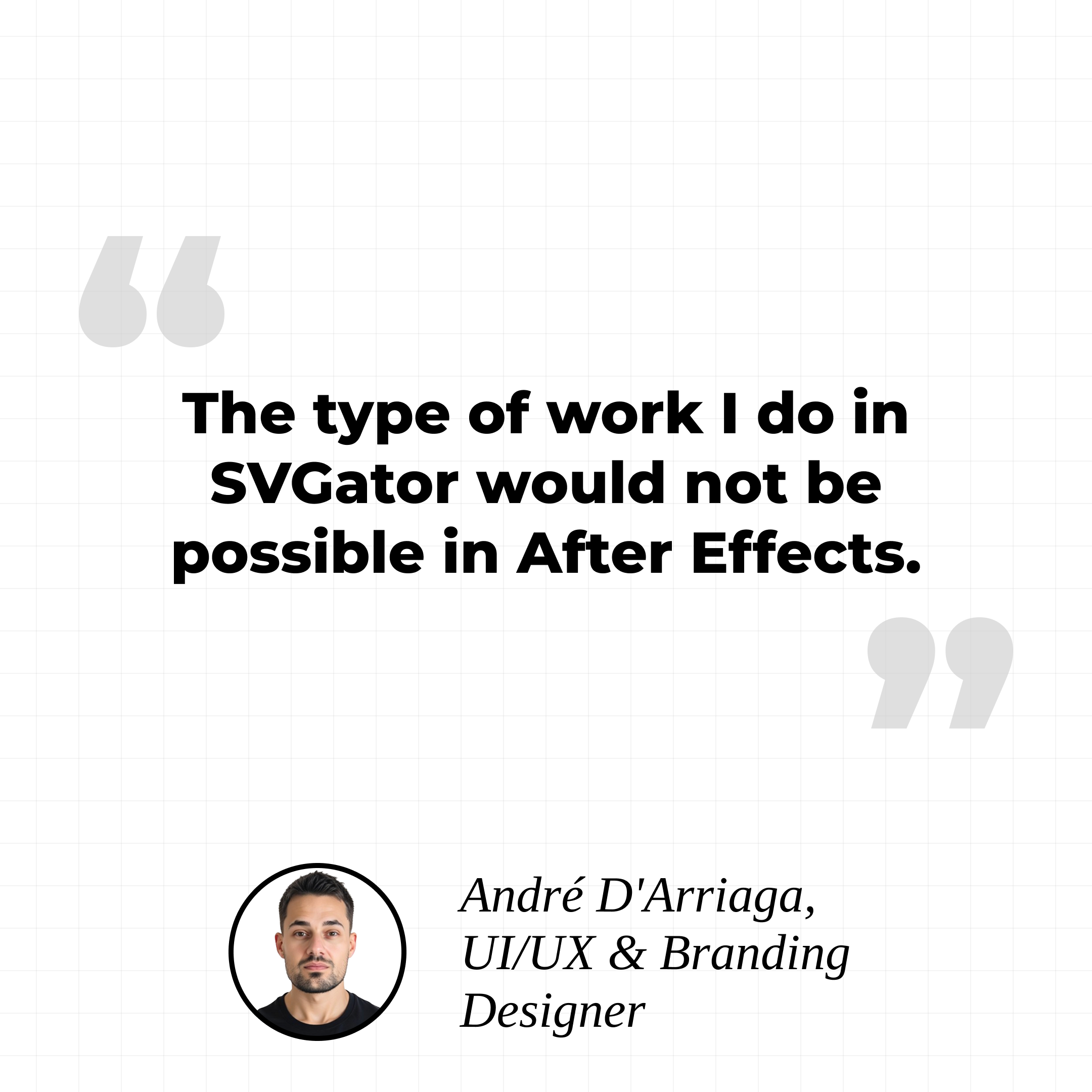
This is the headline shift, even without a percentage attached. André is direct about it: the type of work he produces in SVGator was not possible for him in After Effects.
Animation has moved from a service he often skipped pitching to something he actively offers across his client engagements, including website illustrations, animated brand logos, and email signature animations.
Revisions that don't cascade
Client feedback is part of UI/UX work, and a tool that punishes iteration changes how a designer talks to clients about scope. SVGator's timeline behavior means a requested change at second X doesn't force a full rebuild of every keyframe that follows. The change happens where the request lives, and the rest of the timeline holds. Iteration turned from a friction point into a normal part of the back-and-forth.
Export flexibility for every deliverable
André called this his unexpected favorite finding. From a single SVGator file, he can export an SVG for the developer handoff, a GIF or video for client presentations, or a scaled vector for a larger format without losing quality. One source file covers the website asset, the pitch deck slide, and any future format the client asks for.
A workflow that pairs with Figma
Figma is the design surface. SVGator handles motion. The handoff between them is clean, which matters for a designer whose entire practice already runs through Figma. Nothing in the existing workflow had to be replaced to add animation as a deliverable.
Final thoughts
Animation has historically been a separate discipline from UI/UX work, with its own software, learning curve, and production rhythm. André's experience is a working example of what changes when the tool matches a designer's existing workflow instead of demanding a new one.
For independent designers and small studios looking at the same problem, SVGator is a practical place to start.