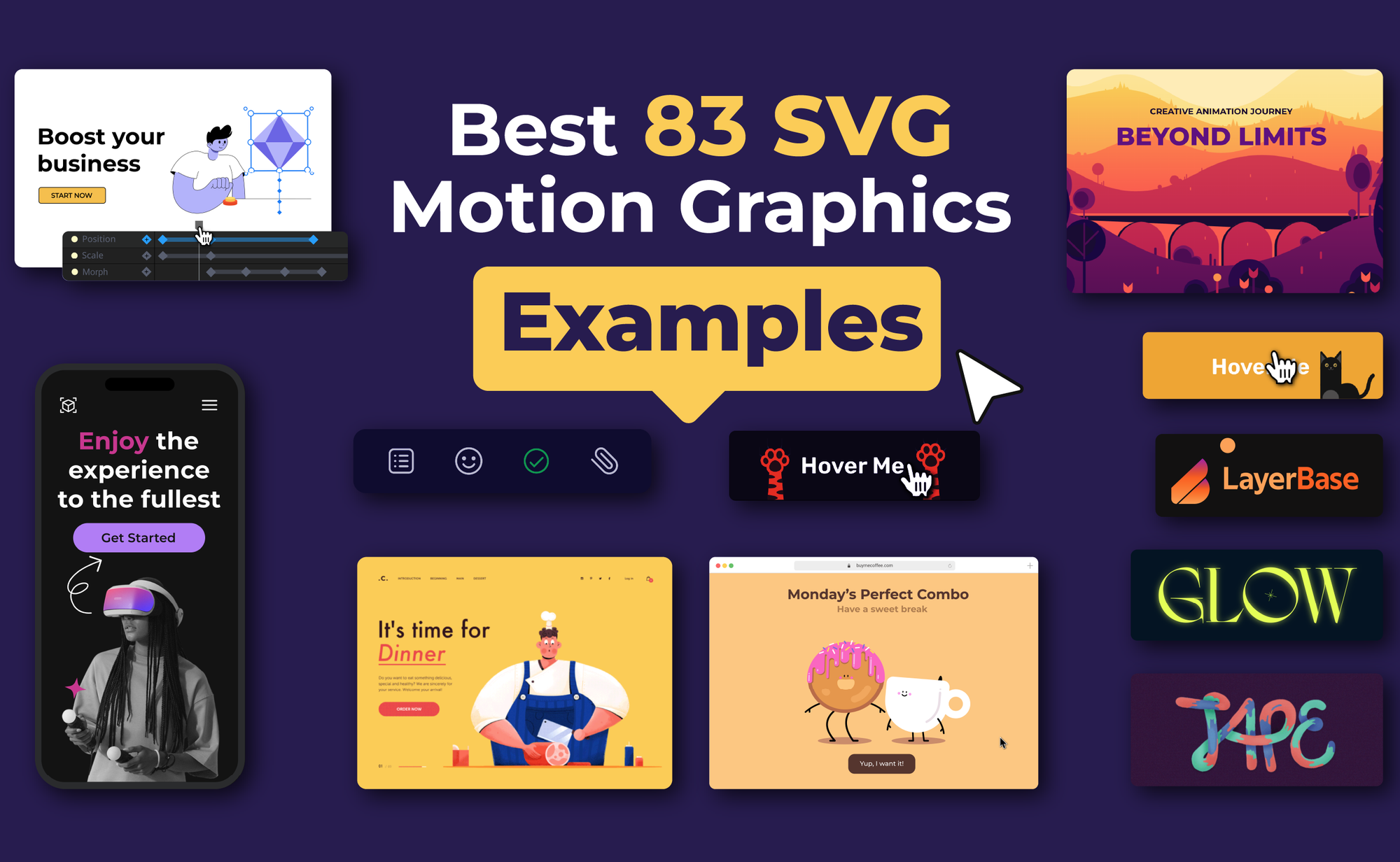
Motion graphics play a central role in how websites, apps, and digital products communicate ideas visually. This collection of the best SVG motion graphics examples highlights how scalable animations are used in real projects, including UI interactions, explainer visuals, marketing assets, data visualizations, and animated illustrations.
TABLE OF CONTENTS
Logo Motion Graphics For SaaS Companies
SVG Hero Animations For Frontend Developers
SVG Motion Graphics For Micro-interactions
Background Loop Animations For UI Design
Explainer Motion Graphics For Product Designers
SVG Motion Graphics For Kinetic Text
SVG UI Motion Graphics For Web Designers
Data Visualization SVG Animations For Presentations
SVG Animated Illustrations For Narrative Content
SVG Animations For Marketing Campaigns
Onboarding Motion Graphics For New Users
Character Motion Graphics For Storytelling
Tips And Tricks For Creating SVG Motion Graphics
Common Mistakes When Creating Motion Graphics
What Are SVG Motion Graphics?
SVG motion graphics are vector-based graphics enhanced with animation, allowing designers to create visuals that combine precision and movement.
Unlike raster-based animations, SVGs remain lightweight and load quickly, making them ideal for web design, app interfaces, and marketing campaigns where performance and interactivity matter.
SVG Motion Graphics Use Cases
Below are some of the most common use cases and how they are applied in real-world projects.
Logo Motion Graphics For SaaS Companies
Animated logos help SaaS companies create memorable brand identities. By adding subtle movement, such as a rotating icon or a morphing shape, logos feel dynamic and modern. These motion graphics are often used on landing pages, app intros, and explainer videos to instantly communicate brand personality.
SVG Hero Animations For Frontend Developers
Hero sections benefit from SVG motion graphics to create impactful first impressions. Animations such as background shapes, illustrations, or call-to-action highlights guide users’ attention and make the page feel alive.
SVG Motion Graphics For Micro-interactions
Interface elements such as menus, icons, and sliders become more interactive with subtle SVG motion graphics. These micro-interactions improve usability and provide feedback, making websites feel more polished and responsive.
Background Loop Animations For UI Design
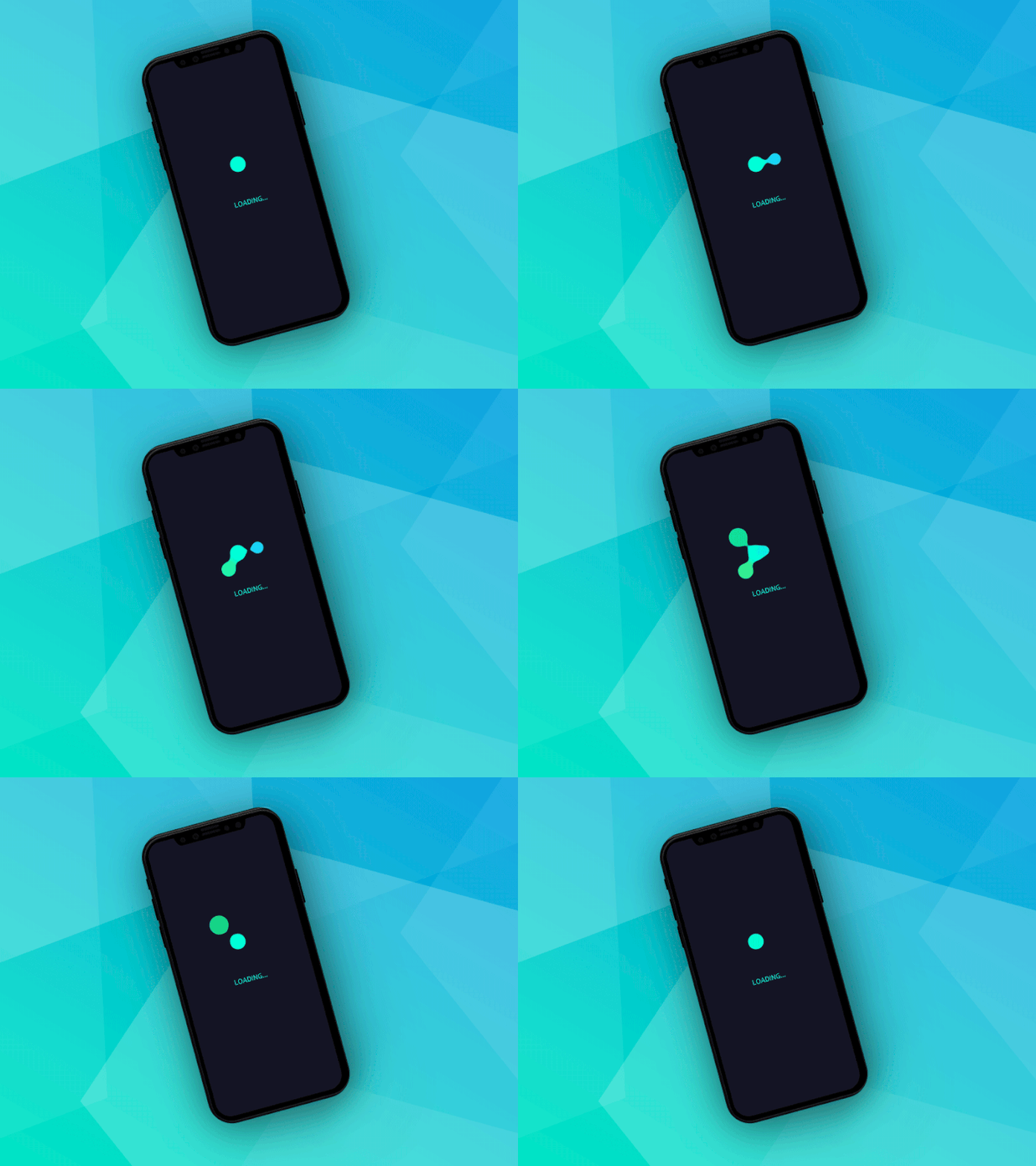
Looping SVG animations can create subtle, dynamic backgrounds for apps or websites. These animations maintain visual interest without distracting users and can convey brand identity through color, shape, and movement.
Explainer Motion Graphics For Product Designers
Product designers use SVG motion graphics to illustrate workflows, highlight features, or demonstrate functionality. Short, animated sequences can make complex processes easier to understand and keep users engaged without overwhelming them with text.
SVG Motion Graphics For Kinetic Text
Text can become a visual feature with kinetic animations. By animating individual letters, words, or phrases, marketers can emphasize key messages and make campaigns more memorable across websites, emails, or social media.
SVG UI Motion Graphics For Web Designers
SVG UI motion graphics allow web designers to add expressive, resolution-independent animation directly into interface layouts. Common real-world uses include SVG-based page transitions that morph shapes between routes, animated error messages, and background scenes that respond to scroll.
Data Visualization SVG Animations For Presentations
Charts, graphs, and infographics become more intuitive when animated. SVG motion graphics help designers reveal trends, comparisons, or key metrics gradually, making it easier for audiences to understand the data and remember key insights.
SVG Animated Illustrations For Narrative Content
Whether for storytelling, educational content, or digital comics, SVG animated illustrations add personality and visual interest while keeping file sizes manageable.
SVG Animations For Marketing Campaigns
Brands use SVG motion graphics to create lightweight, eye-catching ads, including animated web banners, pop-ups, marketing emails, and interactive pitch decks, which help improve conversion rates.
Onboarding Motion Graphics For New Users
Interactive onboarding flows can use motion graphics to explain features step by step. Animated SVGs make tutorials more engaging and reduce friction, helping users understand how to navigate apps efficiently.
Character Motion Graphics For Storytelling
Characters can be animated to convey emotion, action, or narrative in storytelling projects. SVG motion graphics provide scalable animations that work seamlessly in web comics, educational platforms, and interactive experiences.
Tips And Tricks For Creating SVG Motion Graphics
Creating effective SVG motion graphics requires more than just moving shapes around. Keeping graphics lightweight by minimizing unnecessary paths and elements helps reduce file size and ensures faster loading. Using easing functions like ease-in, ease-out, or custom curves makes animations feel smooth and natural.
Timing is important to coordinate how animations play, guiding the viewer’s attention without causing confusion. Leveraging CSS and JavaScript for transforms, opacity, or path morphing allows for efficient and interactive animations. Finally, testing your graphics across desktops, tablets, and mobile screens ensures they display correctly for all users.
| Tips & Tricks | Description | Why It Matters |
| Keep it lightweight | Remove unnecessary elements and simplify paths | Reduces file size and improves loading speed |
| Use easing functions | Apply ease-in, ease-out, or custom curves | Makes animations feel smooth and natural |
| Plan your timing | Coordinate when and how animations play | Prevents clutter and guides user attention |
| Leverage CSS & JS | Animate transforms, opacity, or path morphing | Optimizes performance and enables interactivity |
| Test across devices | Check animations on desktop, tablet, and mobile | Ensures consistency and usability |
Common Mistakes When Creating Motion Graphics
Even experienced designers can make errors that reduce the effectiveness of motion graphics. Avoid these common pitfalls:
- Overcomplicating animations with too many moving elements.
- Ignoring performance optimization results in slow-loading graphics.
- Skipping mobile testing, which can lead to broken animations on smaller screens.
- Using excessive loops or unnecessary motion, distracting users instead of guiding them.
- Relying solely on default easing functions without adjusting timing for context.
Final Thoughts
SVG motion graphics are a powerful way to add movement and visual interest to interfaces, illustrations, and marketing content, helping guide attention and communicate ideas more effectively.
If you are looking for a dedicated tool to create, edit, and export SVG animations without writing code, SVGator is a strong choice. It provides a visual animation timeline, advanced easing controls, and export options optimized for web performance.
FAQ
Can SVG be animated?
Yes, SVG can be animated without coding by using visual animation tools like SVGator, which let you create timeline-based animations through a graphical interface and export them as animated SVGs. These platforms handle the underlying animation logic for you, making SVG animation accessible to designers without writing CSS or JavaScript.
What's the optimal file size for SVG motion graphics for fast page loading?
SVG motion graphics should ideally stay under 50KB for individual animations to ensure fast loading on mobile networks. Complex animations can reach 100-150KB but require careful optimisation through path simplification, removing unnecessary nodes, and eliminating redundant code.
Can I use the same animation everywhere without it getting blurry?
Yes, SVG motion graphics maintain perfect quality across all digital touchpoints due to their vector-based nature. The same file works seamlessly on websites, mobile apps, email signatures, and digital displays without any resolution degradation.
What's the difference between SVG animations and regular animations?
SVG motion graphics are vector-based graphics enhanced with animation that combine precision and movement whilst remaining lightweight and scalable. Unlike raster-based animations such as GIFs or video files, SVG animations maintain crisp quality at any resolution and load significantly faster due to smaller file sizes. This makes them particularly suitable for web design and app interfaces.