
TABLE OF CONTENTS
Professional Context
With over 25 years of experience as an art director, Kike has built a career creating distinctive brand identities and motion-based web designs. He specializes in helping entrepreneurs and medium-sized businesses tell their stories through strong visuals and animation. Having witnessed the evolution of design tools from analog to AI-powered systems, Kike approaches each project with creativity, technical precision, and adaptability. As a seasoned professional who has seen every major shift in the industry, he continues to embrace new tools like AI and SVGator to deliver professional, production-ready work that meets modern web standards.

The AI Workflow Challenge
Kike’s workflow combines several AI tools, each used for a specific purpose:
- Image Generation: Freepik (Seedream, Nano Banana, Flux, Mystic), Midjourney
- Video Creation: VEO 3, Kling, Minimax, Seedance
- Content Creation: ChatGPT, Gemini, Perplexity
- Design Enhancement: Adobe Firefly, Freepik
- Code Assistance: Claude
- Audio and Media Production: ElevenLabs, HeyGen, Dreamina, Suno, Dzine
These platforms are powerful generators but share a key limitation.
This limitation matters for production because AI-generated videos lack animation control, have limited export options, and produce heavy raster-based files. For designers who need scalable, lightweight, and interactive outputs, that’s a problem. AI tools are excellent for generating ideas, but they cannot yet deliver production-ready vector animations with the level of control professional designers require.
Where SVGator Fits In
Kike’s workflow combines AI creativity with SVGator’s precision to create a complete production process from concept to delivery. SVGator adds vector animations to AI-generated visuals, fine-tuning them into professional, web-ready assets that meet his clients’ standards.
 SVGator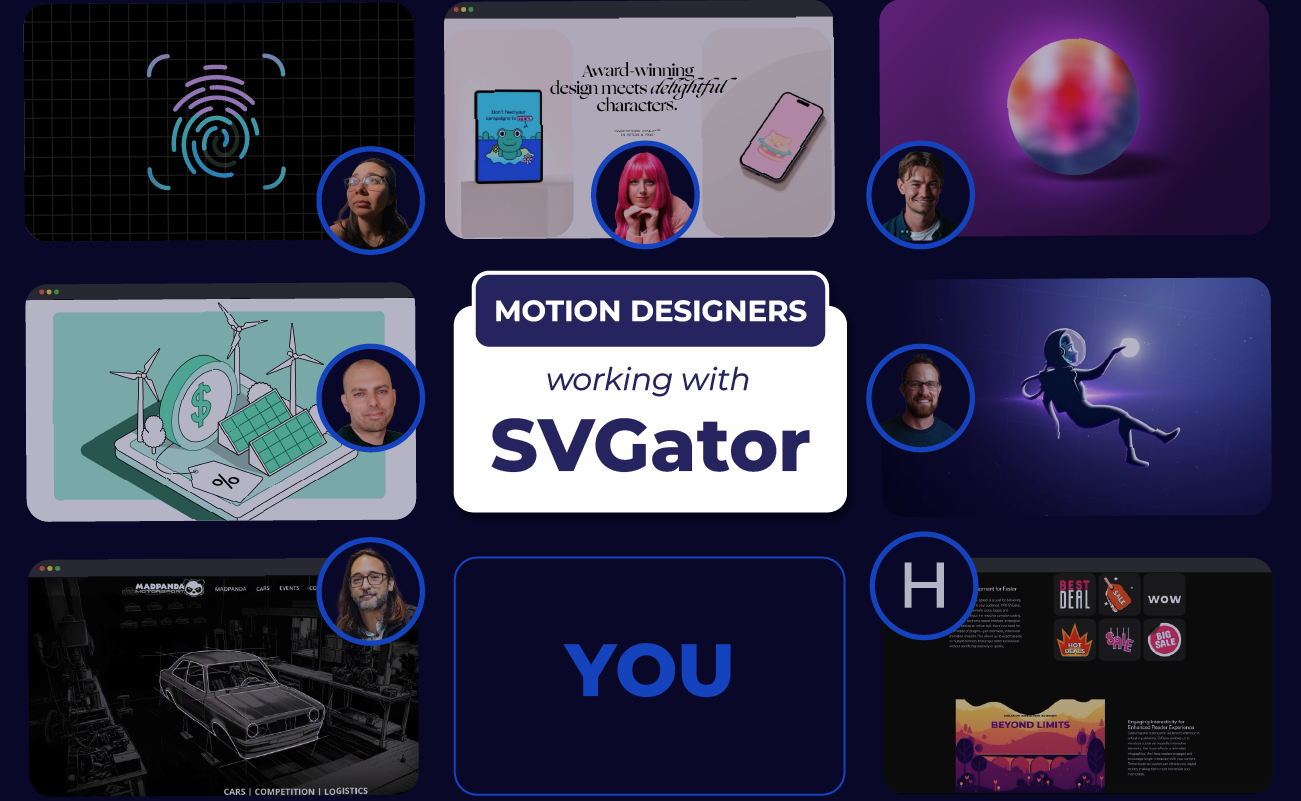
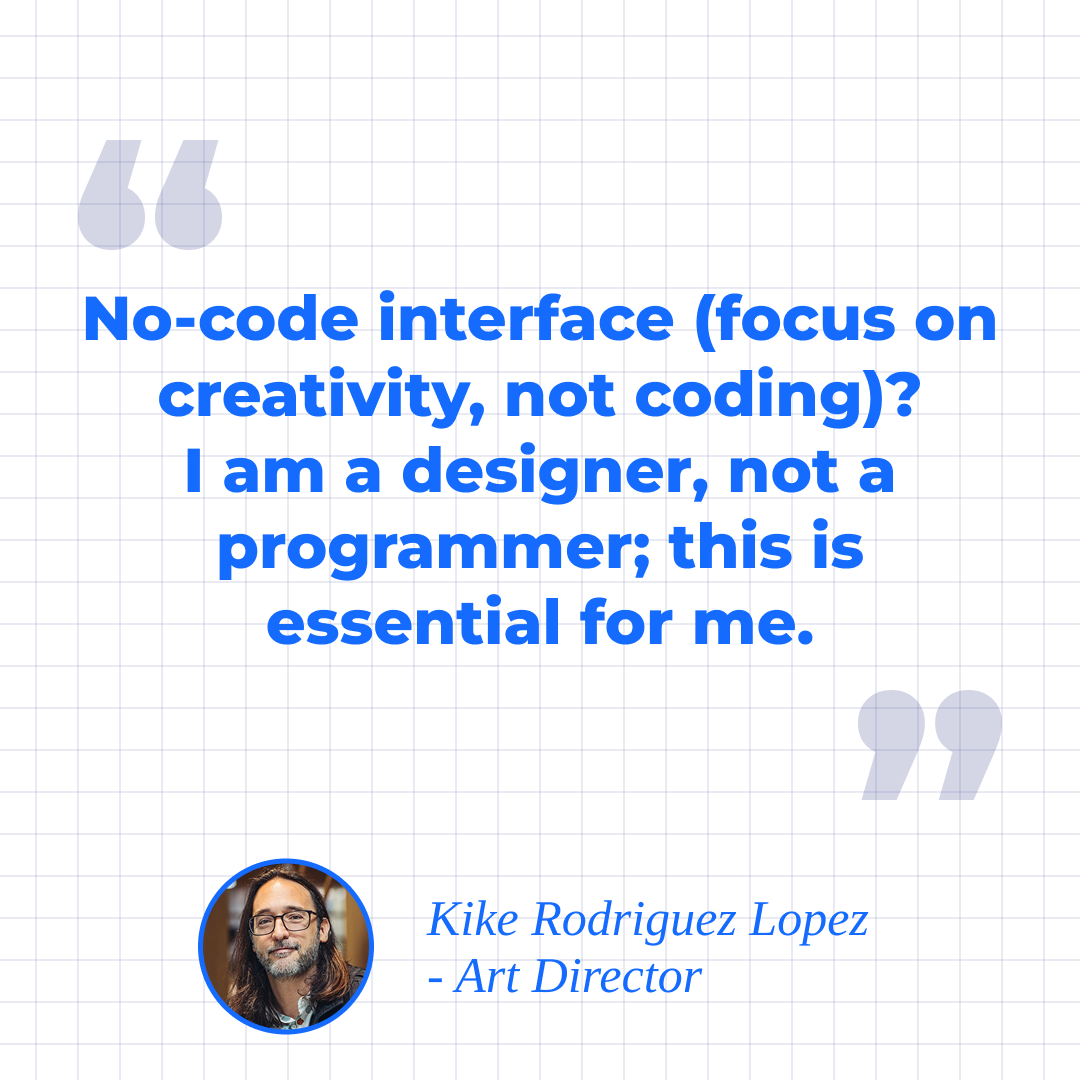
“First, I generate the design and use AI if the client doesn't have images or to improve their images. Then, to create animations without using video, I use SVGator to generate an SVG with bitmap images. I also often use animated lines with SVGator over base images.”

Kike values several SVGator features that make his workflow both efficient and flexible.
- PNG upload allows seamless combination of AI-generated images with vector elements.
- The masking feature is especially powerful for layering and transitions.
- Lottie export with PNG support offers versatility that other animation tools lack.
- The ability to export video and vector formats enables use across multiple channels.
- Lightweight file output improves web performance.
SVGator x Generative AI Tools
The following projects highlight how he applies this workflow in real client scenarios.
Mad Panda Motorsport
Client Type: Motorsport brand
Challenge: The client wanted engaging web animations that reflected the speed and energy of motorsport while maintaining fast loading times and lightweight performance for the website.
AI Tools Used: Freepik and Midjourney were used to generate bitmap images and backgrounds that captured the bold visual style of the brand.
SVGator Work: Kike imported the AI-generated images into SVGator and layered animated vector lines, logo animations, and masked effects to create a dynamic visual experience. By combining bitmap imagery with animated vector elements, he achieved a smooth and visually rich effect without sacrificing performance.
Technical Details: The final animations were exported in SVG and Lottie formats for web use, resulting in a small file size that ensured fast load times and excellent responsiveness.
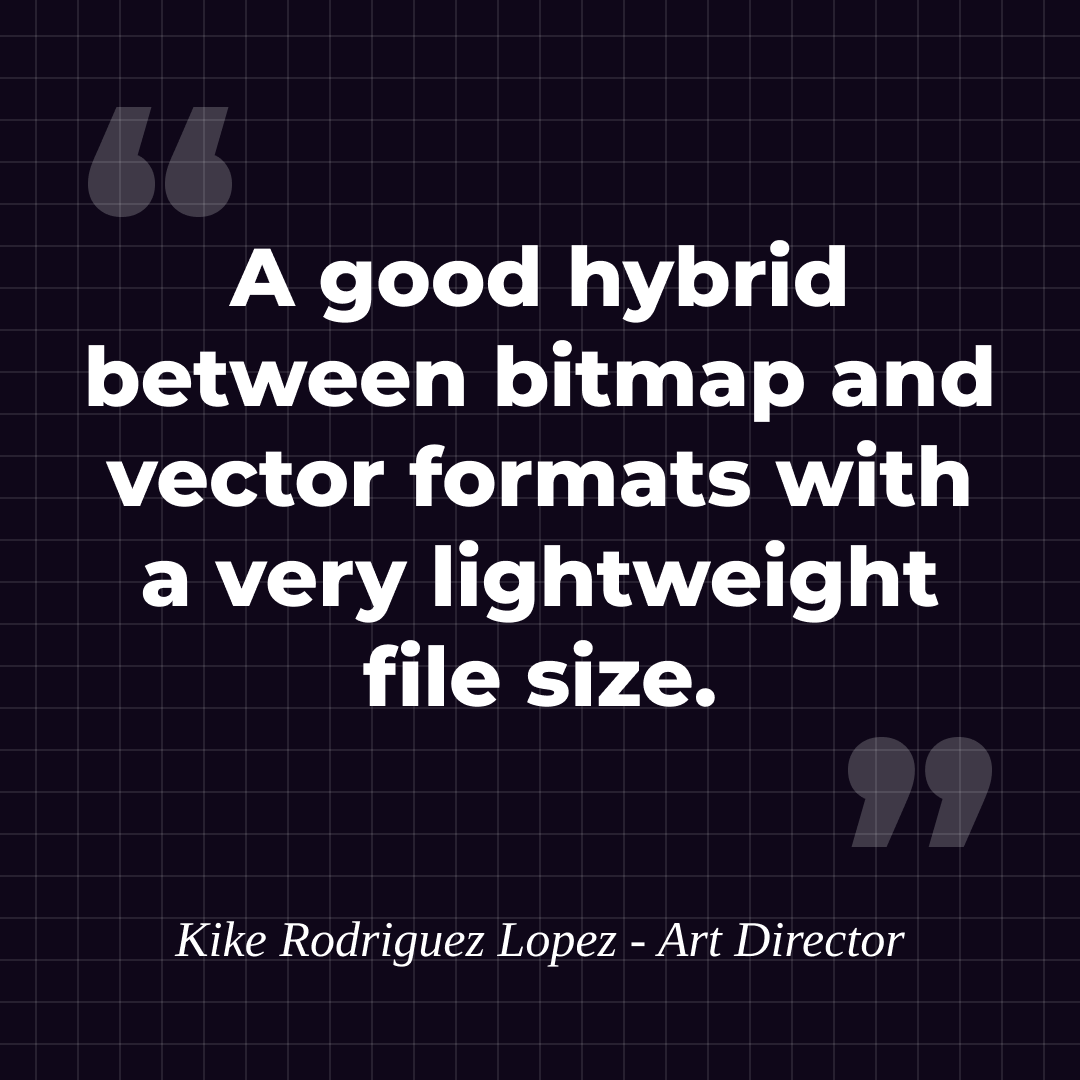
Kike describes this project as
Outcome: The web animations improved brand recognition with motion that's memorable while maintaining top performance, providing a professional look that impressed the client and visitors alike.
TEOCE Course
Project Type: Online course for entrepreneurs focused on project management
Challenge: The goal was to produce educational video content that felt dynamic and professional while keeping production time and costs low.
AI Tools Used: ElevenLabs for voiceover generation, and VEO 3-2, Minimax, and Kling for creating AI-generated video backgrounds and visual elements.
SVGator Work: Kike used SVGator to animate the course logo, add animated vector lines over AI-generated plane imagery, and refine motion timing for smoother visual transitions.
Technical Details: The deliverables included three three-minute videos formatted for online course playback, exported in video format for high compatibility and easy integration.
Outcome: The final videos delivered a high-quality visual learning experience that elevated the online course while keeping production efficient and cost-effective.
Reinforcing Examples
Kike has also applied this AI x SVGator workflow in other projects, such as animated characters, as well as various web design and mixed media motion graphics projects. These examples showcase his ability to adapt the same process across different industries and creative styles.
Client Response: Clients consistently appreciate the speed, affordability, and visual quality of Kike’s work.
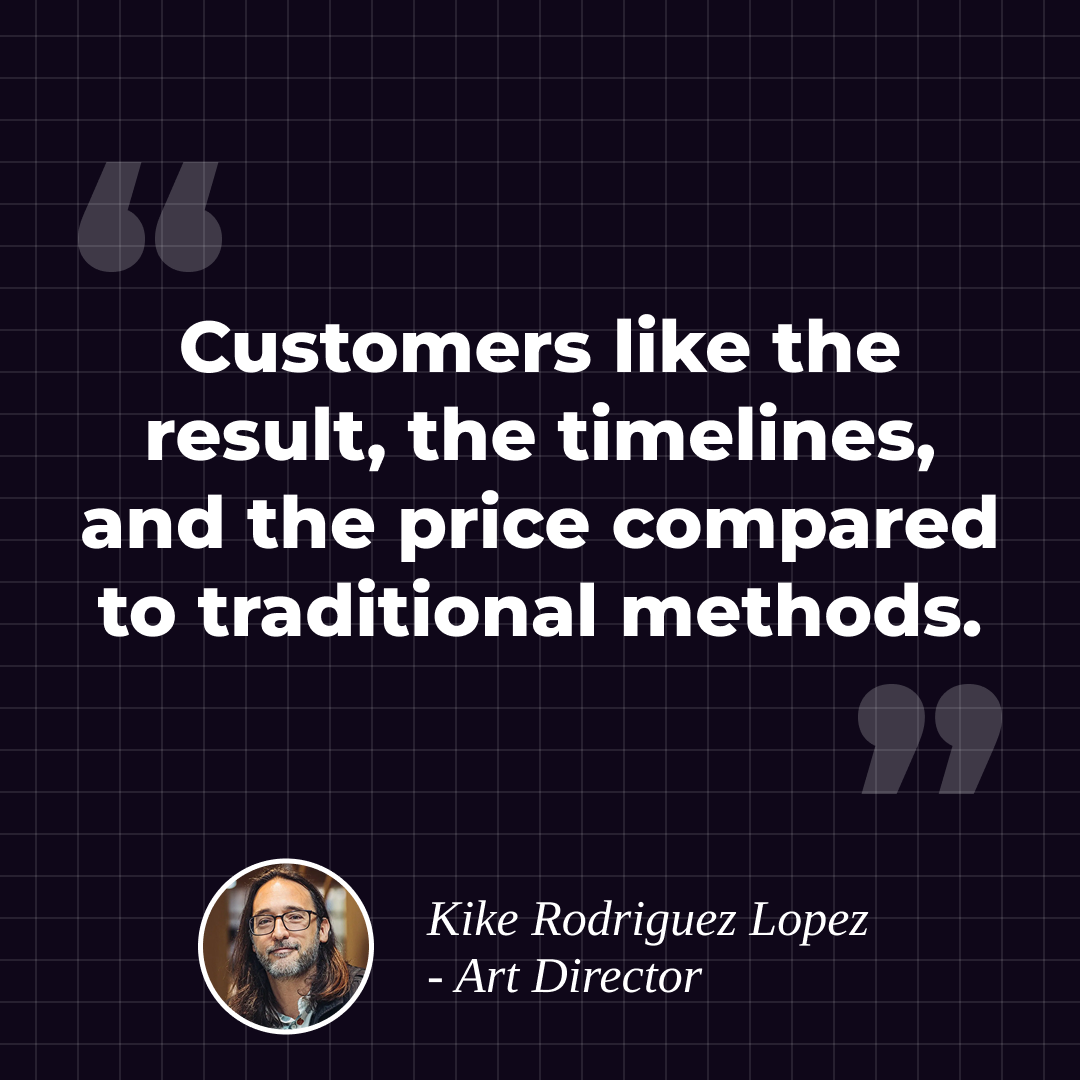
Outcome: By using SVGator, Kike gained precise vector animation control over AI-generated assets, producing dynamic, lightweight animations like his animated bat character and mixed-media web graphics. Multi-format export and frame-level precision allowed faster, more efficient project delivery. Clients praised the quality, speed, and cost compared to traditional methods.
This workflow improved web performance and client satisfaction while reducing production time and expenses.
New Creative Possibilities
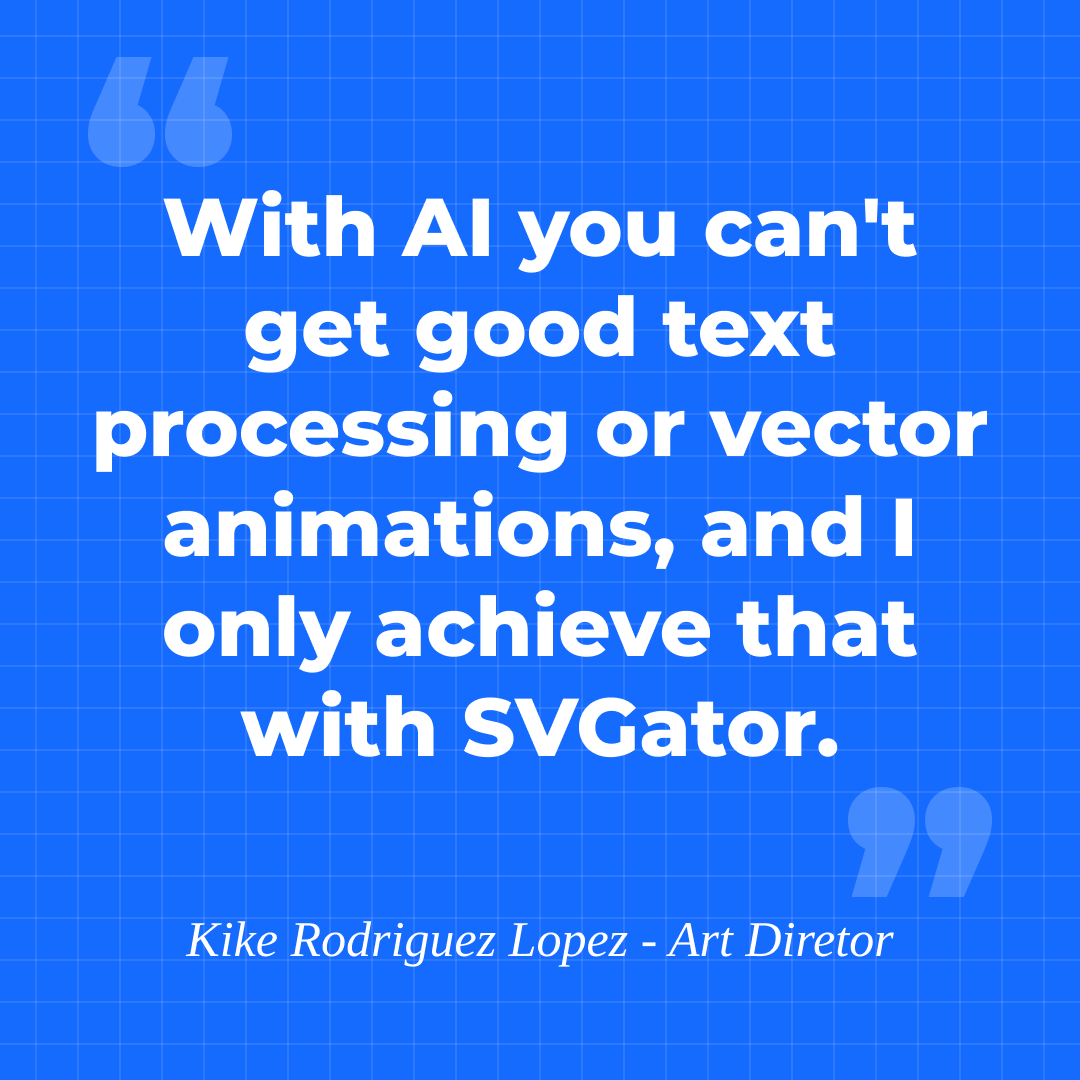
By layering animated vectors over AI-generated imagery, Kike achieved precision and motion control beyond what AI video generators could provide. SVGator enabled complex animations with detailed timing, easing, and behavior, as well as exact control over text animation, which AI still struggles to achieve. Its multiple export options allowed him to deliver optimized assets for web, social media, and video from a single workflow.
He also discovered a boost in efficiency. No longer needing to code animations or rely on slow traditional tools, Kike could move straight from design to web-ready output, saving significant time and effort.
| Insight | Capability Unlocked | Benefit |
| Vector animation control gap | Complex vector animations and precise text animation | Enables production-ready motion that AI alone cannot deliver |
| Layering over AI imagery | Combines AI-generated images with animated vectors | Creates visually rich, scalable animations |
| Export flexibility | Multiple formats for web, social, and video | Delivers optimized assets for different platforms |
| Workflow efficiency | No code required and direct export from the design tool | Faster iteration and reduced production time |
| Timing and easing control | Frame-level precision | Smooth, professional animations with exact motion behavior |
Why Not Just AI?
While AI tools can generate videos quickly, they cannot replace the control and precision that SVGator provides. AI-generated videos are raster-based, meaning they are not scalable like vector graphics, and they produce large files that can slow down websites. Designers cannot fine-tune timing, easing, or interactive behaviors within AI-generated videos, and they are limited to standard video formats rather than web-optimized SVG or Lottie files.
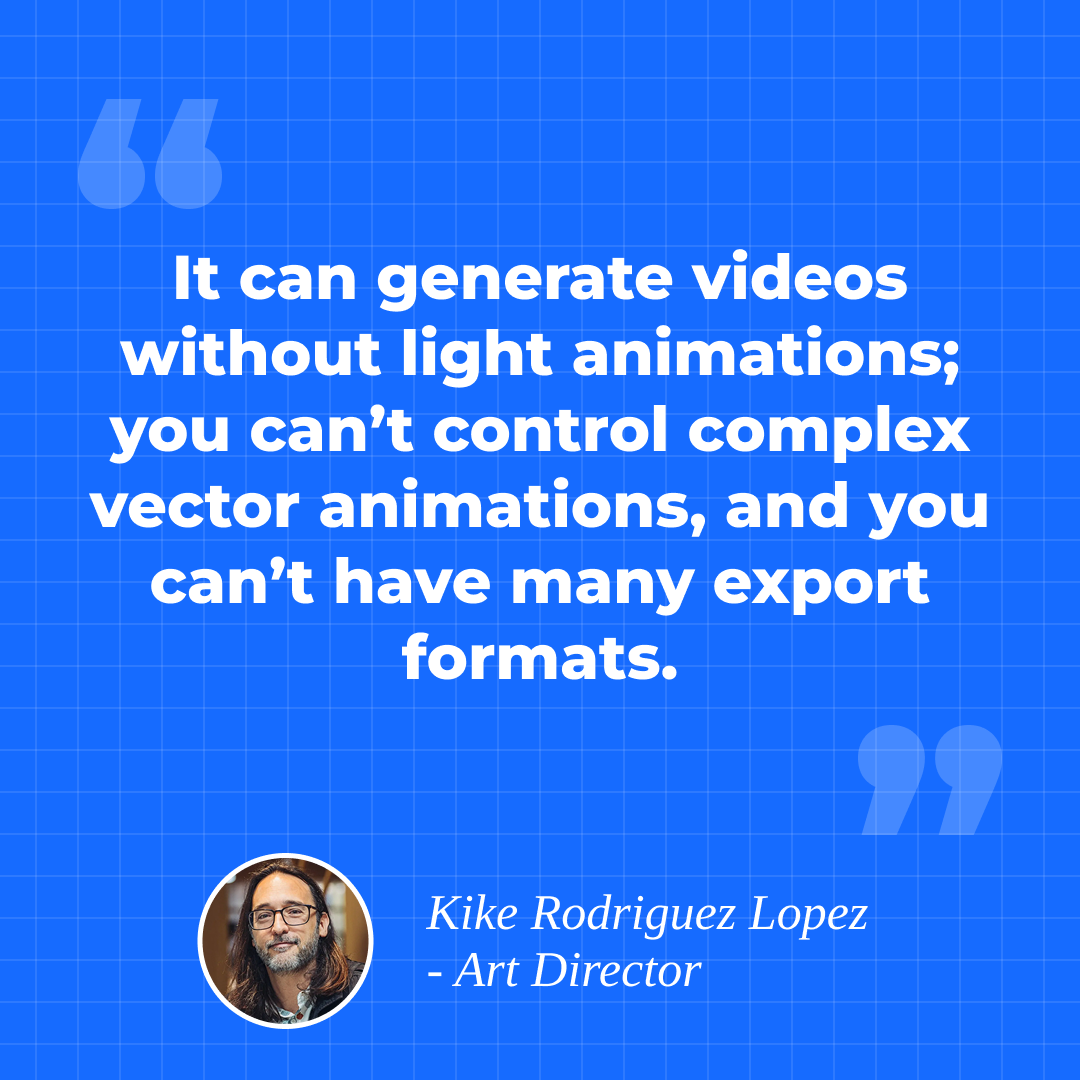
SVGator fills these gaps by allowing precise vector animation control, multi-format exports, lightweight outputs for web performance, and frame-level timeline adjustments.
AI provides inspiration and raw assets, but SVGator adds the web-native fine-tuning that clients actually want.
Advice for Designers
Kike recommends a structured approach for integrating AI tools with SVGator to maximize both creativity and efficiency.
Start by using AI tools like Freepik or Midjourney to generate images, backgrounds, and other assets. Next, design vector elements in your preferred tool, such as Illustrator or Figma, including logos, shapes, and lines. Combine these assets in SVGator to add animation, then export in the format that best fits the project, whether SVG, Lottie, or video.
When pairing tools, use AI for static asset generation and SVGator to provide the animation layer and precise vector control. For social media projects, exporting as video can make repurposing easier.
Tips:
- Use animated vector lines over AI-generated images to create dynamic movement.
- Leverage the mask feature for smooth and complex transitions.
- Export animations in multiple formats to maximize versatility and reuse.
- Keep file sizes lightweight to optimize web performance.
This workflow helps designers combine the speed of AI generation with the precision and flexibility of SVGator, creating animations that are visually compelling, scalable, and optimized for the web.
The Bottom Line
SVGator completes the AI design workflow by providing the vector animation control and production-ready output that AI tools alone cannot deliver. While AI excels at generating assets quickly, designers still need precise control over how those elements move, interact, and perform on the web.