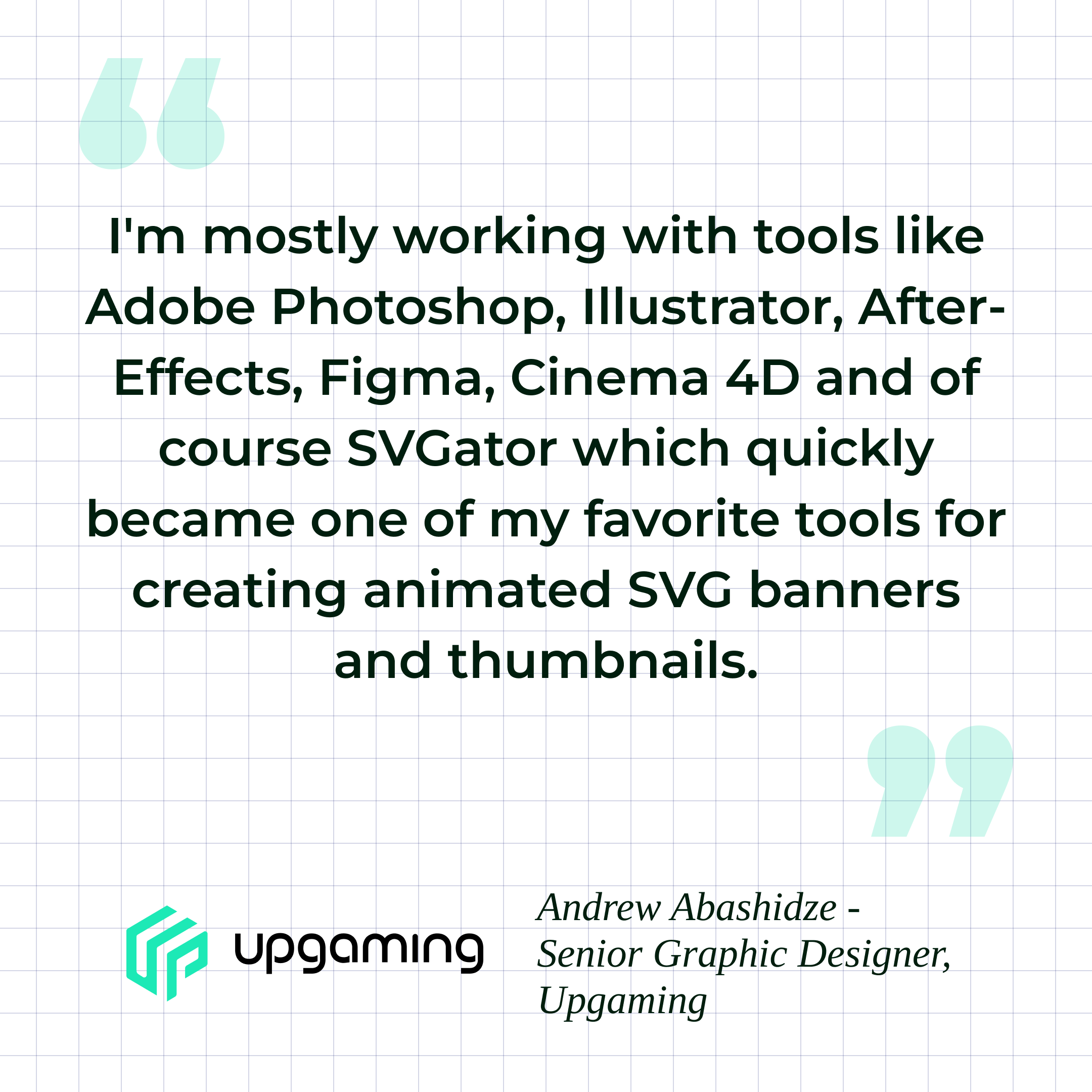
Andrew is a senior graphic designer at Upgaming, an enterprise iGaming platform. His core responsibility is creating animated game thumbnails, the visual assets that represent each game on the platform. These assets need to look polished, load fast, and work reliably across devices.
After discovering SVGator, Andrew not only streamlined his personal workflow but also unlocked something he did not expect: his junior designers could learn the tool in a fraction of the time. Animation stopped being a senior-only skill and became something the entire team could contribute to.
Table Of Contents
The Challenge: An Animation Workflow That Wasn't Built For Web
The Solution: SVGator For Web-Optimised Animation
The Results: Faster Animation, Happier Clients, Stronger Team
The Challenge: An Animation Workflow That Wasn’t Built For Web
Andrew’s day-to-day work involves turning static game visuals (JPG and PNG images) into short animated thumbnails, typically 2 to 10 seconds long. The animations need to be lightweight enough for web delivery while maintaining the visual quality that players expect from a professional gaming platform.
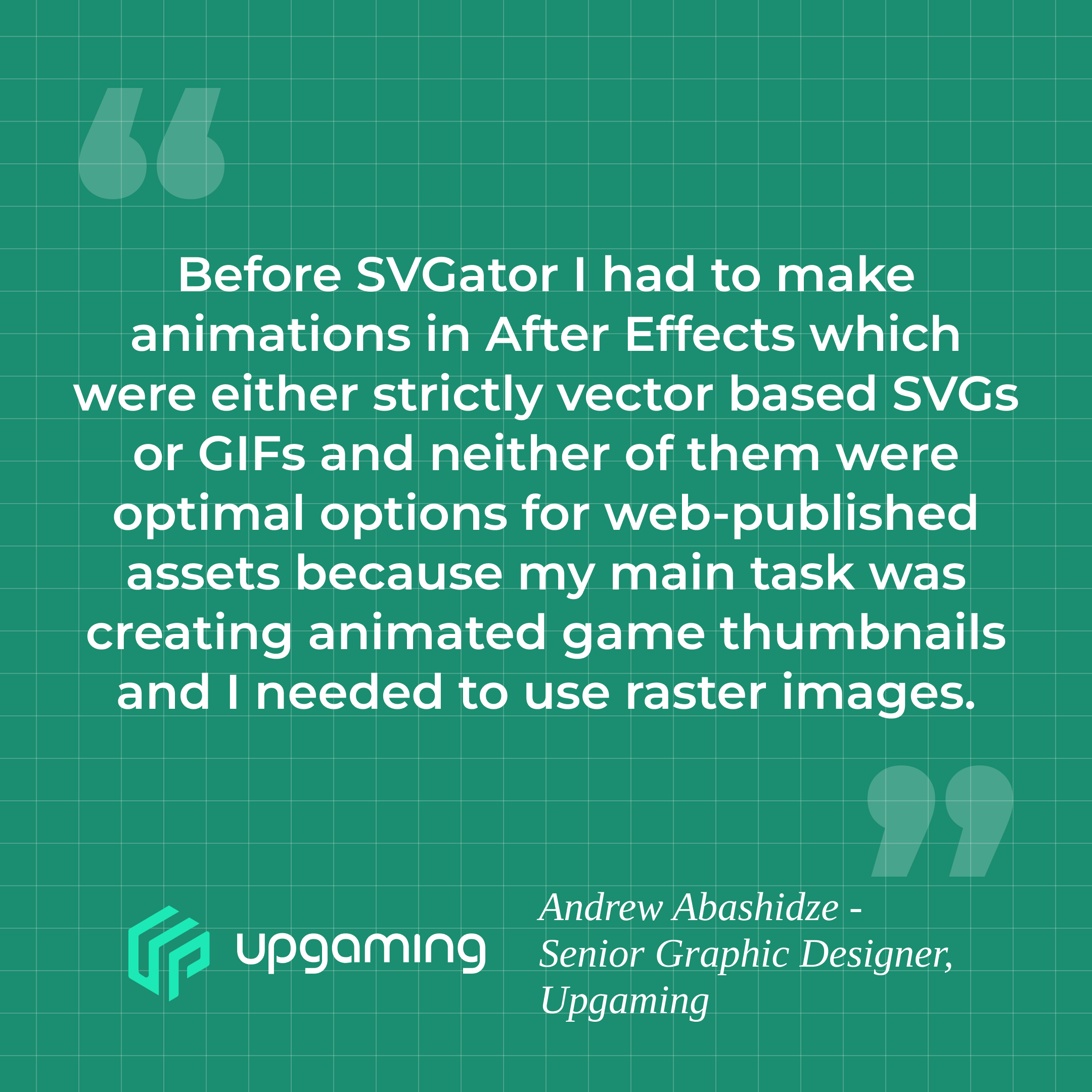
His previous workflow was built around Adobe After Effects. He would create the animation in AE and then export it as either a vector-based SVG or a GIF. The problem was that neither output handled raster images well for web. GIF files were heavy and limited to 256 colours, which degraded the quality of the photographic game artwork. Pure vector SVGs could not properly include the raster assets that made up the thumbnails. The animations worked, but the export formats were not optimised for their intended purpose.
The time per animation was not the main frustration. The real issue was the disconnect between the production tool and the final web output. Andrew was spending additional time troubleshooting format limitations, testing what would and would not survive the export process, and working around constraints that the tooling imposed on his creative decisions.
On top of that, After Effects created a team-level bottleneck. AE is a powerful but complex application that requires significant training time. Junior designers on Andrew’s team could not contribute to animation tasks because the learning curve was too steep. Every animated thumbnail had to go through Andrew, which limited how much animation work the team could produce.
The Solution: SVGator For Web-Optimised Animation
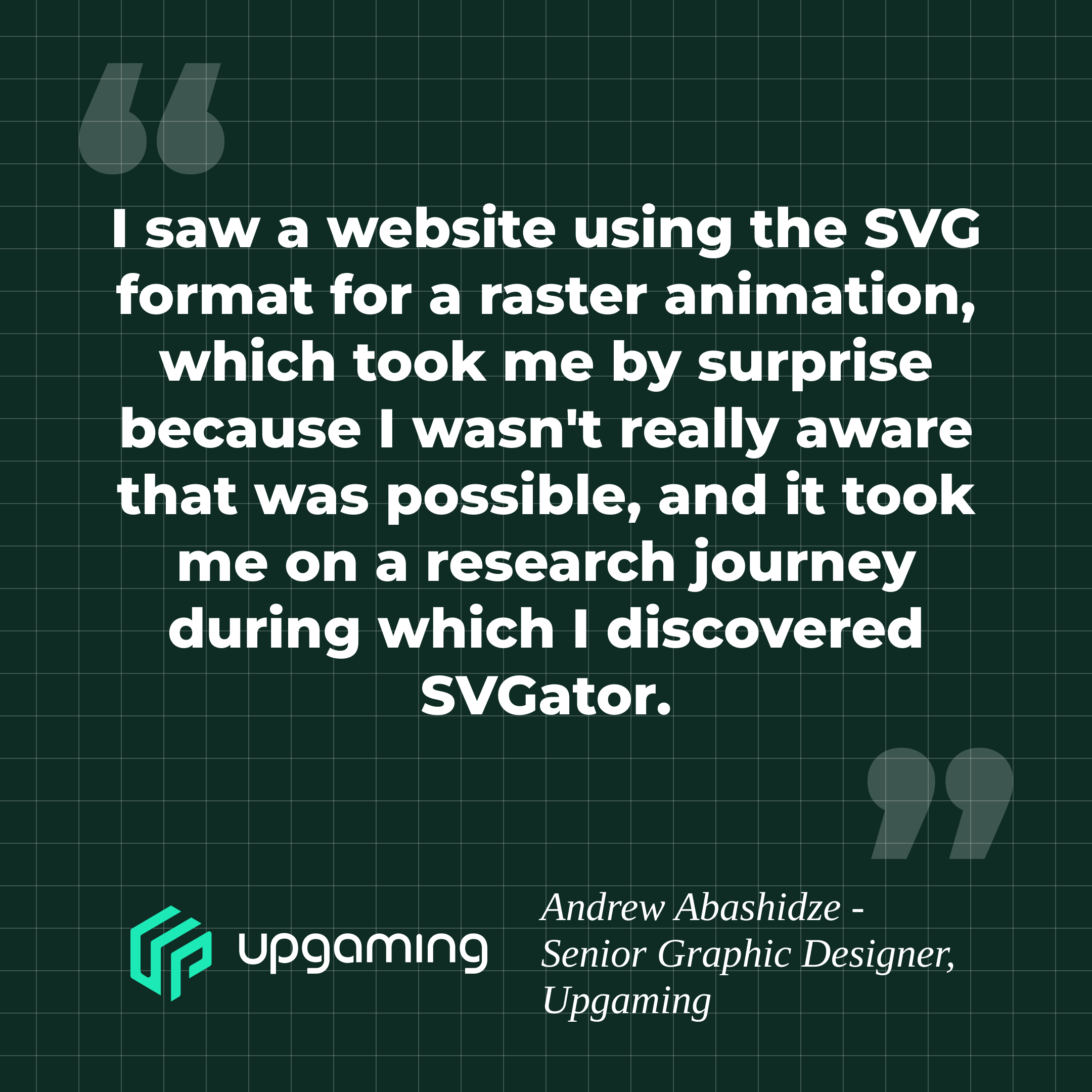
Andrew discovered SVGator organically. He noticed a website using the SVG format for what appeared to be a raster-based animation. He was not aware that this was possible, and the discovery led him on a research journey that brought him to SVGator.
SVGator gave Andrew immediate clarity on what he could and could not do with SVG animation for the web. That clarity alone saves him roughly one extra hour per animation, because he no longer wastes time guessing which effects, transitions, or asset types will work in the final output. The tool’s visual animation editor allowed him to build motion directly in the browser, using a keyframe-based timeline with easing controls, and export production-ready files without leaving the interface.
Three specific improvements reshaped Andrew’s workflow after adopting SVGator:
- Format clarity and confidence - SVGator provides a clear picture of what the SVG format supports for web delivery. Andrew no longer guesses whether an effect or asset type will survive the export process. This removed the trial-and-error cycle that previously added time to every project.
- File size stability - SVGator produces smooth, long animations without inflating the file size. Andrew’s clients noticed the difference immediately. The animations looked better, loaded faster, and worked reliably across devices.
- Cloud-based access - SVGator is a web-based application that stores all projects in a single account. Andrew can access, edit, and revise animations from different locations without syncing files or managing local project folders.
The Results: Faster Animation, Happier Clients, Stronger Team
Monthly Time Savings
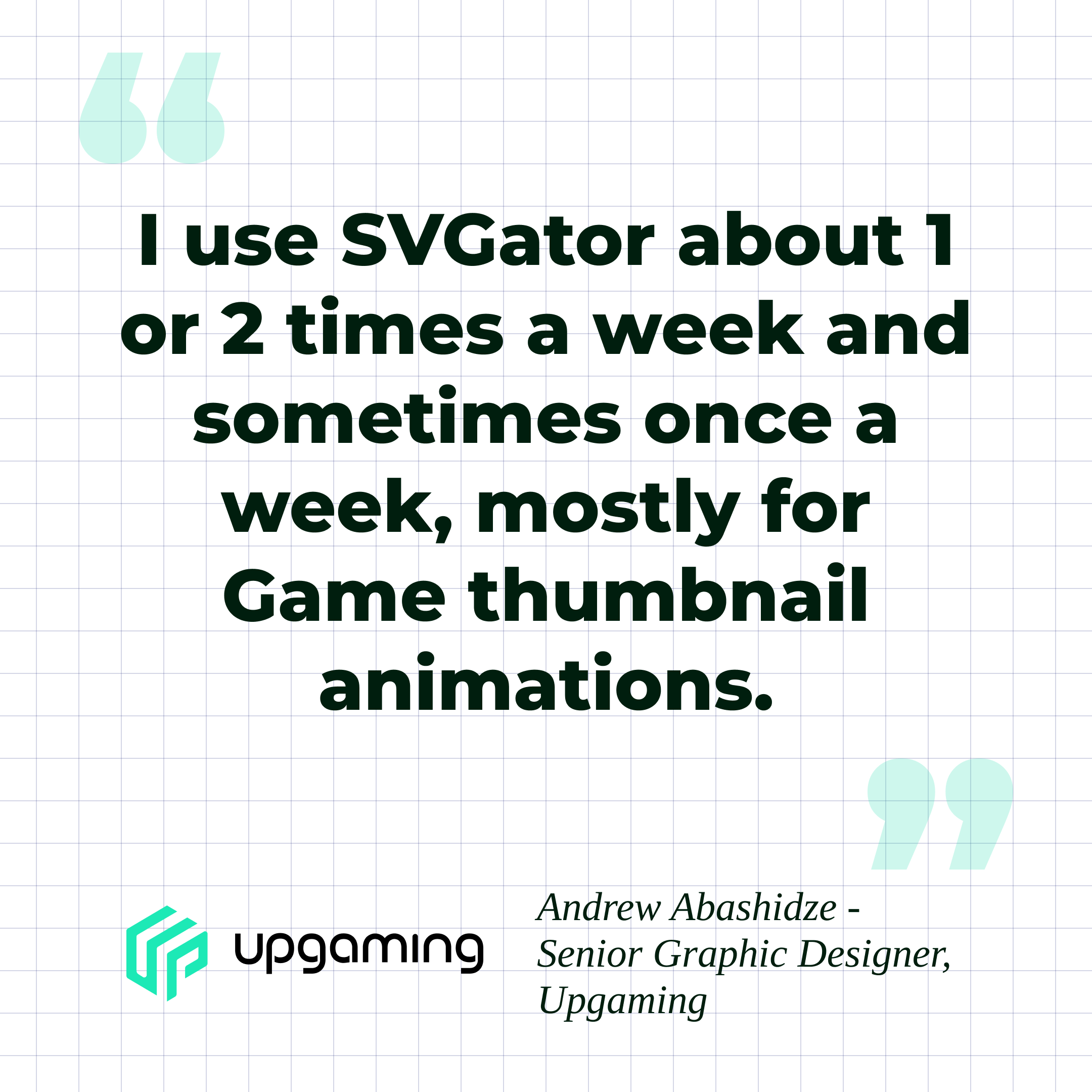
Andrew uses SVGator one to two times per week, primarily for animated game thumbnails. Each animation is a short 2 to 10-second sequence created from a static JPG or PNG source image. The total production time per animation remains 4 to 6 hours, but the clarity that SVGator provides on format capabilities saves approximately one hour per animation that was previously lost to troubleshooting and format-related trial and error.
Across the several thumbnail projects Andrew handles each month, this adds up to roughly 8 hours of time savings. Those hours are no longer spent testing whether effects will export correctly or re-doing work that failed in the final output.
Smoother Animations With No File Size Increase
One of the most noticeable improvements was in the quality and efficiency of the exported files. SVGator produces smooth, fluid animations without the file size bloat that came with GIF exports. The animations load quickly and play consistently across devices, which is essential for an iGaming platform where game thumbnails are displayed on both desktop and mobile interfaces.
Andrew’s clients responded positively to the change. The combination of better visual quality and smaller file sizes meant that the final assets performed better on the web, with no compromise on the animation’s look or feel.
Junior Designers Learn SVGator Faster
The most significant and unexpected result was the impact on Andrew’s team. Junior designers on his team can now learn SVGator in significantly less time than it would take them to become proficient in After Effects or any comparable animation application.
Andrew describes tools like After Effects as complex, feature-heavy applications that require extensive training before a designer can produce production-ready animation work. SVGator’s focused interface and straightforward workflow remove that barrier. The tool is built specifically for SVG animation, which means it does not overwhelm new users with features they do not need for web-focused motion design.
This shift has a direct operational impact. Animation is no longer a task that only a senior designer can handle. When junior team members can produce animated thumbnails independently, the senior designer stops being a bottleneck. Work gets distributed more evenly, and the team’s total animation output scales without adding headcount or investing months in training programmes.
Cloud-Based Access Across Locations
SVGator’s web-based architecture means users can access all of their projects from a single account, regardless of location. They can start an animation at the office, revise it from a different workstation, or make a quick edit while working remotely. There is no need to transfer project files between devices or manage version conflicts across local folders.
For a team that operates across multiple locations, this cloud-based access removes friction from the revision and feedback loop.
Final Thoughts
Andrew's experience at Upgaming highlights a challenge that many design teams face: animation capability locked behind complex tools that only senior staff can operate. When a single person is the only one who can produce animated assets, that person becomes a bottleneck, regardless of how fast they work individually.
SVGator addressed this at two levels. At the individual level, it gave Andrew a clearer, more web-focused animation workflow that saves him roughly 8 hours a month. At the team level, it removed the training barrier that kept junior designers from contributing to animation tasks. That second point is the one with the larger long-term impact, because it changes how the team operates, not just how one designer works.