
Hand-coding every animation used to take Petro Kutuzov at SapientPro 5 to 15 hours, adding up to nearly 50 hours a month lost to debugging, browser inconsistencies, and performance tuning. He needed a faster way to build high-quality motion without sacrificing control.
After switching to SVGator, the same animations now take about 75 minutes, with maintenance dropping to 10 to 30 minutes. The result is a streamlined workflow that keeps performance strong while giving Petro back dozens of engineering hours each month.
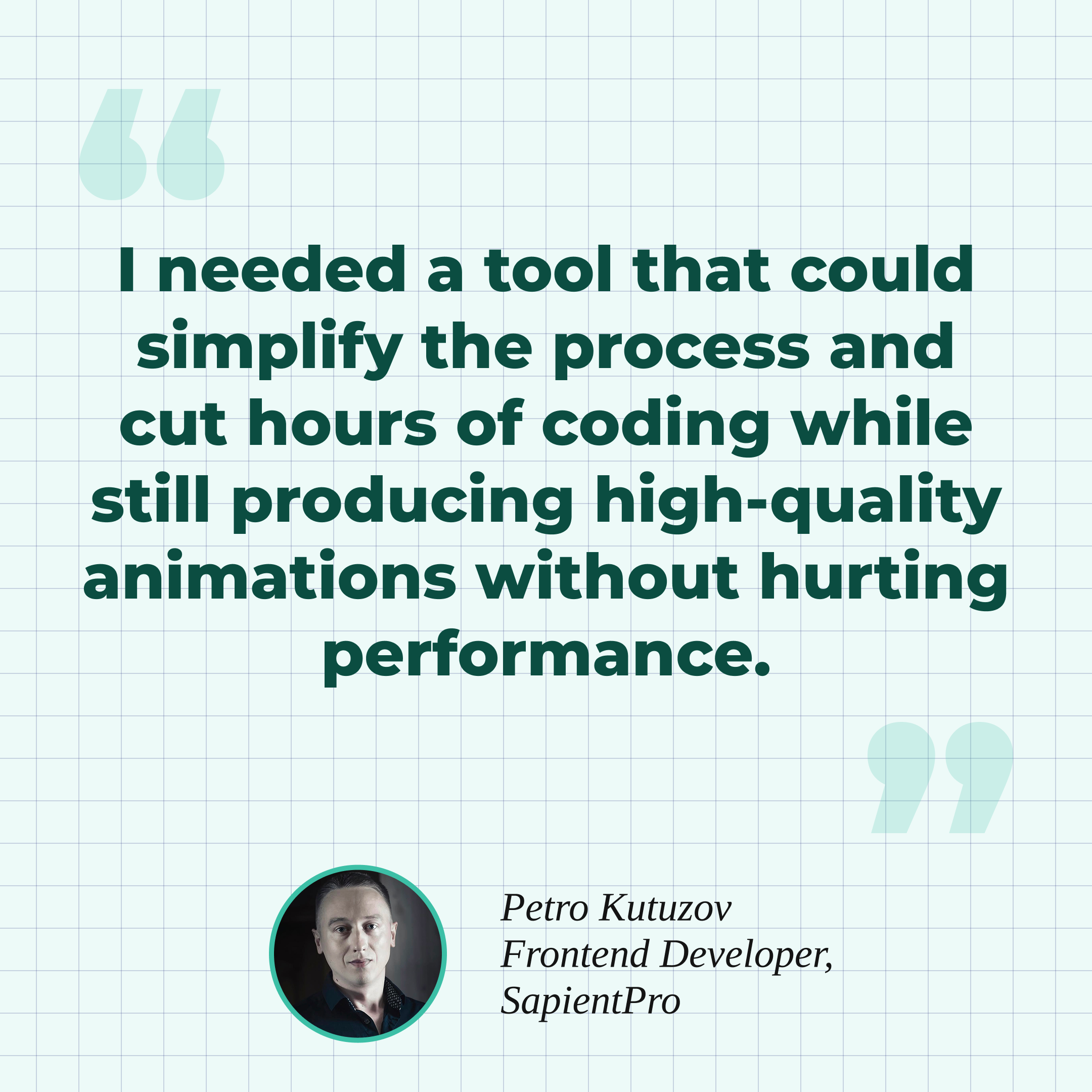
TABLE OF CONTENTS
The Challenge: Workflow Built On Hand-Coding
The Solution: A Dedicated Editor For Motion Graphics
The Results: 80% Faster Animations & 50 Hours Saved Monthly
The Challenge: Workflow Built On Hand-Coding
Before adopting SVGator, the animation workflow was built entirely around handwritten code. It offered full control, but it also introduced a heavy maintenance burden, slow development cycles, and constant performance tuning across browsers and devices.
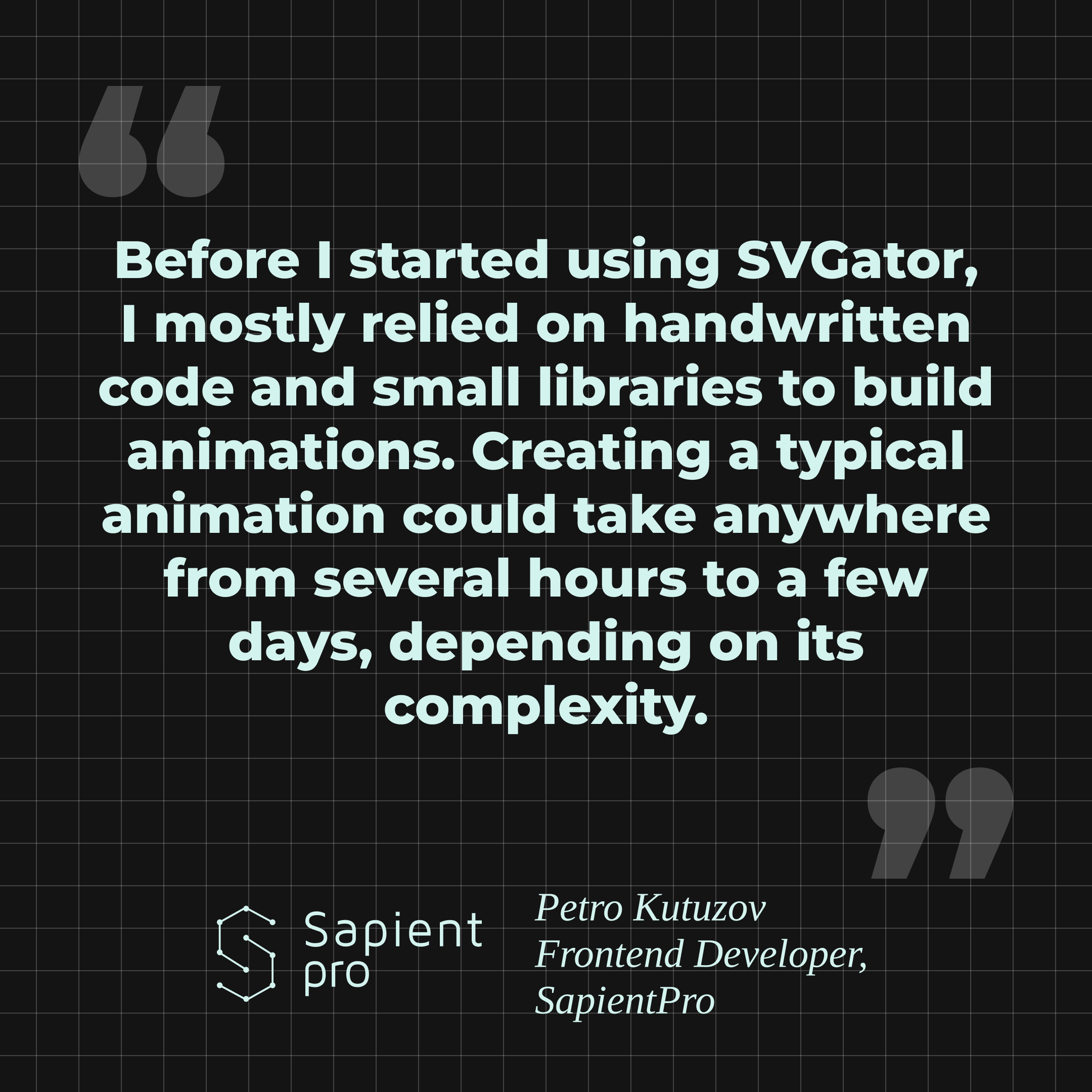
A single animation included writing JavaScript for interactive sequences, fine-tuning CSS keyframes, and manually adjusting SVG attributes to keep vector graphics scalable. Each of these steps came with a familiar set of technical headaches.

Animations frequently behaved differently across web and mobile browsers. Petro had to debug timing drift, GPU acceleration quirks, and rendering inconsistencies, then circle back to test again.
Debugging timing issues, syncing multiple elements in one scene, and validating performance on low-end devices often consumed more time than building the animation itself.
The Solution: A Dedicated Editor For Motion Graphics
Switching to SVGator reshaped Petro Kutuzov’s animation workflow into a faster, more visual, and more reliable process. Instead of manually coding timelines and tweaking SVG attributes, he now builds motion in a dedicated editor that still gives him the precision and performance he expects.
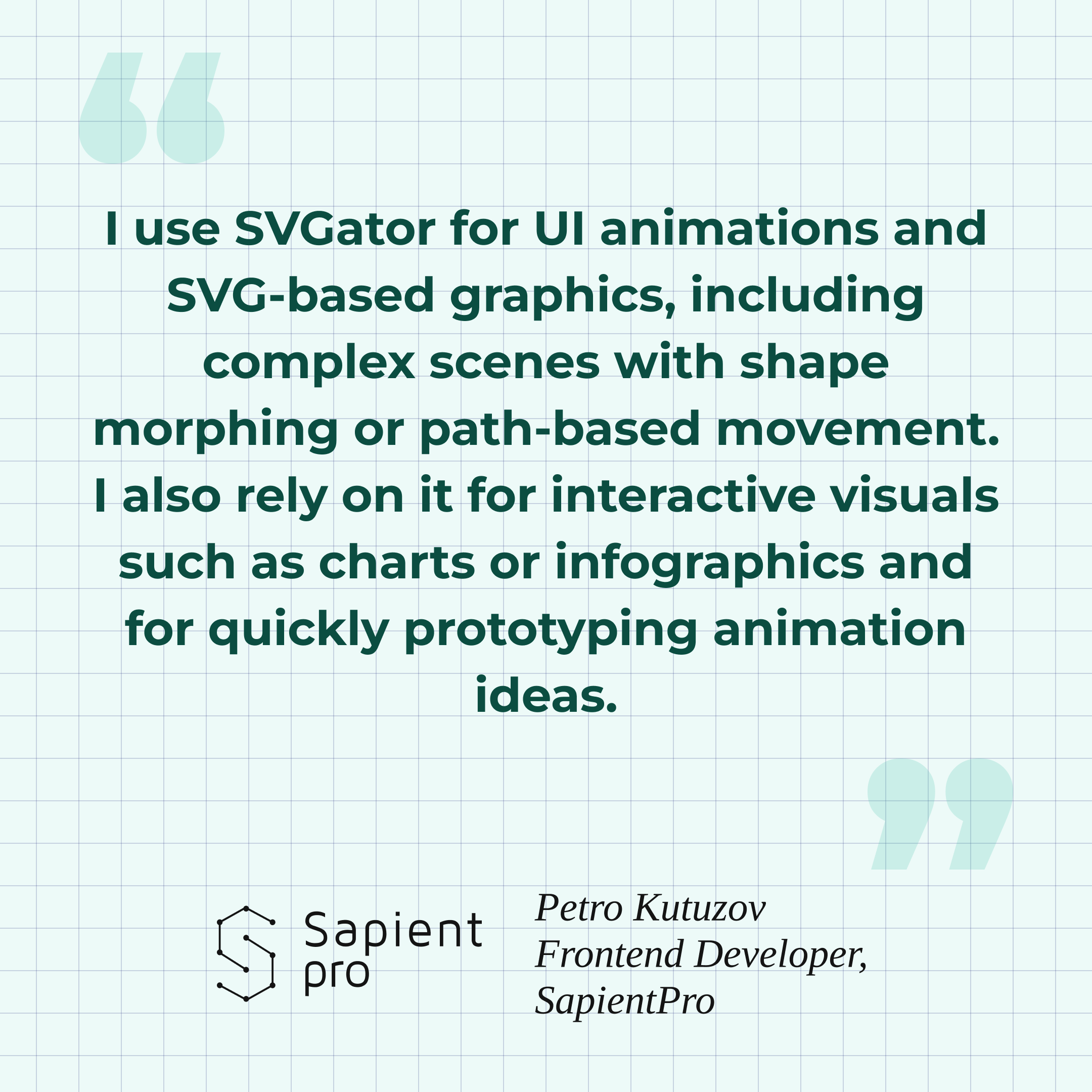
His workflow now starts in familiar design tools. SVG assets created in Figma or Illustrator move directly into SVGator, where motion is defined visually. Keyframes, easing, timing, and sequencing are all handled inside the interface, which cuts out hours of trial and error.
Once the animation is ready, he exports optimized SVG or Lottie JSON output suitable for production environments.
The Results: 80% Faster Animations & 50 Hours Saved Monthly
Time Savings
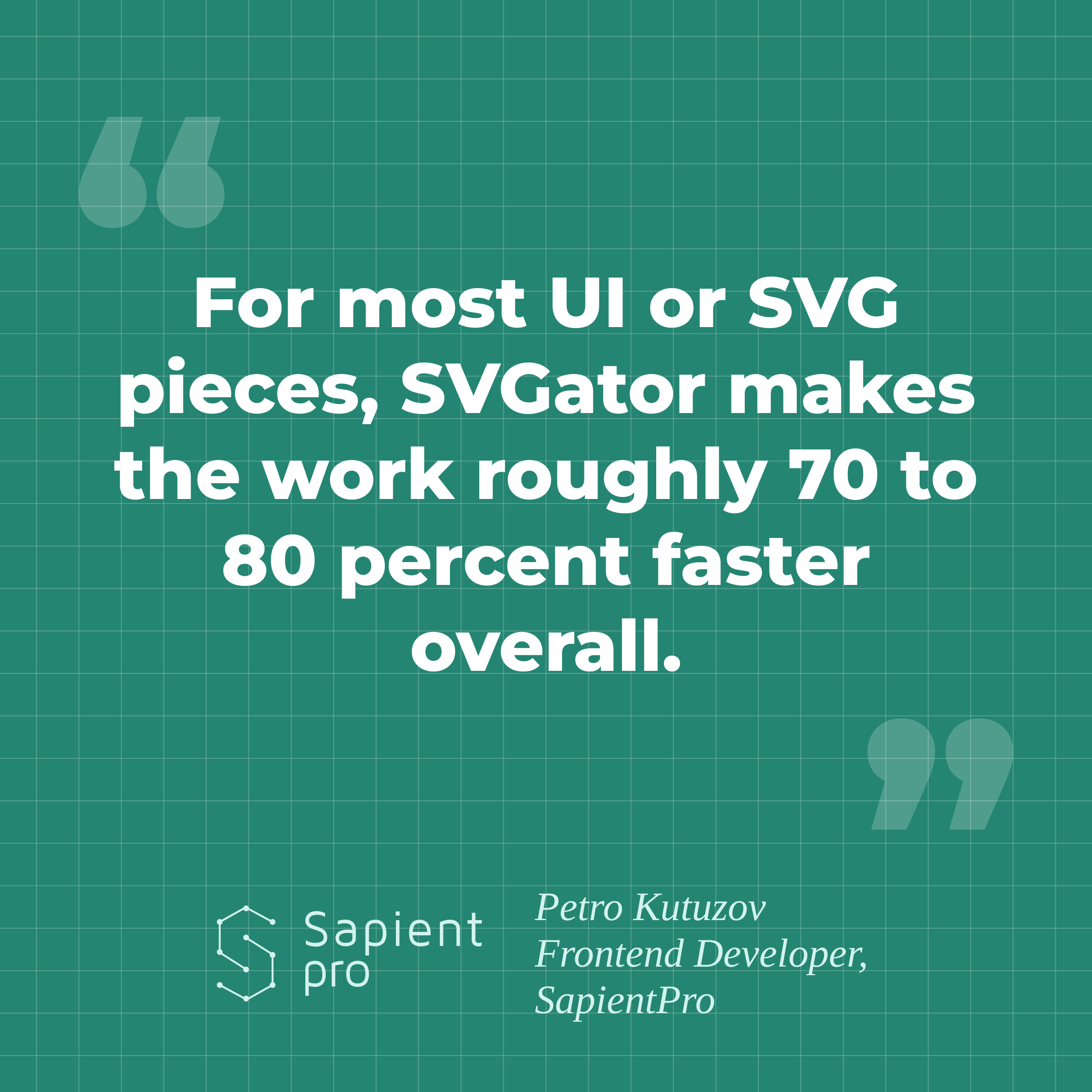
The most dramatic change was in development time. Animations that previously required 5 to 15 hours of manual coding now take an average of 75 minutes, making the process 70-80% faster. With roughly six animations per month, this adds up to 50 hours saved that can be reallocated to product work instead of debugging timelines.
Maintenance work saw similar improvements. Updates that previously took one to three hours now fit into a 10 to 30-minute window because they no longer require rewriting scripts or revalidating complex timing logic.
Performance Improvements
SVGator’s optimized exports resulted in lighter file sizes, smoother playback, and better performance on mobile devices, including lower-end hardware. Timing and easing remain consistent across browsers, which reduces bugs and eliminates many of the cross-browser discrepancies Petro used to debug manually.
Workflow Improvements
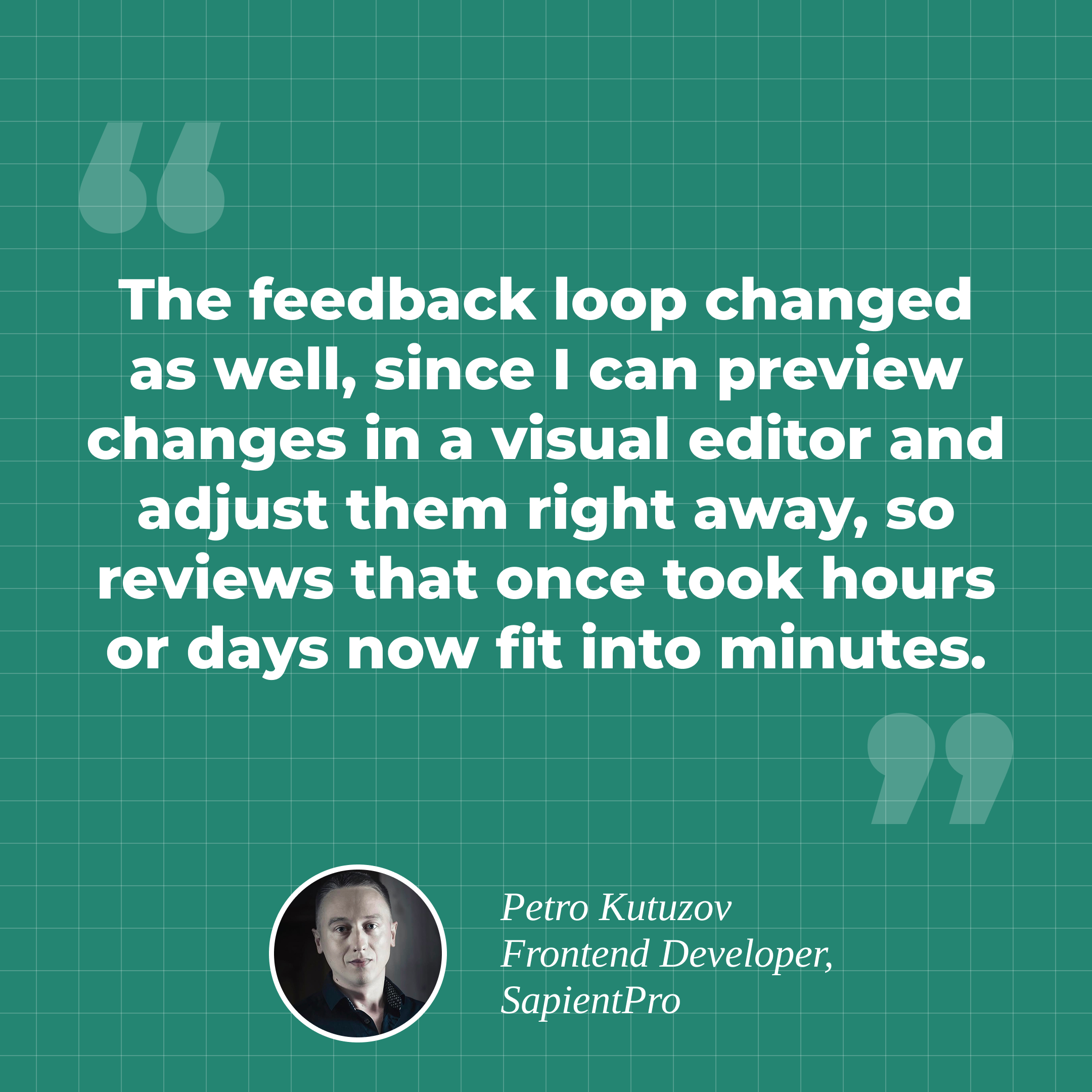
The change in workflow was just as significant as the technical gains. Instead of pushing code, refreshing the browser, and waiting on async feedback from stakeholders, he can now iterate on motion in near real time. Feedback loops that once stretched across hours or even days now happen in minutes, thanks to instant visual previews and shareable results.
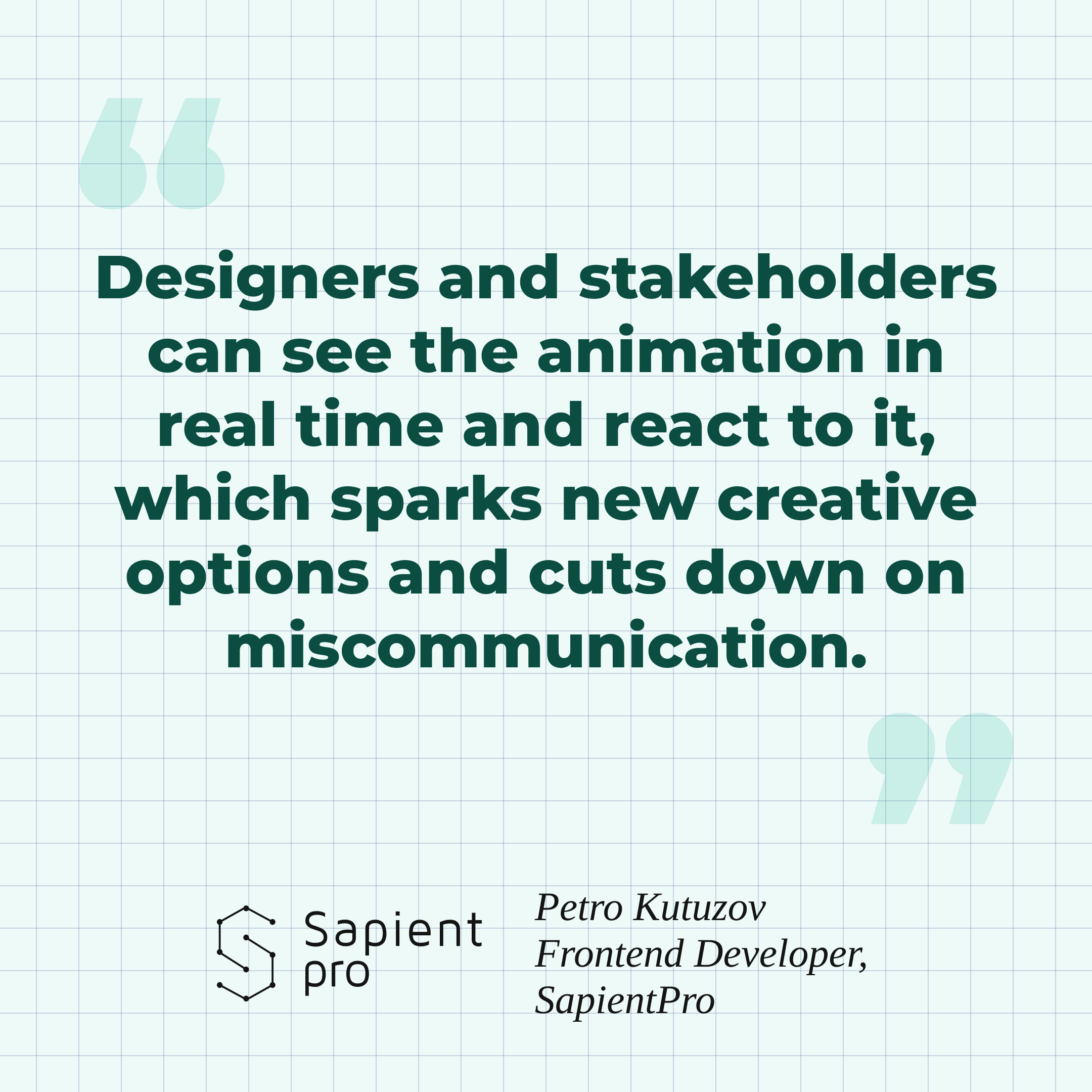
Stakeholders can react to the animation immediately, which keeps discussions focused and reduces context switching for the development team. Visual reviews replace long explanation threads about timing, easing, and interaction states.
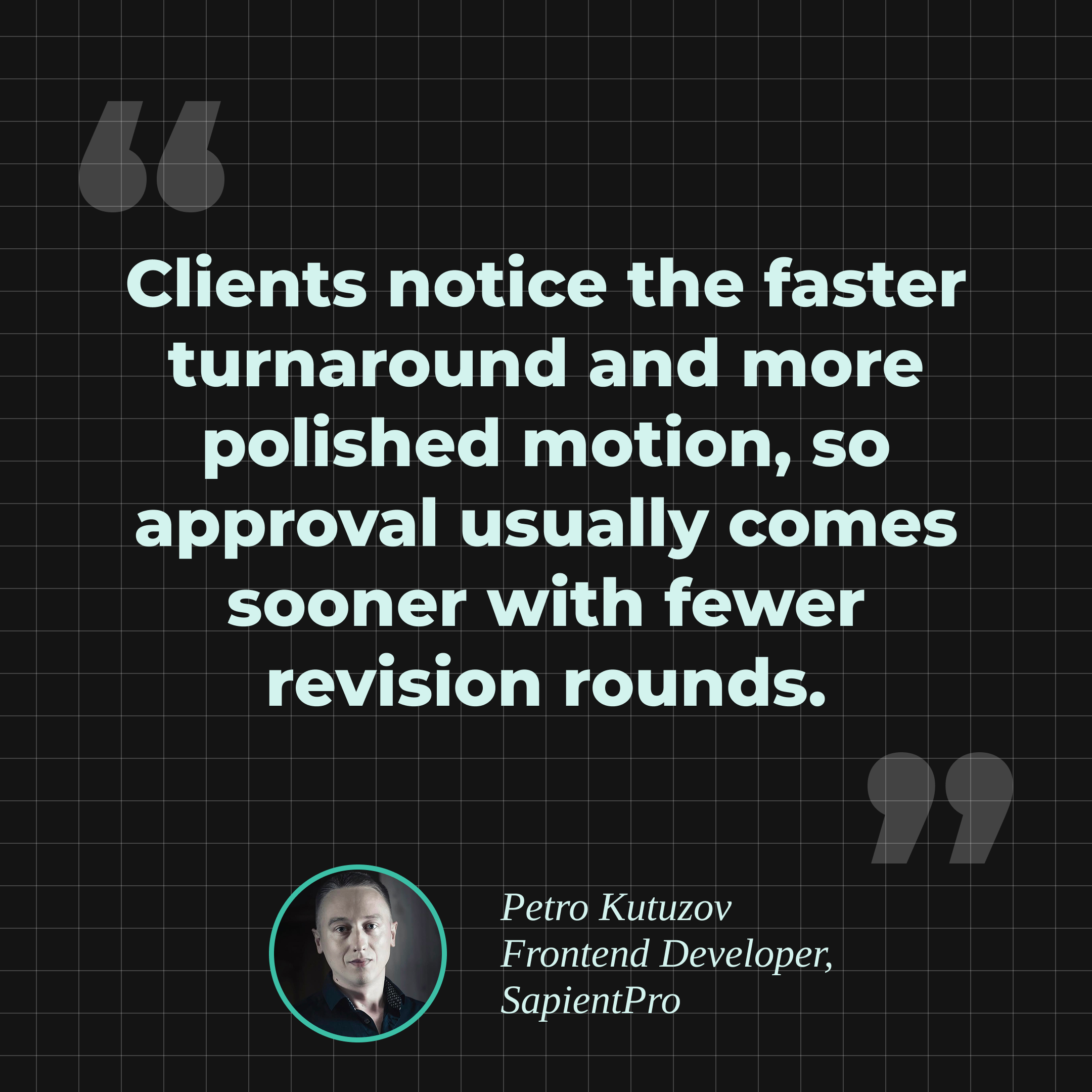
This faster loop shows up directly in delivery and client-facing results. Animations reach a polished state sooner, and motion no longer becomes the reason a release slips.
Unexpected Benefit
One of the most surprising advantages was the ability to prototype animations that would have been too expensive or time-consuming to hand-code. This expanded what the team could explore creatively and improved designer-developer communication. Animation is no longer a technical blocker. It is now a creative opportunity that enhances the product instead of slowing it down.
| Metric | Before SVGator | With SVGator | Improvement |
| Time per animation | 5-15 hours | 75 minutes | 70-80% faster |
| Monthly time savings | — | 50 hours | 6 animations/month |
| Maintenance time | 1-3 hours | 10-30 minutes | 90% faster |
| Feedback cycle | Hours to days | Minutes | Near-instant |
The Takeaway
The transition to SVGator proved that developers do not have to choose between control and speed. A visual tool can still deliver the precision, performance, and predictability that hand-coded animations promise, while dramatically reducing the time required to build and maintain them.
With 50 hours saved per month, the return on investment is impossible to ignore. SVGator matches and often exceeds the performance of manually written animations, all while giving developers a faster and more reliable workflow.