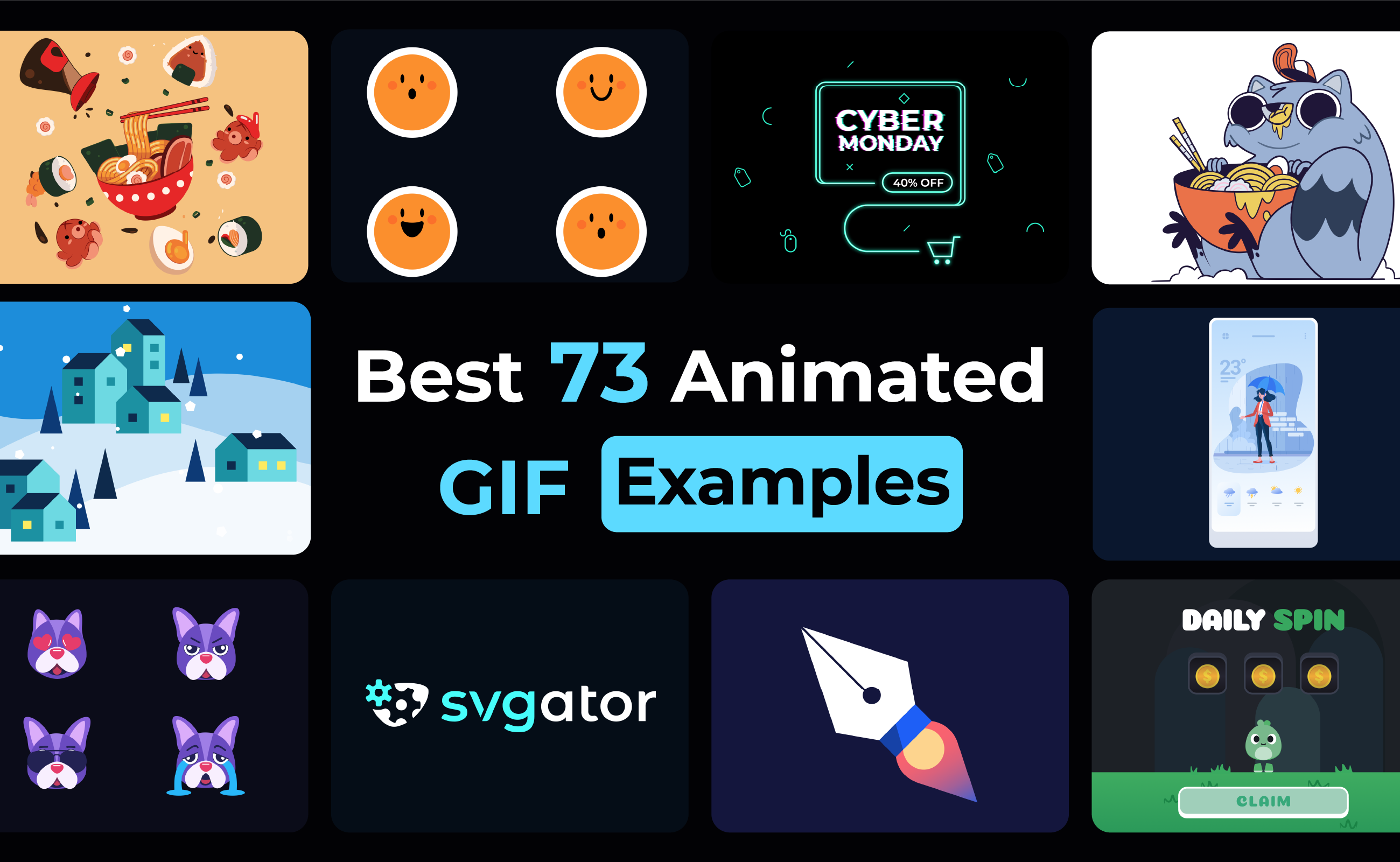

GIFs have become a staple of online communication, adding personality and quick visual storytelling to everything from social posts and chats to emails and UI design. Unlike a regular static GIF, an animated GIF strings multiple frames together to create smooth, looped motion that works anywhere without special players or heavy files.
If you want a quick refresher on how GIFs actually work and can be optimized, check out SVGator’s guide.
Table Of Contents
Why GIFs Still Matter In Motion Design
How GIFs Compare To Other Formats
Design Principles For Effective GIF Animations
Common Mistakes To Avoid When Creating GIFs
Why GIFs Still Matter In Motion Design
Even in a world dominated by video and SVG, GIFs remain a powerful tool for designers and marketers. Their ability to loop endlessly, play automatically, and convey motion in a compact format makes them ideal for quick visual communication.
GIFs grab attention in social feeds, email campaigns, and landing pages, all while keeping file sizes light and compatible across platforms. They are perfect for adding personality, emphasizing key messages, and creating playful or memorable moments without the complexity of full video production.
How GIFs Compare To Other Formats
GIFs are unique among motion formats because they loop automatically and do not require a player.
| Feature | GIF | MP4 / WebM Video | SVG Animation | Lottie Animation |
|---|---|---|---|---|
| Looping | Automatic looping | Can loop, but optional | Can loop via code or CSS | Built-in looping, fully controllable |
| File Size | Small for short loops and grows for complex animations | Generally smaller and more efficient | Very lightweight, scales well | Very lightweight, even for complex animations |
| Audio Support | No | Yes | No | No |
| Color Depth / Quality | Limited (256 colors) | Full color, high quality | Vector-based, infinite resolution | Vector-based, crisp at any size |
| Browser / Email Support | Very high, works almost everywhere | Very high on the web, limited in emails | Good on modern browsers, limited in emails | Good on web and mobile apps, not supported in email |
| Ease of Use | Easy to embed, no player needed | Requires a video player or embed | Requires coding or software knowledge | Requires JSON export and player integration |
| Interactivity / Control | None | None | Interactive via JS/CSS | Fully interactive |
| Best Use Case | Short looping visuals, email-friendly, and social media reactions | Long-form motion, high-quality video, and audio inclusion | UI interactions, scalable illustrations, responsive designs | Interactive app animations, micro-interactions, high-quality vector motion |
GIF Use Cases
Let’s jump into some of the best animated GIF examples to inspire your next project.
1. Reaction GIFs
Perfect for capturing quick emotions like surprise, laughter, or confusion, reaction GIFs add personality and relatability to any message. They are especially effective in social posts, chats, and comment sections where visual shorthand speaks louder than words.
Brands can use them to acknowledge user comments, highlight audience reactions during live moments, or add a playful, human touch to announcements and responses.

2. Motion placeholders for prototyping
Use GIFs in Figma’s Present Mode to show UI elements such as menus, buttons, and transitions. They demonstrate design behavior in context, making it easier to visualize how a finished interface will feel.
These GIFs are useful for design reviews, client presentations, and team handoffs where clear communication of interaction is critical. They can show navigation flows, onboarding steps, or feature interactions, helping stakeholders understand functionality.
3. Themed and seasonal GIFs
Seasonal GIFs infuse designs with timely charm, whether it is holiday sparkle, summer energy, or event-specific motifs. They are perfect for campaigns and social posts that need a quick dose of festive identity.
These GIFs work well in promotional emails, landing page banners, and limited-time campaign assets where timely visuals boost engagement. They can highlight special offers, mark cultural moments, or add celebratory flair to community updates.


4. Animated typography GIFs
Motion-driven text adds energy to headlines and key messages through kinetic type, reveals, and looping word effects. These GIFs are ideal for grabbing attention while keeping visuals clean and aligned with the brand.
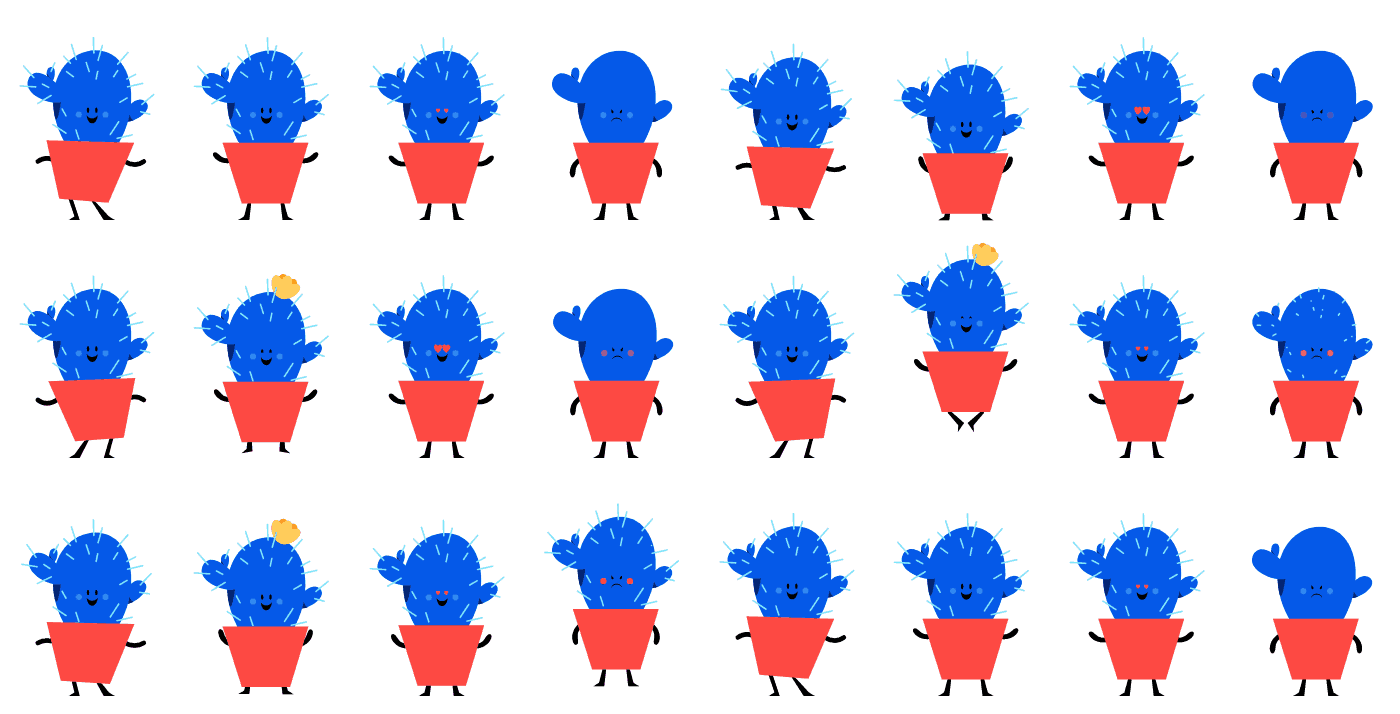
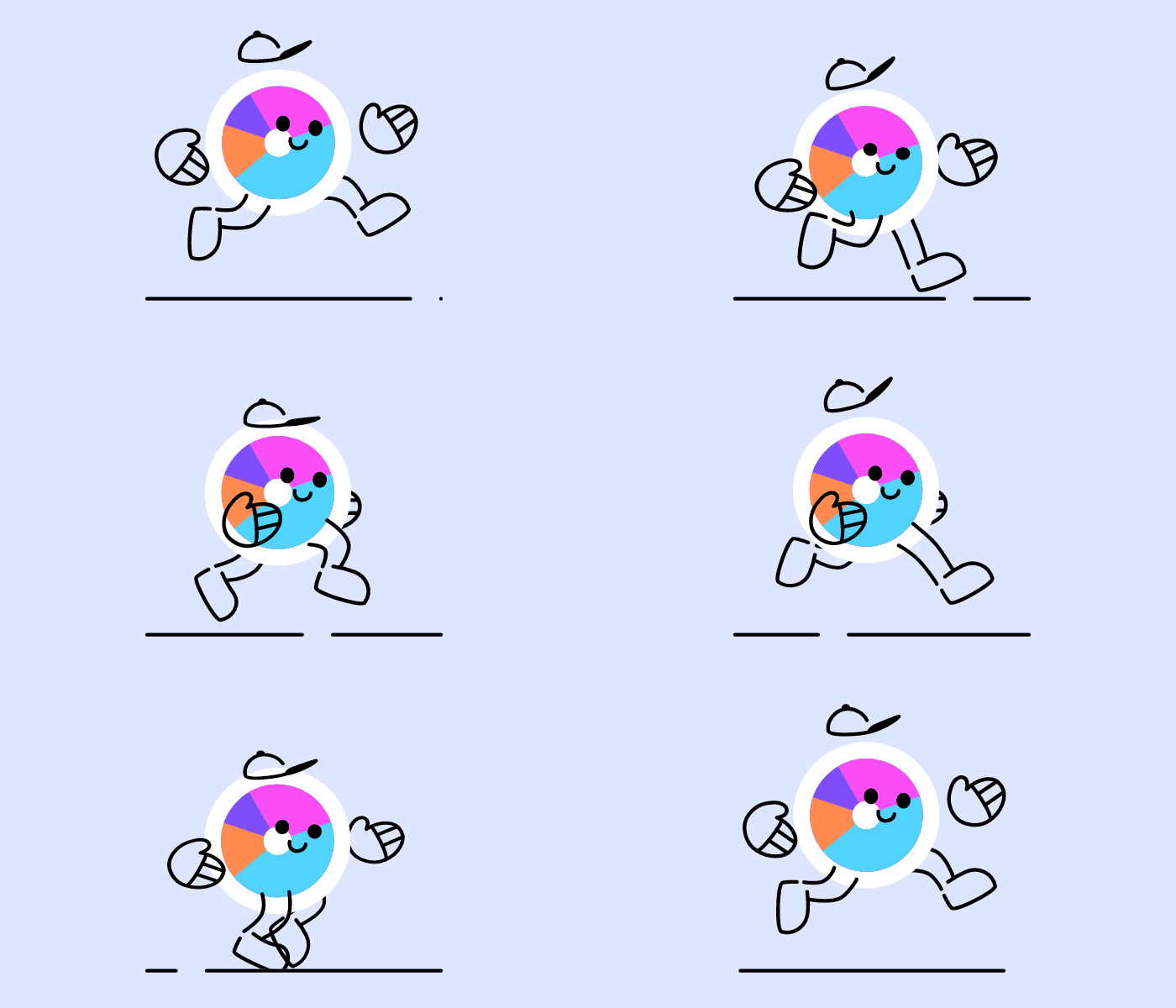
5. Animated characters
Character-based GIFs add storytelling and emotion, turning simple loops into memorable personalities. They help brands feel more approachable and make educational or promotional content instantly more engaging.
These GIFs are ideal for tutorials, product demos, and social campaigns where a relatable figure can guide the audience.
6. Marketing and branding
Branded GIFs boost recognition with consistent colors, shapes, and motion patterns that reinforce identity. They work well in ads, email campaigns, and social media, where short looping visuals drive higher retention.
Logos and other marketing materials can also be animated to strengthen brand presence and make campaigns more dynamic.
7. Faux 3D animations
Faux 3D GIFs use clever shading, rotation, and layering to create the illusion of depth without heavy rendering. They offer eye-catching, premium motion effects that are still lightweight and browser-friendly.
8. Email motion GIFs
Since many email clients block video, GIFs are often the only animation format guaranteed to display, making them the go-to option for motion in newsletters.
| GIF Type | Benefits | Use Cases |
| Reactions | Capture quick emotions, add personality, and relatability | Social media posts, comment sections, chats, community engagement, customer support replies, live event coverage |
| Micro-interactions | Provide instant feedback, make interfaces intuitive, and enhance usability | Product pages, onboarding tutorials, design presentations, UI documentation, style guides, and demonstrating interactive features |
| Preloaders | Reduce perceived wait time, maintain engagement, reinforce brand identity | Landing pages, app transitions, interactive demos, data processing screens, and loading animations |
| UI elements | Explain complex interfaces, guide attention, and add visual depth | Product launches, feature spotlights, onboarding flows, marketing hero sections, design documentation, layout transitions |
| Themed and seasonal | Add timely charm, boost engagement, and enhance campaign relevance | Promotional emails, landing page banners, limited-time campaigns, social posts, event announcements, cultural moments |
| Animated typography | Energize headlines, emphasize key messages, grab attention | Social media posts, email headers, video intros, quotes, announcements, dynamic storytelling |
| Animated characters | Add storytelling, emotion, and personality; increase engagement | Tutorials, product demos, social campaigns, mascots, brand storytelling, educational content |
| Marketing and branding | Reinforce brand identity, increase recognition, and make visuals more dynamic | Digital ads, social posts, email headers, product promotions, logo animations, campaign assets, branded content |
| Faux 3D animations | Add depth and visual interest, make visuals more immersive | Product showcases, UI demos, marketing banners, hero images, interactive landing pages, motion graphics for presentations |
Design Principles For Effective GIF Animations
Creating GIFs that communicate clearly and engage viewers requires attention to motion, timing, and clarity.
- Keep loops short and focused to maintain viewer attention.
- Limit colors and visual complexity to reduce file size and loading time.
- Ensure smooth transitions between frames for a polished look.
- Highlight key actions or points with subtle motion cues.
- Test readability and visibility across devices and screen sizes.
Common Mistakes To Avoid When Creating GIFs
Even small errors can make GIFs confusing, slow, or ineffective if not carefully designed.
- Using overly long loops that lose viewers’ interest.
- Including too much text or fine detail that is hard to read.
- Ignoring file size results in slow loading or email compatibility issues.
- Forgetting to optimize for loops causes jarring jumps between frames.
- Overcomplicating motion with unnecessary effects or transitions.
Final thoughts
Animated GIFs make content more engaging, memorable, and visually appealing. From reactions and micro-interactions to branded content and faux 3D effects, there is a style for every project. Using SVGator makes it easy to create smooth, lightweight animations for UI, text, characters, logos, and more. Adding GIFs can elevate your designs and help your brand stand out online.
FAQ
Why use GIFs instead of videos?
GIFs loop automatically without controls, work in email clients where video is blocked, and play instantly without requiring users to click play buttons. They're ideal for short, repeating animations that grab attention quickly, whilst videos are better for longer content with sound or when you need higher quality and smaller file sizes for complex motion.
Do GIFs work on all devices?
Yes, GIFs have excellent universal support across desktops, tablets, smartphones, and almost all browsers and email clients. Unlike video formats that might require specific players or modern browser features, GIFs display consistently everywhere. However, very large GIFs may load slowly on poor connections, so optimising file size ensures smooth playback across all devices.
What's a fake 3D GIF?
Faux 3D GIFs create the illusion of depth using clever shading, rotation, layering, and perspective tricks without actual 3D rendering, keeping files lightweight whilst looking premium. They're perfect for product showcases, logo animations, and marketing visuals where you want eye-catching dimensional effects without the heavy file sizes of true 3D animation or video.
How big should a GIF file be?
GIF files should ideally stay under 1-2MB for web use and under 500KB for emails to ensure fast loading and broad compatibility. Larger GIFs slow down page speed and frustrate users on mobile connections.