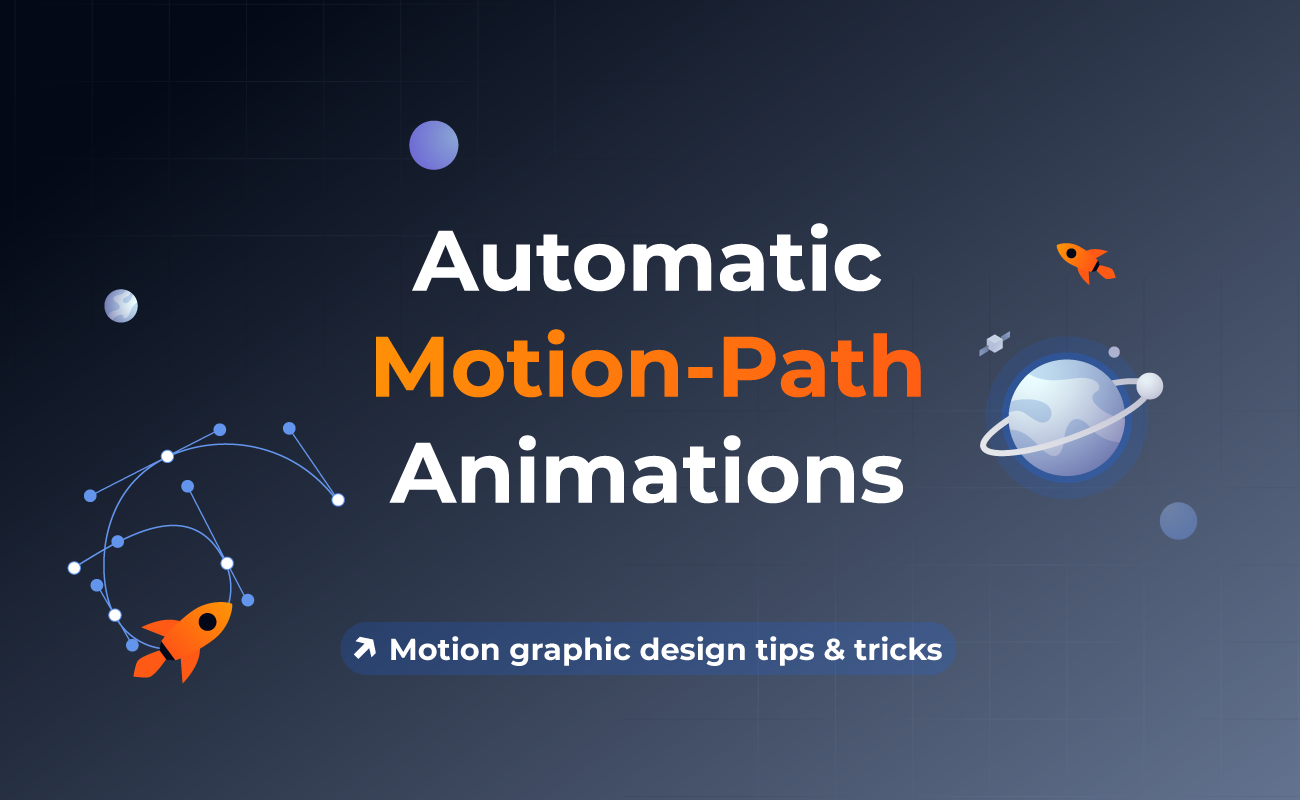
Automatic motion-path animation is one of the most effective ways to bring movement and intent into design. Instead of manually adjusting positions frame by frame, designers can guide objects along predefined paths, creating fluid and natural-looking motion with minimal effort.
In this article, we will explore what motion-path animation is, how automatic motion-path works behind the scenes, and when it makes sense to use it in real projects. You will also find practical tips, common pitfalls to avoid, and a brief overview of how motion-path animations can be created.
Table Of Contents
What Is Motion-Path Animation?
How Automatic Motion-Path Works
When To Use Motion-Path Animation
Motion-Path Animation Examples
Tips For Creating Smooth Motion-Path Animations
How To Create Motion-Path Animations In SVGator
What Is Motion-Path Animation?
Motion-path animation is a technique where an object moves along a defined path, which can be straight, curved, or complex. Instead of animating only the X and Y position values, the movement follows a trajectory drawn by the designer, resulting in more organic and visually appealing motion.
This approach differs from simple position animations, where elements jump or slide between fixed points in a linear way. Motion-path animation allows for arcs, loops, and directional changes, which makes movement feel more realistic. In SVG animation, this is especially powerful because paths are vector-based, meaning the animation remains crisp and smooth at any resolution.
How Automatic Motion-Path Works
At a basic level, automatic motion-path animation relies on predefined path coordinates that describe where an object should travel. The animation engine interpolates the object’s position along this path over time, based on duration and easing settings.
Anchor points define key positions along the path, while curve handles control the curvature between those points. By adjusting these handles, designers can fine-tune how sharp or smooth the motion feels. Rotation can also be linked to the path direction, so the object automatically orients itself as it moves, which is essential for realistic movement.
In SVG, paths are defined using path data commands that describe lines and curves in a compact format. While this may sound technical, tools like SVGator abstract this complexity, allowing designers to focus on motion rather than code.
When To Use Motion-Path Animation
Motion-path animation is most effective when movement needs to communicate meaning, not just add decoration. It helps users understand direction, hierarchy, and relationships between elements by guiding the eye in a deliberate way. Instead of abrupt or mechanical transitions, motion paths create continuity and flow, which is especially valuable in interfaces, storytelling, and data-driven visuals.
Try it yourself with a hover below!
| Use case | Benefit | Example |
| Loading animations | Keeps users engaged while waiting | A dot rotating smoothly around a circular path to indicate ongoing loading |
| Product showcases | Draws attention to key features | A highlight line moving along a curved path around a product edge |
| Explainer videos | Improves visual storytelling | An icon travelling between steps in a process diagram |
| UI transitions | Makes interactions feel natural | A menu item sliding in along a soft arc instead of a straight line |
| Character animations | Adds realism and personality | A bird icon flying along a curved path across the screen |
| Data visualisation | Clarifies relationships between data points | Animated lines connecting related nodes in a network diagram |
Motion-Path Animation Examples
Here is a collection of practical examples showing how motion-path animations can be used effectively.
Tips For Creating Smooth Motion-Path Animations
A well-crafted motion path can elevate an animation from average to professional.
- Keep paths simple and purposeful to avoid visual clutter.
- Use easing thoughtfully to mimic natural acceleration and deceleration.
- Align rotation with the path direction when appropriate.
- Test animations at different speeds to ensure readability.
- Take advantage of SVG scalability to maintain quality across devices.
Common Mistakes To Avoid
Even effective tools can produce poor results if misused.
- Overcomplicating paths with unnecessary curves.
- Using inconsistent timing that feels jerky or rushed.
- Ignoring rotation, which can make movement feel unnatural.
- Animating too many elements at once reduces clarity.
How To Create Motion-Path Animations In SVGator
SVGator allows you to create automatic motion-path animations visually, without writing code, making it easy to experiment and refine.
How to Create a Motion Path Animation | SVGator
Final Thoughts
Automatic motion-path animation is a practical and expressive technique that helps designers create smoother, more intentional movement. When applied thoughtfully, it enhances usability, storytelling, and visual appeal without sacrificing performance.
Because SVG animations are lightweight and resolution independent, they are an excellent choice for motion-path animation on the web. Tools like SVGator make this process accessible, enabling designers to focus on creativity while maintaining technical efficiency.
FAQ
Does motion-path animation work on all browsers?
Most modern browsers support SVG motion-path animation. Compatibility is generally strong, especially for standard SVG and CSS-based implementations.
Can motion-path animations loop infinitely?
Yes, motion-path animations can be set to loop continuously, which is common for loaders and background animations.
Do motion-path animations slow down websites?
When implemented as SVG animations, motion paths are usually lightweight and performant. Problems typically arise only with excessive or poorly optimised animations.
Can I animate multiple objects on the same path?
Yes, multiple elements can follow the same path, either simultaneously or with staggered timing for more dynamic effects.
What file formats support motion-path animation?
SVG is the most common and effective format for motion-path animation on the web, offering scalability, small file sizes, and broad browser support.